

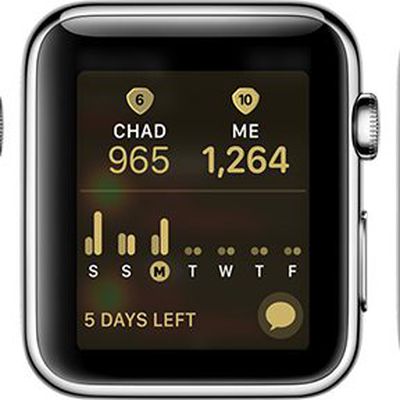
How to Start an Activity Competition With a Friend in watchOS 5
In watchOS 5, there's a new Apple Watch activity feature that's designed to motivate people to work out and get active through competitions with friends.
You can challenge any friend to a seven-day competition on Apple Watch, with each person earning points for filling their rings each day.
How to Start a Competition
You can begin a competition on the Apple Watch itself or within the...
Read Full Article • 16 comments

How to Use Password AutoFill on Apple TV and tvOS 12
Signing into apps and services on Apple TV can be frustrating when you're shuttling between characters on the onscreen keyboard, or barking out letters and numbers at your Siri Remote. To make entering login credentials easier, Apple introduced continuity keyboard, an iOS feature that allows users to enter text on their Apple TV using their iPhone or iPad.
In tvOS 12, coming this fall,...
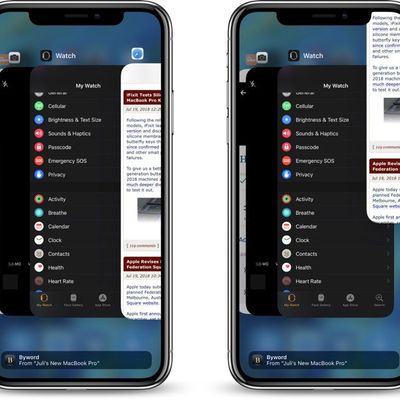
How to Close Apps on iPhone 12, 11, XS, XR and X
When Apple launched iPhones without Home buttons, a whole new set of gestures were introduced, changing the way that we were used to interacting with our iPhones.
One of these changes involved the App Switcher and the way open apps are found, with Apple introducing a gesture to reach the App Switcher on devices with a Home button.
How to close an app on iPhone X, XS, XS Max, XR, iPhone...
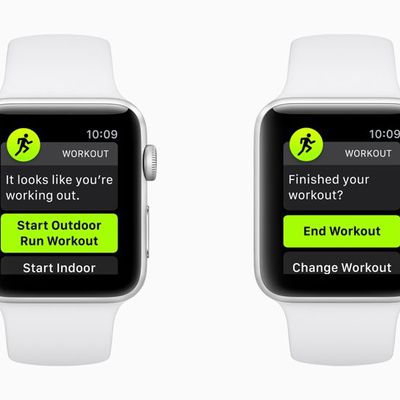
How to Enable and Disable Automatic Workout Detection in watchOS 5
Apple's watchOS 5 update includes a new automatic workout detection feature, which is designed to make sure you never miss out on getting credit for one of your workouts.
Automatic workout detection is a setting that's enabled by default once you upgrade to watchOS 5, but if you don't want the feature, it can be turned off using the Apple Watch app on the iPhone or on the Apple Watch itself.
...
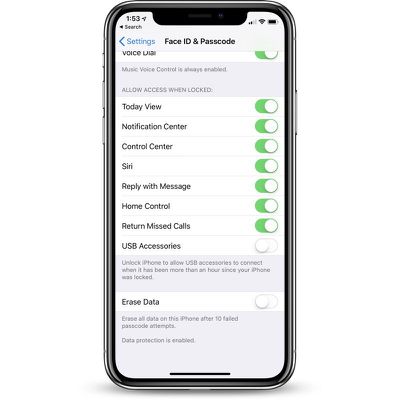
How to Access Controls for USB Restricted Mode in iOS 12
iOS 12 includes a new feature called USB Restricted Mode, which is designed to make your iPhone and iPad immune to certain hacking techniques used by law enforcement and other potentially malicious entities to gain access to an iOS device.
There are some iPhone access methods that use a USB connection, downloading data from your iPhone (or iPad) through the Lightning connector to crack the...
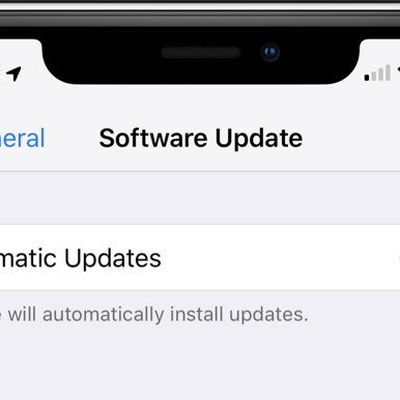
How to Turn on Automatic Software Updates on Your iPhone or iPad
If you don't want your iPhone or iPad to bug you about Apple's frequent software updates but want your software to stay up to date, there's an option on the iPhone or the iPad to enable automatic software updates. Apple first enabled this change in iOS 12.
With this feature turned on, when a new version of iOS is released, your iPhone or iPad will be updated automatically
Open the...
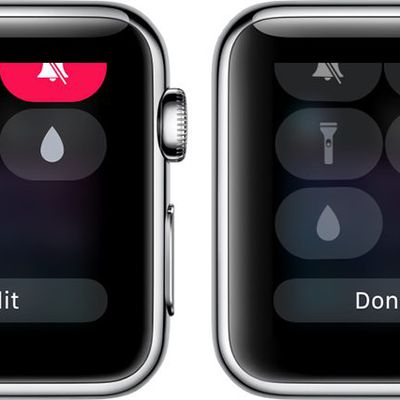
How to Rearrange the Control Center in watchOS 5
In watchOS 5, you can rearrange the Control Center to put the Control Center features that you use at the top, so they're quicker to access when you swipe up on your Apple Watch.
Unfortunately, there's no way to remove features you don't often use, but you can bury those less desirable options at the bottom of the menu.
Bring up the Control Center by swiping upwards on the Apple Watch's...

How to Divide Your Apple Watch Workouts into Segments
Using the Segments feature in the Apple Watch Workout app is a great way to track changes in exercise intensity over the course of a workout. It can also help you find out which activities in a mixed session push your body the most.
If your regular running route includes a hilly section, for example, using segments to indicate where it begins and/or ends lets you review how much time it takes ...
How to Install the macOS Mojave Public Beta
Apple has released the first public beta of macOS Mojave, the next major version of its Mac operating system due to launch in the fall. The availability of the public beta means Mac users don't need to be part of the Apple Developer Program to be able to download and test the software. This article shows you how it's done.
Before continuing, a word of warning: We don't recommend installing...
How to Install iOS 12 Public Beta on iPhone, iPad, and iPod Touch
Apple today released the first public beta of iOS 12 for compatible iPhone, iPad, and iPod touch models, enabling users who aren't signed up for the Apple Developer Program to test the software update ahead of its official release in the fall.
While iOS 12 introduces several new features, it is designed to work on all iPhone, iPad, and iPod touch models that can run iOS 11, and the company...
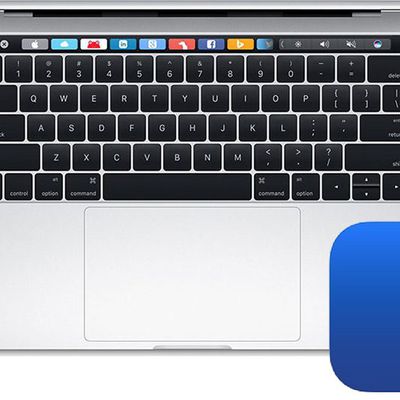
How to Get a MacBook or MacBook Pro Keyboard Repaired Free Under Apple's Service Program
Apple has initiated a new worldwide service program offering free repairs of MacBook and MacBook models equipped with low-profile, butterfly mechanism keyboards, after the company determined that "a small percentage" of the keyboards may develop one or more of the following issues: Letters or characters repeat unexpectedly
Letters or characters do not appear
Key(s) feel "sticky" or do not...

How to Identify and Remove Unnecessary Apps on Your iPhone and iPad
With so many paid-for and free apps available on the App Store these days, it's easy to reach a point where you have so many of them on your iPhone or iPad that a sizable proportion are simply forgotten about, and soon storage space starts to become an issue.
Fortunately, there's an easy way that you can keep tabs on which apps you use the most and which ones have basically become redundant to ...

How to Change a File Type's Default App in macOS
Each document that you have on your Mac is associated with a default application which macOS uses to open the file whenever you double-click on its icon in Finder.
Sometimes you may have a legitimate reason for changing which app your Mac automatically launches when you open a common file type – when a newly installed app assumes control of it, or when you want to open AVI video files in...

How to Learn Which Apps Will Stop Working on Your Mac When 32-Bit Support Ends
Apple has begun the process of phasing out 32-bit applications on Macs, which is why many users who upgraded to macOS 10.13.4 or later will have come across the following warning message the first time they launch certain older apps.
This is the first of many warnings Apple plans to provide as it works to put an end to 32-bit apps on the Mac, as it did on iOS devices with the release of iOS...

How to Add a Passcode to Your Apple Watch and What to Do if You Forget it
There are several reasons why you should consider using a passcode on your Apple Watch. Without one, you won't be able to use Apple Pay to make contactless transactions using the device, nor will you be able to use it to automatically unlock your Mac.
But apart from losing out on functionality, not using a passcode on your watch means that anyone who got hold of it could potentially gain...

How to Watch Apple's WWDC 2018 Keynote Live
WWDC 2018 starts on Monday, June 4, and as with previous years, Apple is kicking off the conference with a keynote on the first day, offering a look at some upcoming products and providing the first details on new operating systems.
Rumors have suggested we could potentially see new iPad Pro models and perhaps a new iPhone SE, and several Macs are due for a refresh, including the MacBook Pro, ...

How to Customize Mail App Inbox Gestures on iPhone and iPad
In iOS 11, Apple's Mail app includes a handful of neat swipe gestures that can help significantly reduce the amount of time you spend managing messages in your inbox on iPhone and iPad. In this article, we'll show you how to perform these gestures and how to customize some of the actions they reveal according to your personal preference.
The basic inbox gestures are swiping right or left on...

How to Add an AirDrop Shortcut to Your Mac's Dock
Apple's AirDrop feature lets you wirelessly send and receive files between nearby Macs as well as to and from local iOS devices. It's usually accessed from the sidebar of an open Finder Window (or using the Command + Shift + R keyboard shortcut within Finder), but here we're going to share with you a trick that enables you to launch AirDrop straight from your Mac's Dock.
Having the AirDrop...
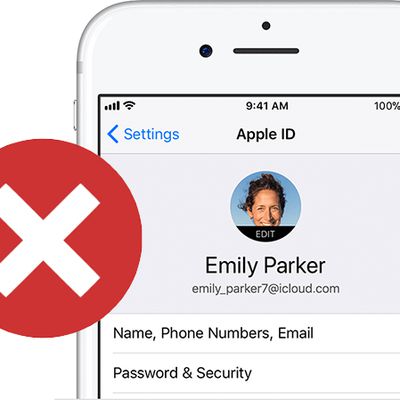
How to Delete or Deactivate Your Apple ID Account and Data
Apple has launched a new Data and Privacy website that enables users to request a copy of all of the data associated with their Apple ID accounts that the company maintains on its servers. The page also provides options to delete or deactivate an Apple ID by following the step-by-step instructions outlined below.
While any customer anywhere can delete an Apple ID account, Apple says the...
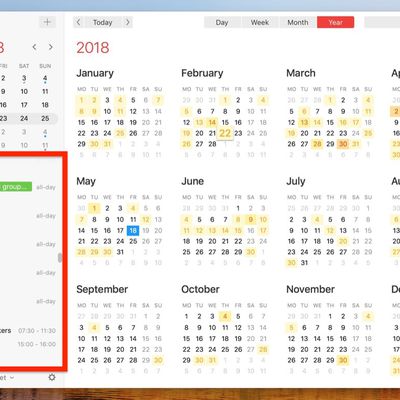
How to View All Events as a List in Your Mac's Calendar App
Some third-party calendar apps (Fantastical, for example) allow you to view all your upcoming events as a vertical list. Many users find this sort of viewing mode beats staring at the regular calendar interface, since it provides a quick at-a-glance summary of their entire schedule over the coming days and months.
Fantastical 2 for Mac
On the face of it, Apple's Calendar for macOS lacks an...
