

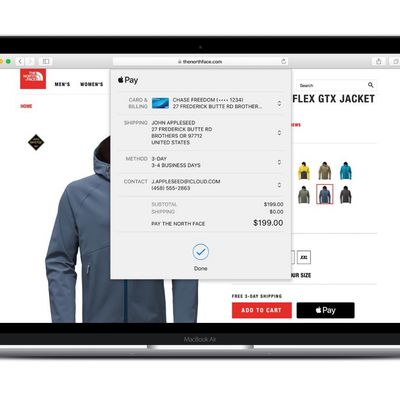
How to Set Up and Use Apple Pay on Your Mac
Apple Pay is a secure and convenient way of paying for things with your iPhone or Apple Watch when you're out and about, but it can also be used for purchasing merchandise online when you're on your Mac.
You can authorize Apple Pay transactions on your Mac using the Touch ID sensor on your MacBook Air or MacBook Pro. If you have an older Mac without a Touch Bar, you can still use Apple Pay...
Read Full Article
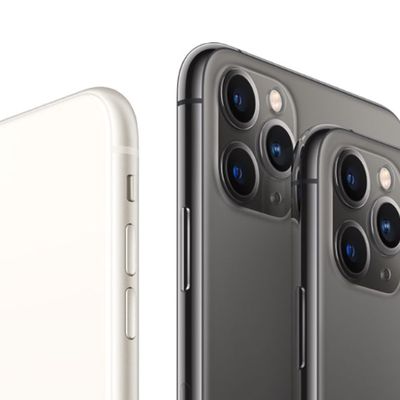
How to Disable the Ultra Wideband Chip in Your iPhone 11 Pro to Prevent Location Data Usage
In December 2019, a security researcher discovered that Apple's iPhone 11 Pro models access user location data even when all apps and system services on the iPhone are set to not request the data.
Apple responded by explaining that these iPhone models have a U1 Ultra Wideband chip, and there are some areas where Ultra Wideband technology is not allowed because of international...
How to Change Your Default Card for Apple Pay Purchases on Your Mac
Apple Pay is a convenient way to pay for things with your iPhone or Apple Watch when you're out and about, but it's also an easy and secure way to pay when buying merchandise online with your Mac, wherever you see the Apple Pay symbol when checking out.
Your Mac will use the default card in your Wallet that's set up to work with Apple Pay. If you have multiple cards in your Wallet, you ...
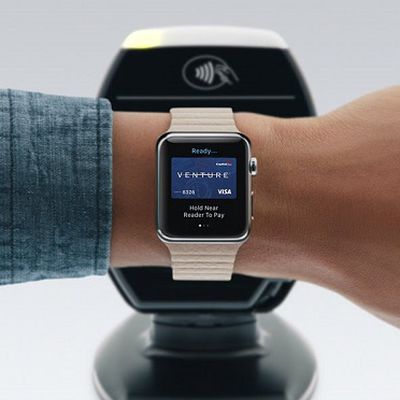
How to Change Your Default Card for Apple Pay Purchases on Your Apple Watch
You can use Apple Pay in stores to make purchases using your iPhone wherever you see the Apple Pay logo or the contactless symbol. It's as easy as holding your device near the terminal and authenticating the transaction with Face ID or Touch ID.
But if it's more convenient, you can use your Apple Watch instead. Simply double-click the side button and hold the display of your Apple...
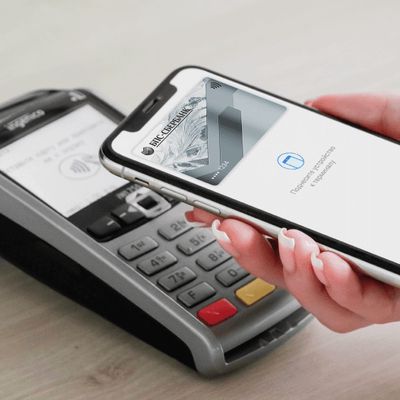
How to Change Your Default Card for Apple Pay Purchases on Your iPhone
You can use Apple Pay in stores to make purchases using your iPhone wherever there's a contactless card terminal or wherever you see the Apple Pay symbol. It's as easy as holding your iPhone near the terminal and authenticating the transaction with Face ID or Touch ID.
Your iPhone will use the default card in your Wallet that set up to work with Apple Pay. If you have multiple cards in your ...
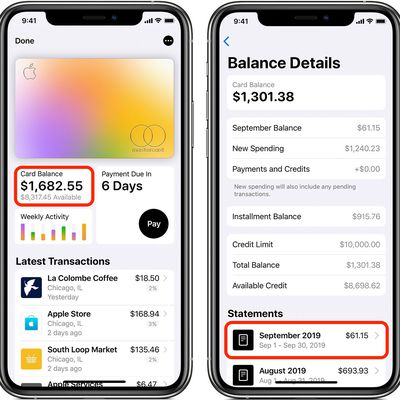
How to Export Apple Card Data in CSV, OFX, QFX, or QBO Format
One of the issues that Apple Card users sometimes raise is that while the Wallet app offers plenty of well-organized information about spending, there's no option to directly share transaction data from the card with many third-party money management apps like Mint or Lunch Money.
Fortunately, Apple has provided a solution – you can now download a CSV/OFX spreadsheet from the Wallet app...

How to Set Up HomePod Multi-User Voice Recognition
Apple's HomePod speaker can recognize the voices of up to six people and tailor the music selection to an individual user's taste profile, respond to their own Personal Requests, and access their information to help them with everyday tasks.
Before you can make use of HomePod's multi-user voice support, you have to set up the feature, and there are a few steps involved. This article...

How to Set Up Express Transit With Apple Pay on iPhone and Apple Watch
Express Transit is an Apple Pay feature that lets you make a payment without unlocking your Apple Watch using Face ID or Touch ID. Thanks to Express Transit, you can now make a transaction at a transit gate just by tapping your iPhone or Apple Watch. But first you have to set it up. This article shows you how.
Where Can I Use Express Transit?
Apple has a web page that it updates with the...
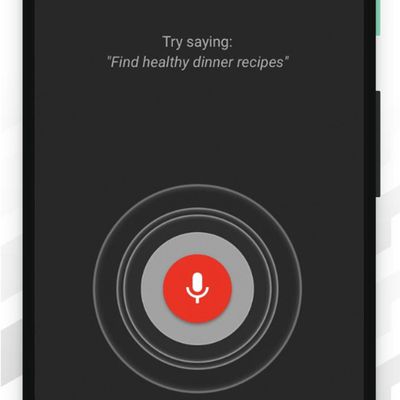
How to Use the YouTube App's New Voice Search Feature When Casting to a Smart TV
The official YouTube app for iOS has gained a new voice search feature that aims to make searching for content easier when you're casting YouTube video to a smart TV.
Once you've connected your iPhone or iPad to a smart TV, you can search with your voice via the mobile app, as well as use it to pause, play, and adjust the volume on your TV. Here's how it works.
Download and launch the You...

How to Get Up to 6 Months of Free Apple Music Access This Holiday Season
Apple is offering up to six months of Apple Music for free to Shazam users, in what looks like a limited-time deal for the holdays.
First spotted by Macworld UK, the trial offer currently available appears to vary in length depending on where you're located and whether you've redeemed a free trial of Apple Music in the past.
However, if you're in the U.S., Canada, or the United Kingdom,...
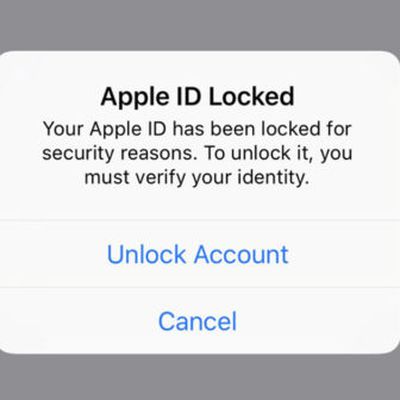
How to Regain Access to a Locked or Disabled Apple ID
If your Apple ID is locked or disabled, you won't be able to sign in to any Apple services. Keep reading to learn how you can regain access.
If you or someone else enters your password, security questions, or other account information incorrectly too many times, Apple automatically locks your Apple ID for security reasons. If that's happened to your account, here are some of the kinds of...
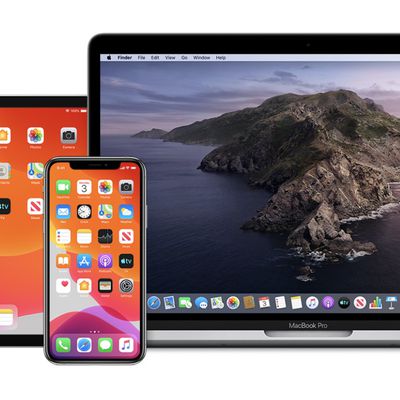
How to Access iCloud on iPhone, iPad, Mac, Windows, and the Web
iCloud is Apple's cloud platform that serves and secures all Apple devices. It can save and synchronize all your photos, contacts, files, reminders, and notes, and you can also use it to store device backups. You can access and manage your iCloud data on iPhone, iPad, Mac, Windows, and the web. Keep reading to learn how.
iCloud stores your content securely and keeps your apps up to date...
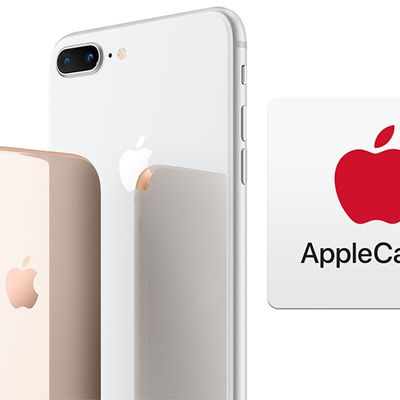
How to Add AppleCare+ to Your iPhone After Purchase
If you just bought a new iPhone and then decided you want to get AppleCare+ for it, you can do so within a limited time period, even if you didn't buy the iPhone directly from Apple. Keep reading to learn how.
Apple offers AppleCare+ protection to customers going through the iPhone order process on its online store, but it's perfectly possible to get coverage after you've received your...
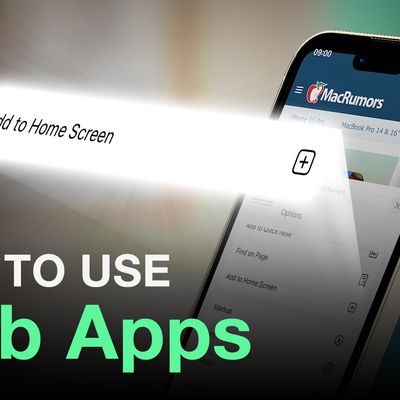
Add a Website Bookmark to Your Home Screen on iPhone and iPad
Some websites don't have a dedicated mobile app for accessing their content, but that doesn't mean you can't add bookmarks to favorite websites on your Home screen.
Creating a bookmark on your Home screen lets you use it as a one-tap portal to access specific online content, instead of having to open a browser and then select a bookmark or type in a website's URL address.
When you tap a...

How to Set Communication Limits on Your Child's Allowed Screen Time and Downtime on iPhone and iPad
In iOS 13.3, Apple added new Communication Limits to its Screen Time options, which let parents control who their children are able to contact.
If you're not familiar with Apple's Screen Time functions, they enable users to keep track of their device usage and place self-imposed limits on the time they spend using their iPhone or iPad. Screen Time also serves as a parental control system for...
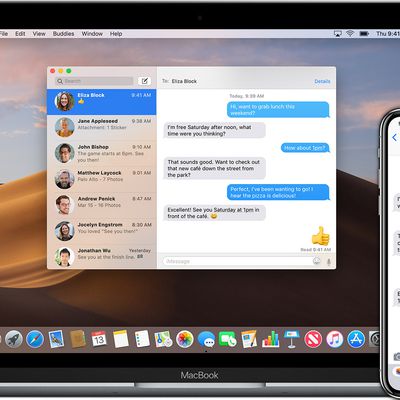
How to Enable Messages in iCloud and Fix Stuck Message Downloads
Messages in iCloud, as the name suggests, stores your iMessages in Apple's cloud servers rather than on each of your individual devices, which has a number of benefits.
When you receive a message on one device, it shows up on all devices logged into the same iCloud account. Likewise, when you delete messages and conversations they are instantly removed from all your devices.
Another...

How to Stop Your iPhone Messages Being Delivered as Junk
In iOS 13.3, Apple has made improvements to its stock Messages app in order to minimize the amount of junk messages that users receive. However, the feature isn't always accurate and can sometimes prevent legitimate messages from being delivered as normal.
If you're trying to send a message to someone on your iPhone and you see an alert that says the message was "delivered as junk," here's...

How to Change Apple TV+ Streaming Quality on iPhone and iPad
Apple TV+ has been praised for offering content in the highest streaming quality provided by any video streaming service. The only problem is that higher quality requires more bandwidth, and that isn't great news if you're watching on iPhone or iPad using a cellular connection and have a data cap to consider. Fortunately, you can change streaming quality settings for the Apple TV+ platform. Keep...
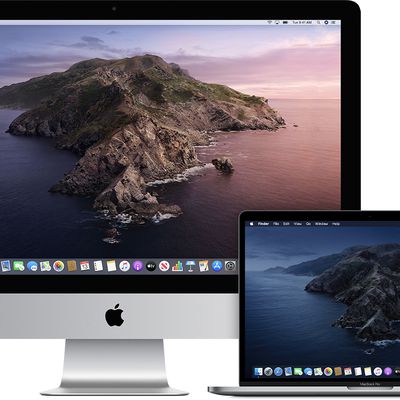
How to Install macOS Catalina on an Unsupported Mac
Each year that Apple releases a major new version of macOS, a few older Mac models that ran the previous version usually fail to make the new list of officially supported Macs. In the case of Catalina, the latest macOS version, the operating system doesn't work on models released before mid-2012 (and Mac Pros before late 2013).
Apple's official list of Macs supporting macOS Catalina:
MacBo...

How to Share Media in Google Photos Using the App's New Direct Messaging Feature
Google Photos for iOS offers users several picture and video sharing options like live albums, shared libraries, and shared albums, and now Google has built a messaging service into its Photos app that makes it possible to share individual snaps and video clips as part of an ongoing conversation.
Why Add a Messaging Service to a Photos App?
Previously, sharing individual photos through the...
