


How to Make a FaceTime Call
Making a FaceTime call on your iPhone, iPad, or Mac costs nothing and is extremely easy to do, but if you've never used FaceTime before to get in touch with someone, here's all you need to know to get going.
Every iPhone, iPad, iPod Touch, and Mac comes with a built-in FaceTime app, so you don't need to install anything. All you need to call someone is a Wi-Fi or cellular data connection....
Read Full Article
How to Change Your FaceTime Email Address
When you have an active FaceTime account, there may be certain circumstances when you don't want a particular email address to be registered with it.
For example, you may not want family and friends to contact you on FaceTime using your work email address, or you may want to keep your personal email separate from your work contacts.
That's why Apple has made it possible for you to change...
How to Use FaceTime With an Email Address Instead of a Phone Number
When you have a FaceTime account, in certain circumstances you may not want a phone number to be registered with it. For example, you may not want your iPhone work number to ring on your iPad.
Fortunately, Apple has made it possible for you to remove phone numbers from your FaceTime account and use email addresses instead. The following steps show you how it's done.
Launch the Settings app ...
How to Set Up FaceTime on iPhone
Apple's FaceTime app lets you make video or audio calls from your iPhone to any of your friends and family, as long as they have an iPhone, iPad, iPod touch or Mac.
Using your iPhone's front-facing camera and FaceTime, you can talk face to face, or switch to the rear camera so that both you and the person you're on a call to can see what's in front of you.
Setting up FaceTime on iPhone is...
How to Set Up FaceTime on iPad
Apple's FaceTime app lets you make video or audio calls from your iPad to any of your friends and family, as long as they have an iPhone, iPad, iPod touch or Mac.
Using your iPad's front-facing camera and FaceTime, you can talk face to face, or switch to the rear camera so that both you and the person you're on a call to can see what's in front of you.
Setting up FaceTime on iPad is easy...

How to Set Up FaceTime on a Mac
Apple's FaceTime app lets you make video or audio calls from your Mac to any of your friends and family for free, as long as they have an iPhone, iPad, iPod touch or Mac.
Using your Mac's built-in FaceTime or iSight camera and built-in microphone, you can talk face to face. If you want, you can optionally use a connected camera and microphone instead.
Alternatively, if you're put...
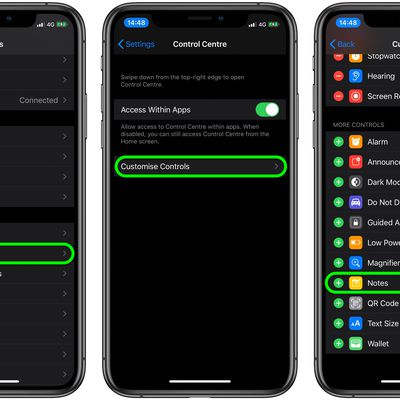
How to Set Up and Use Apple's Instant Notes Feature on iPhone and iPad
Instant Notes is a feature of Apple's stock Notes app that enables you to make a fast note or return to a recently viewed note, without even needing to unlock your iPhone or iPad.
Subscribe to the MacRumors YouTube channel for more videos.
It's a really handy function to use if you want to quickly jot down something and then go about the rest of your day, or if you want to add to an existing...
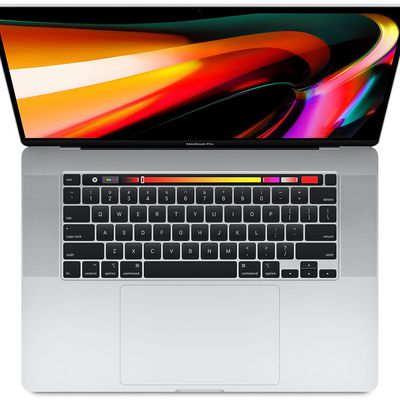
How to Enable the Classic Startup Chime on Newer Macs
The discovery of a simple Terminal command that brings back the classic startup chime on newer Macs has gone viral in recent days. Apple disabled the startup sound on new Macs in 2016, and while a couple of tricks have worked in the past to get the chime back, updates to macOS appear to have stopped them working.
However, the latest trick – first shared in the MacRumors Forums by BigMcGuire ...
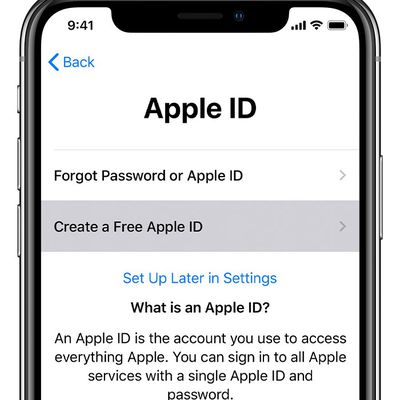
How to Create an Apple ID on iPhone or iPad
An Apple ID is a key part of owning an Apple device, and it is used for access to iCloud, the App Store, iTunes, Apple Music, and more. It is also necessary for syncing content across devices, making purchases, using Find My to keep track of devices, and more.
Creating an Apple ID is free and easy, and it's the first step to getting an Apple device set up if you're new to the Apple ecosystem....
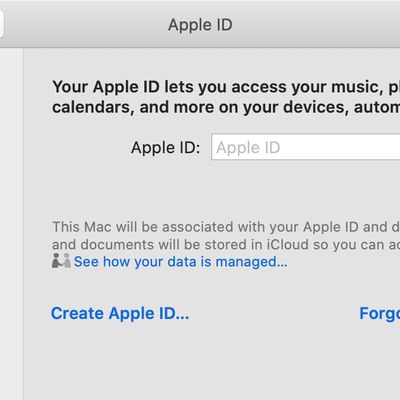
How to Create an Apple ID on Mac
An Apple ID is a key part of owning an Apple device, and it is used for access to iCloud, the App Store, iTunes, Apple Music, and more. It is also necessary for syncing content across devices, using Find My, making purchases, and more.
Creating an Apple ID is free and easy, and it's the first step to getting an Apple device set up if you're new to the Apple ecosystem. This how to walks through ...
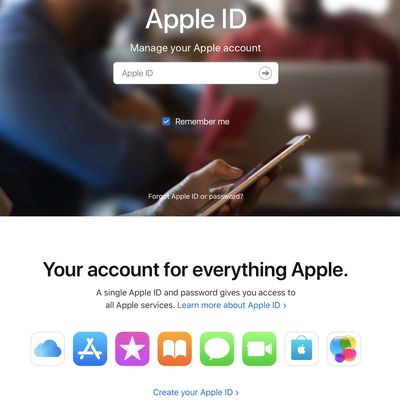
How to Create an Apple ID From Any Device Using the Web
An Apple ID is a key part of owning an Apple device, and it is used for access to iCloud, the App Store, iTunes, Apple Music, and more. It is also necessary for syncing content across devices, making purchases, and more.
Creating an Apple ID is free and easy, and it's the first step to getting an Apple device set up if you're new to the Apple ecosystem. This how to walks through creating an...
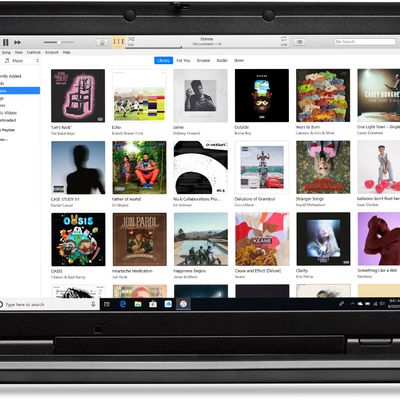
How to Create an Apple ID on a PC
An Apple ID is a key part of owning an Apple device, and it is used for access to iCloud, the App Store, iTunes, Apple Music, and more. It is also necessary for syncing content across devices, making purchases, and more.
Creating an Apple ID is free and easy, and it's the first step to getting an Apple device set up if you're new to the Apple ecosystem. This how to walks through creating an...

How to Disable AutoPlaying Trailers in Netflix
If you're tired of seeing trailers for shows or movies start to play as you browse the Netflix home screen, we have some good news for you. Netflix has listened to user feedback and now offers a way to disable autoplaying videos.
What you need to know is that the setting can only be changed by signing into Netflix from a web browser. As it stands, there's no way to do it from within the...

How to Share iCloud Folders on iPhone and iPad
As of iOS 13.4, Apple lets you share folders that you've synced to iCloud with friends and colleagues who have an Apple ID. Whether you're sharing from an iPhone or iPad, you'll be able to give people one-way access to the file, or allow them to modify the document if you're collaborating on a piece of work. This step-by-step guide shows you how it works.
The sharing options that you choose...
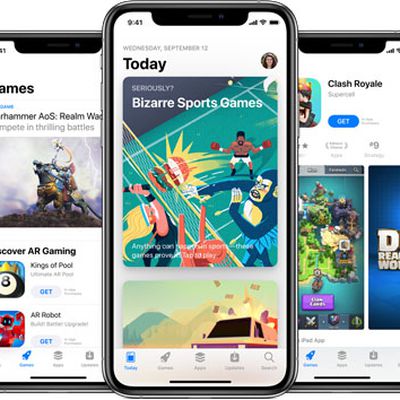
How to Download Large Apps Over Cellular on iPhone and iPad
Apple used to limit the size of App Store downloads over cellular to 150MBs to prevent iPhone users from accidentally downloading a large app over 3G or 4G networks and using up all their data allowance or running up data charges.
In May 2019, Apple upped the limit of over-the-air downloads to 200MB, but offered no way to opt out of the limit at the time, leaving users with unlimited data...
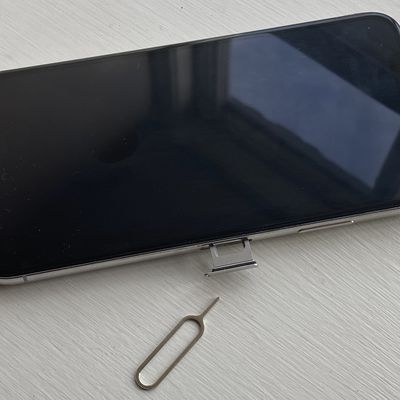
How to Remove the SIM Card From an iPhone or Cellular iPad
All iPhones and iPads with cellular have a slot on their sides that houses the Subscriber Identity Module (SIM) card provided by your mobile carrier. The SIM card enables your device to access the carrier's network and use voice and data services. If you plan to switch mobile network carriers or have upgraded to a new iPhone, you'll need to remove the SIM card. Keep reading to learn how.
What...
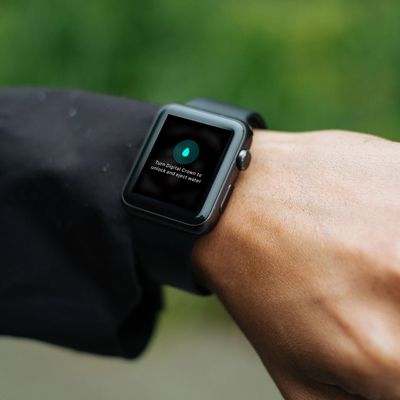
How To Eject Water From Your Apple Watch Using the Water Lock Feature
Apple Watch Series 2 and newer models are water resistant and can be worn for shallow water activities like swimming in a pool or ocean, but that doesn't mean water can't get inside.
If your Apple Watch gets wet in the rain or after a swim or a heavy workout, its speaker may sound muffled. There's no need to insert anything into the openings though, and you don't need to shake your watch to ...

How to Use AirDrop on iPhone, iPad, and Mac
AirDrop is Apple's ad-hoc service that lets users discover nearby Macs and iOS devices and securely transfer files between them over Wi-Fi and Bluetooth.
When using AirDrop between Macs and iOS devices, you can send and receive photos, videos, documents, contacts, passwords and anything else that can be transferred from a Share Sheet. Keep reading to learn how to use it.
AirDrop Device...

How to Use Your iPhone's Hidden Sleep Timer to Fall Asleep to Music
Apple's native Clock app in iOS has a hidden feature that allows you to go to bed at night with audio playing on your iPhone and it will automatically stop playing after a set time – ideally, after you've fallen asleep.
It's really handy if you don't want your iPhone playing through that audiobook, ambient playlist or podcast series when you're not awake to enjoy it. It can also...

How to Pay for Things Online Using Apple Pay on Your Mac
This article walks you through the typical transaction process that's used to buy things online with Apple Pay when browsing on a Mac. Once you've set up Apple Pay on your Mac and familiarized yourself with it, there's a good chance it will become your preferred payment option for online purchases because it's so convenient. You can use it wherever you see the Apple Pay symbol.
Apple Pay...
