


Here's How to Let Someone Else Try Your Apple Vision Pro
If you have an Apple Vision Pro, you're undoubtedly going to get requests from friends and family members who want to give it a try. The headset is primarily designed for a single user because of the customized fit of the Light Seal, but Apple planned for demos with a built-in Guest Mode.
Apple warns that guests might not be able to get an optimal fit, but Apple recommends having the person...
Read Full Article • 58 comments

How to Quickly Reply to Messages on iPhone
With iOS 17, Apple brought some headline features to iPhones, like StandBy Mode and NameDrop, but Apple also introduced some smaller quality-of-life improvements that are well worth familiarizing yourself with. Inline replies in the Messages app is one of them.
If you use WhatsApp, you're probably aware of the quick reply feature that the platform has had for several years. To reply to an...
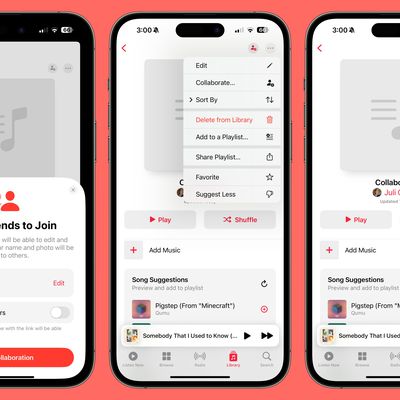
iOS 17.3: How to Use Collaborative Apple Music Playlists
In iOS 17.3, Apple introduced collaborative Apple Music Playlists. Keep reading to learn how they work and how to make the most of them.
With collaborative playlists, Apple now lets you take any of your existing playlists or create a new one and then invite others to join in to add songs and listen to it.
Perhaps you want to prepare a playlist for a night around the campfire, or a house...

Pre-Ordering Apple Vision Pro: What You Need to Know
Apple has announced that its Vision Pro headset will officially launch in the United States on February 2, and that pre-orders will be open starting Friday, January 19, at 5:00 a.m. Pacific Time. Here's everything you need to know about pre-ordering your unit on Apple's online store.
When Will Pre-Orders Begin?
Apple Vision Pro is initially launching only in the United States, with...

How to Make Custom WhatsApp Stickers on iPhone
WhatsApp has introduced a custom sticker creation tool for iPhone users running iOS 17 or later. Keep reading to learn how to use it.
In the world of instant messaging, stickers offer a dynamic and playful way to express your emotions and thoughts. But instead of using standardized stickers from an existing stock, wouldn't it be better if you could create your own?
WhatsApp on iPhone has...
How to Shazam Music From Your Mac's Menu Bar
In macOS Sonoma 14.2, Apple included some additional controls for Shazam music recognition, which is now baked into the Mac operating system more than ever. Here's how to add the functionality to your Mac's menu bar and Control Center.
For those unfamiliar with Shazam, it's an Apple-owned popular service that can identify the names and lyrics of songs, music videos, TV shows, and more,...

How to Stop Favorited Songs Being Added to Mac Music Library
Apple's Music app in macOS Sonoma now includes an option to prevent favorited songs from being automatically added to your library. Here's how to use it.
In macOS Sonoma 14.2, a new option included in the Music app enables you to stop favorited songs (and in many cases whole albums) from being automatically added to your music library.
It gives you more control over your music collection...
iOS 17.2: How to Access and Write Health Data With Siri
In iOS 17.2, Siri can access data from the Health app, meaning you can ask Siri to read health information available in the Health app or write certain information. Keep reading to learn how it works.
Starting with iOS 17.2, Siri can access data from the Health app to answer your health and fitness queries. For example, you can ask how many hours of sleep you had the previous night, ask...
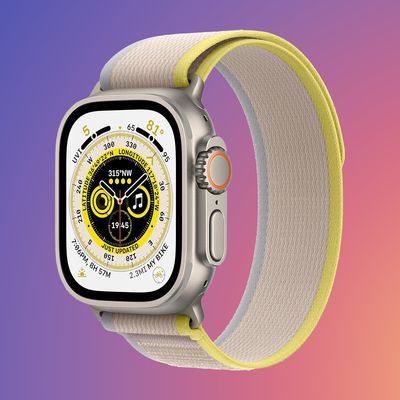
watchOS 10.2: How to Change Watch Faces With a Swipe
In watchOS 10.2, you can enable a swipe gesture to switch between Apple Watch faces more easily, just like you used to be able to in watchOS 9. Keep reading to learn how it's done.
If you are a long-time Apple Watch user, you probably remember a time when it was possible to switch watch faces with a simple swipe gesture across the display. That was the default interaction in watchOS 9, but...
Translate Speech With iPhone's Action Button
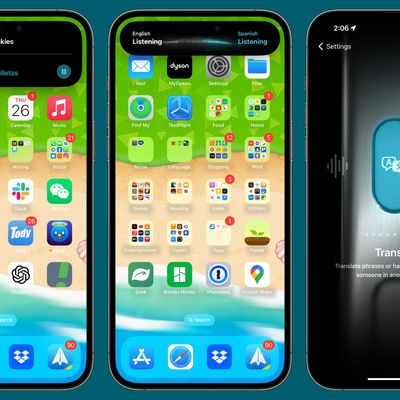
Overcome communication barriers with the new custom Translation option for the iPhone's Action button. Keep reading to learn how to use it.
If you have an iPhone with an Action button (iPhone 15 Pro, iPhone 16 series, iPhone 17 series) Apple has a translation option for the button that allows you to translate live conversations into multiple languages.
According to Apple, the translation ...
How to Stop Favorited Songs Being Added to iPhone Music Library
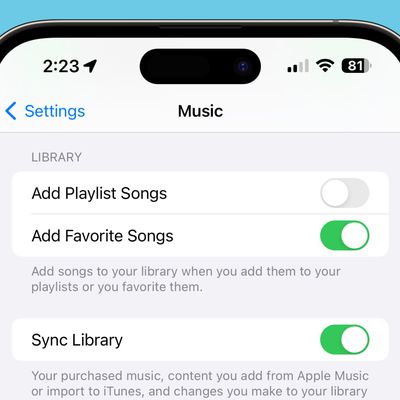
Apple's Music app on iPhone now includes an option to prevent favorited songs from being automatically added to your library. Here's how to use it.
In iOS 17.2, a new option included in the update enables you to stop favorited songs (and in many cases whole albums) from being automatically added to your music library.
It gives you more control over your music collection by ensuring that...
iOS 17.2: How to Improve the Reliability of Emergency Alerts
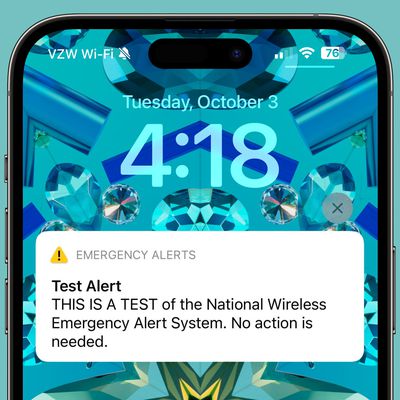
In iOS 17.2, Apple has improved the reliability of emergency alerts on iPhone. Keep reading to understand what's changed.
Apple has designed its mobile operating system so that you can receive emergency, government, and public safety alerts on your iPhone. In the event of an emergency, depending on your location, your iPhone can display the following:
Alerts issued by your country or...
iOS 17.2: How to Disable iPhone Inline Predictive Text
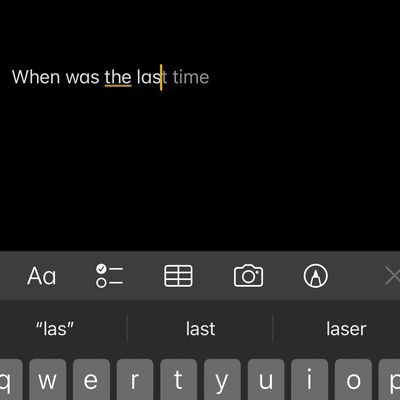
Apple in iOS 17 added inline predictive text for iPhones, but did not include a way to turn it off independently of predictive suggestions above the keyboard. In the latest iOS 17.2 update, that's changed.
Apple has improved its machine learning technology on iPhones in an effort to make iOS a lot more helpful, and one of the features in which this tech has been deployed is inline...
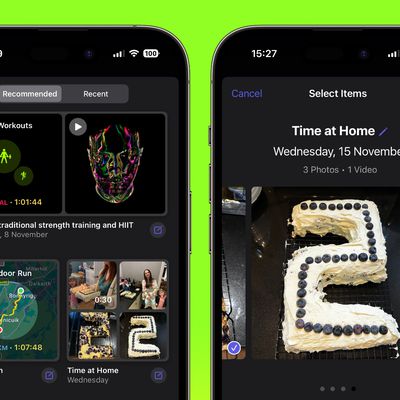
Disable Journaling Suggestions in iPhone Journal App
Apple introduced its long-awaited Journal app for iPhone in iOS 17.2. Apple's Journal app lets you record your daily thoughts and activities, incorporating data like photos, music listened to, workouts, and more, plus it suggests topics to write about. However, if you don't find the suggestions useful, you can turn them off.
By default, the Journal app will suggest recent and recommended...
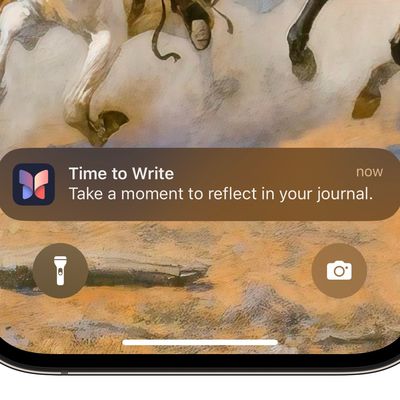
iOS 17.2: How to Set a Journaling Schedule
Apple introduced its long-awaited Journal app for iPhone in iOS 17.2. Apple's Journal app lets you record your daily thoughts and activities, incorporating data like photos, music listened to, workouts, and more. You can also set up a journaling schedule. Here's how it's done.
Staying consistent with journaling can be difficult, but your iPhone can make it a lot easier with the new Journal...
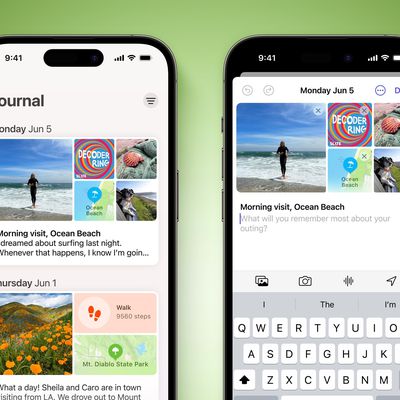
iOS 17.2: How to Use Apple's New Journal App
Apple introduced its long-awaited Journal app for iPhone in iOS 17.2. Here is everything you need to know about using Journal.
Apple in June 2023 announced it was bringing its own journaling app to iOS 17, and it is finally here as part of Apple's December software update, iOS 17.2.
Apple's Journal app lets you record your daily thoughts and activities, incorporating data like photos,...

How to Record Spatial Video on iPhone 15 Pro
If you have an iPhone 15 Pro or iPhone 15 Pro Max, you can record spatial video for viewing in the Photos app on Apple's Vision Pro headset. Here's how you can do it.
Apple's Vision Pro headset launched in February in the United States, and with the release of iOS 17.2 Apple brought a spatial video recording format to iPhone 15 Pro models that is made to be viewed on Apple's headset.
When ...
iOS 17 Bug Switches Apps While Typing - How to Fix
An increasing number of iPhone users are reporting a persistent iOS 17 bug that causes the app switcher to suddenly appear when they are typing on the screen. If you have experienced this frustrating issue, you are not alone.
Apple Community forums and Reddit contain similar reports of people being kicked out of Messages, Notes, and other apps mid-sentence only to find themselves in another ...
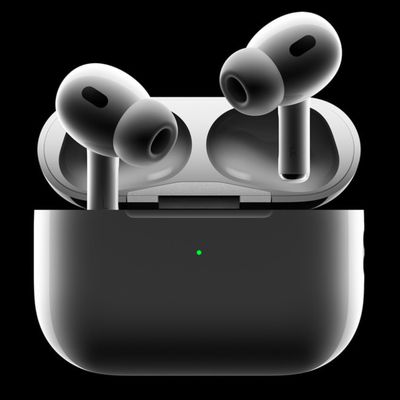
How to Turn On Noise Cancellation for Just One AirPod
AirPods Pro and AirPods Pro 2 feature Active Noise Cancellation (ANC), which is designed to adapt to the shape of your ear and block out the outside world so you can focus on what you're listening to. ANC is typically used when you have both AirPods in, but there is a way to use it when you're wearing just a single AirPod.
The feature fully realizes its design aims when both AirPods are in...
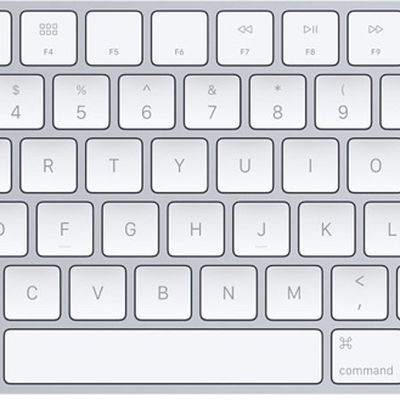
Check Apple Magic Keyboard Battery Level in macOS
Apple's Magic Keyboard combines a sleek design with a stable scissor mechanism beneath each key and a built-in rechargeable battery that's charged via the supplied Lightning to USB Cable, meaning you don't have to mess about with replacing AA batteries.
The built-in battery is very long-lasting, and should power your keyboard for about a month or more between charges. If you're unsure how...
