

Migrate Your Notes From Evernote to Apple Notes
Apple's stock Notes app has come a long way since it first appeared on Mac, with password protection, tables, and document scanning being just a few of the top features it has gained in recent years. These and other improvements offer compelling reasons to migrate from a rival note-taking platform, especially if you've been paying for the privilege.
Evernote users in particular may feel...
Read Full Article
How to Send Original Quality Photos and Videos in WhatsApp
WhatsApp has rolled out a new option that lets users on iPhone share photos and video over the messaging platform in their original quality. Here's how it works and how to use it.
Previously, WhatsApp users could only send media in high resolution or "HD quality." But while that is a welcome improvement that addressing the service's low quality media sharing limitation, it still involves...
Connect Two Pairs of Headphones to Mac Simultaneously
Next time you're on a flight with someone and you both want to watch a video on your Mac without disturbing other passengers, try this convenient solution for sharing your Mac's audio among two pairs of headphones.
The method described below should work regardless of whether you're using one wired pair and one wireless pair of headphones, two pairs of Bluetooth headphones, or even several...
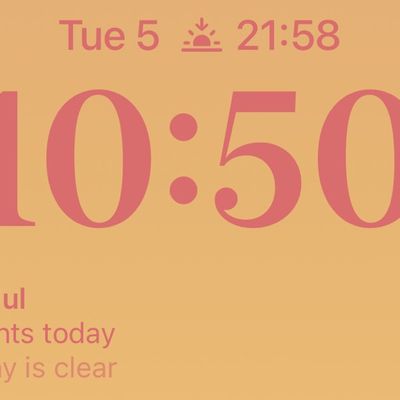
Get Upcoming Calendar Events on Your iPhone Lock Screen
On iPhones running iOS 16 or later, you can display upcoming calendar events directly on the Lock Screen. Keep reading to learn how it's done.
Thanks to watch face complications, many Apple Watch owners are used to being able to glance at their wrist to check their next upcoming calendar event. With the advent of iOS 16 and Lock Screen widgets, you can view the same calendar event...
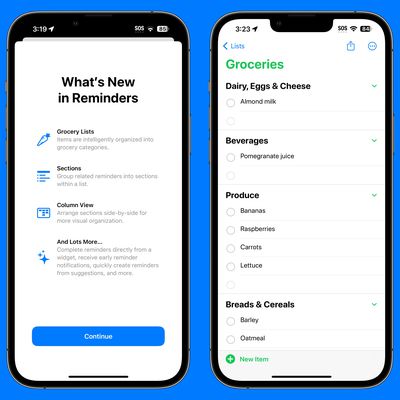
Create a Groceries List in Your iPhone's Reminders App
In iOS 17, Apple has added a handy little list function to the Reminders app to help you when you're out to pick up some groceries. Keep reading to learn how to use it and make short work of your trip to the store.
When you create a list with the new "Groceries" list type (named "Shopping" outside the U.S), you can input various foods and sundries and have them organized automatically by...
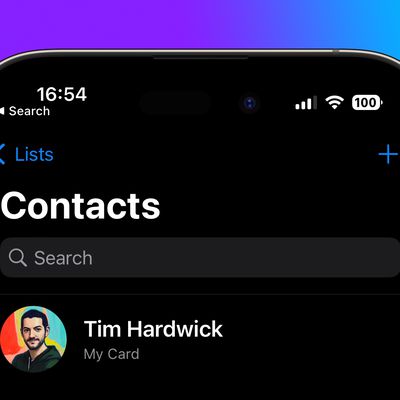
Set a Custom Vibration Alert for a Contact on iPhone
You can create custom sounds and ringtones for text alerts, phone calls, and more on your iPhone, but did you know the same functionality exists for vibrations? Setting a special vibration alert for someone in your Contacts app enables you to recognize when a specific person is calling you or has sent you a text, without you even having to look at your iPhone or iPad screen....
How to Clear Safari Profile Web History on iPhone
In iOS 17, Apple has increased the options available for clearing Safari's web history and website data. You can even clear Safari's cache for a specific Safari profile. Keep reading to learn how it works.
Whenever you browse the web in Safari, the browser stores website data so that it doesn't have to download it again each time you revisit a site. In theory this should speed up your...
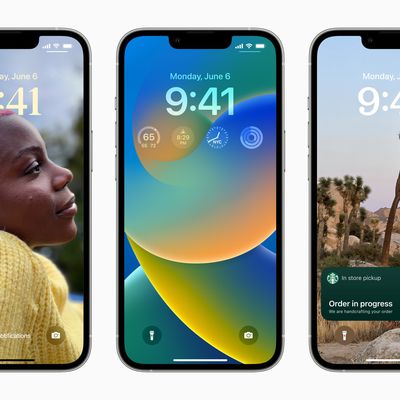
How to Access Your iPhone Wallpaper Gallery
In iOS 16, Apple introduced some major changes to its mobile operating system, including a total overhaul of the Lock Screen.
On an iPhone running iOS 16 or later, it's possible to customize the Lock Screen in ways that were simply not possible before, thanks to new options to apply unique fonts, colors, filters, and, for the first time, add widgets.
Recognizing that users might like to ...
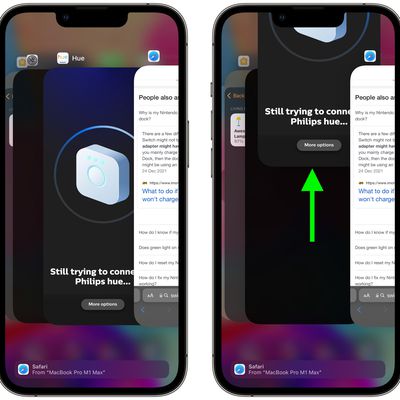
How to Close iPhone Apps
Apple designed its iPhone software so that you don't have to close an app when you're not using it, since most apps that are not active remain in a suspended state and don't use up any resources or eat up battery.
However, if an iOS app becomes unresponsive, you may need to force quit the app and restart it to get it to work properly again. Here's how you can do that on both older and newer ...
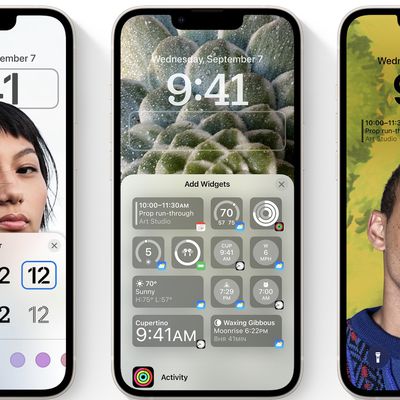
Set Different Wallpapers on iPhone Lock Screen and Home Screen
Apple took Lock Screen customization to a whole new level with iOS 16, allowing you to change the font and style of the clock, add widgets, and apply dynamic weather and astronomy wallpapers. As a result, it also changed the way you go about setting a different Home Screen background to that of your Lock Screen. Keep reading to learn how it's done.
When you customize the Lock Screen for the...
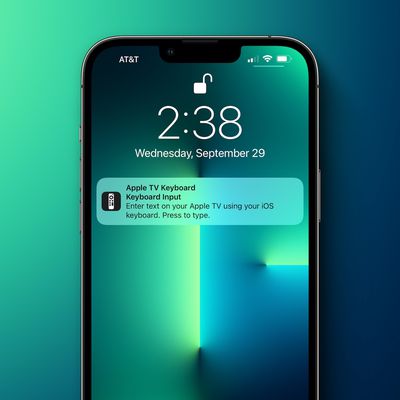
How to Stop Apple TV Keyboard Notifications on iPhone
On the Apple TV, if you prefer not to input text using the Siri Remote you can use a nearby iPhone or iPad to type. Whenever a text field appears on the Apple TV, a notification appears on the iPhone or iPad, and after tapping the notification, you can use the on-screen keyboard on your iOS device to enter text on the Apple TV.
You can disable these notifications on your iPhone or iPad if...
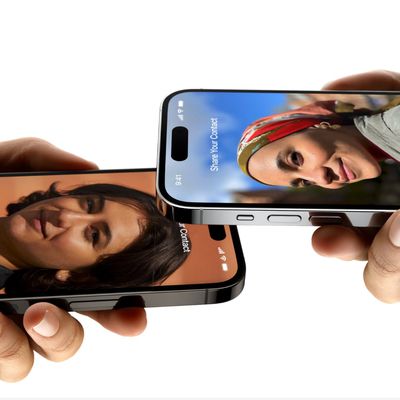
How NameDrop Works on iPhone (and How to Disable It)
In iOS 17, there's a new AirDrop feature that lets you exchange contact information with someone by touching two iPhones together. It's called NameDrop, and here's how it actually works.
Rather than type in the number of someone new to call or text them so that they have your number, NameDrop allows you to simply hold your iPhone near their iPhone to swap contact details....
How to Use Safari's Private Browsing Mode
This article explains how to use Safari's Private Browsing mode, which prevents your browsing history from being logged on your Apple devices. It's a useful feature if you're buying gifts online for friends or family, for instance, and you don't want anyone with access to your devices to find out what you're up to.
Of course, if you've already been browsing where you shouldn't have and...
Scan Printed and Handwritten Notes in iPhone's Notes App
In 2022, Apple added a new feature to the stock Notes app on iPhone and iPad that allows you to quickly scan printed or handwritten text and save it in digital text format. Keep reading to learn how it works.
On earlier versions of iOS and iPadOS, scanning text into Apple's Notes app required tapping on a note's text field and tapping the Live Text option in the popup menu. However, Apple...
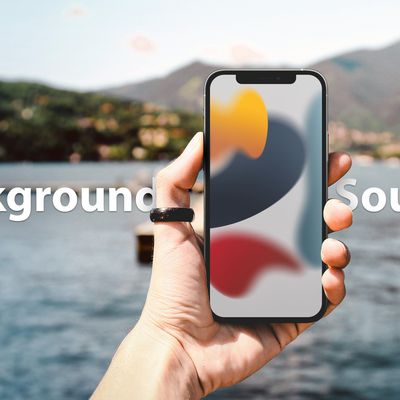
Play Ambient Background Sounds on iPhone to Stay Focused
On iPhone and iPad, one of several accessibility features that Apple includes is Background Sounds. The sounds are designed to help you stay focused, stay calm, and help you minimize distractions while you are busy with something.
The Background Sounds on offer include balanced, bright, and dark noise, as well as natural sounds like ocean, rain, and stream. All of the sounds can be set to...
How to Scan Documents in the Notes App on iPhone
In iOS and iPadOS, Apple includes a feature in Notes that allows you to quickly scan all kinds of documents so you can keep track of everything from receipts to recipes and photos.
The Document Scanner detects the edges of a document, aligns things properly, and removes all glare and tilt so you get a clean scan every time. Apple's document scanning tools are well engineered and impressive,...
Disable iPhone Private Browsing Authentication in Safari
With iOS 17, Apple introduced several new privacy and security features to its mobile operating system, one being the ability to require secondary authentication for Private Browsing tabs in Safari. Here's how it works and how to turn it off.
On an iPhone or iPad running iOS 17 or iPadOS 17, if you have any Private Browsing tabs open in Safari and then exit the session or the app, Apple's...
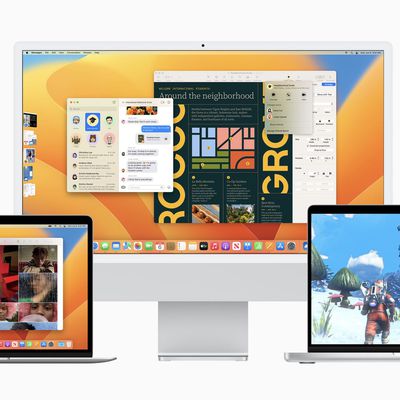
Play Calming Background Sounds on Mac to Stay Focused
In macOS Ventura and later, Apple includes an accessibility feature for Mac called Background Sounds. These sounds are designed to help you stay focused at work, promote calm, and minimize distractions. Keep reading to learn how it works.
Apple first introduced Background Sounds on iPhone, allowing users to play ambient soundscapes in the background. This feature is also available on Macs,...
Find Messages Faster in macOS Using Search Filters
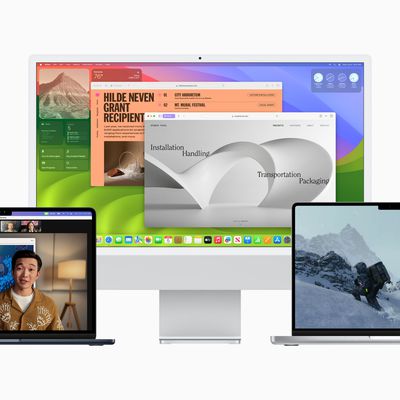
In macOS Sonoma, Apple has improved the search function in its stock Messages app for Mac, which now allows you to combine search queries and narrow down results to quickly find the messages that you're looking for. This article explains how it works.
Previously in macOS, you could type a word or phrase in the search field of Apple's Messages app and it would return matching results, but...
How to Rearrange, Disable, and Delete iPhone Home Screen Pages
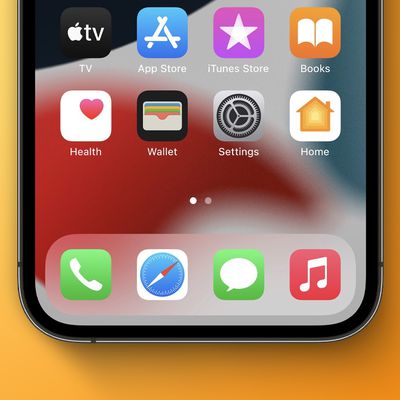
In iOS, Apple lets you disable individual Home Screen pages on your iPhone. It's also possible to rearrange the order of your Home Screen pages, and delete pages outright rather than merely disable them. Here's how it works.
How to Rearrange Home Screen Pages
Touch and hold a space on the Home Screen to enter jiggle mode.
Tap the row of dots representing your Home Screen pages.
In the...
