


How to Pair a PS5 DualSense and Xbox Series X Controller With iPhone, iPad, and Apple TV
With the release of iOS 14.5 and tvOS 14.5, Apple users can now connect their PS5 DualSense and Xbox Series X controllers to an iPhone, iPad, and Apple TV. Keep reading to learn how it works.
Since iOS 13 and tvOS 13, users have been able to connect popular console controllers to an iPhone or Apple TV to play Apple Arcade games and other iOS games, instead of having to spend extra money on...
Read Full Article • 38 comments
What to Do If You Find an AirTag Making a Sound
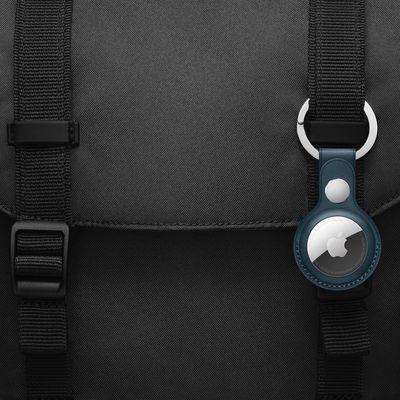
Apple's AirTag item trackers are designed to keep tabs on personal possessions such as keys, wallets, backpacks, luggage and more using the Find My network on iOS devices.
If an AirTag is separated for a period of time from its owner, it will make a sound to alert those nearby. If you find an AirTag after hearing it make a sound, here's what you can do to help return it to its rightful...

How to Turn Off AirTag Item Safety Alerts
Apple's AirTag item trackers are designed to be attached to personal items such as keys, wallets, bags, and so on, so that the owner can keep tabs on said items and track them down using their iPhone or iPad, should they be misplaced.
Once an AirTag is set up on Apple's Find My network, only the owner is able to keep track of it using their iOS device. Apple has also implemented an...
'AirTag Found Moving With You' - What it Means and What to Do
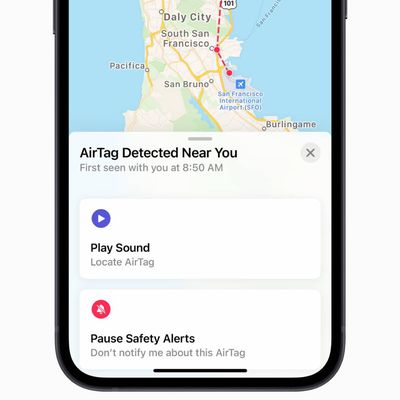
Apple's AirTags have a built-in safety feature that's designed to prevent them from being used to track you, so no one can plant an AirTag in your items and then monitor your location without your awareness.
If there is an AirTag that does not belong to you near you for an extended period of time, your Apple device will alert you with the following notification: "AirTag Found Moving With...
Found a Lost AirTag? Here’s What to Do
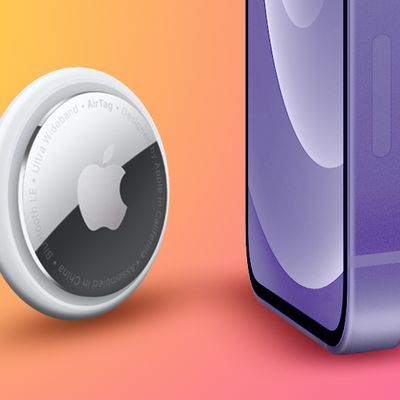
Apple's AirTag item trackers are designed to let users track their everyday possessions, such as keys, wallets, backpacks, and so on. If you find an AirTag that's been separated from its owner, here's how you can safely return it to them.
AirTags can be tracked by their owners in Apple's Find My app, which uses Bluetooth and other Apple devices to locate them. However, if an AirTag ...
How to Factory Reset an AirTag So Someone Else Can Use It
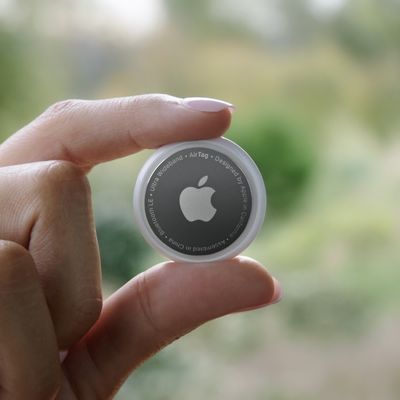
When you set up an AirTag, it's automatically associated with your Apple ID, which means it's linked to your Apple ID and can't be used by someone else unless you reset it.
Resetting can be as simple as removing an AirTag from your Apple ID, by following these steps:
Open the Find My app.
Tap on the AirTag that you want to remove by choosing its name from the list.
Swipe upwards...
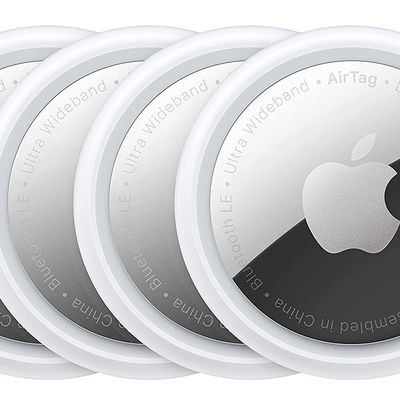
How to Check an AirTag's Battery Life
AirTags come equipped with a CR2032 battery that Apple says is designed to last for at least a year, so you shouldn't need to worry about the battery in your AirTag often.
If you're curious about how it's holding up or if you're worried it could get low at a time that would be inconvenient, it's easy to check the battery level of an AirTag in the Find My app.
Open the Find My app and...
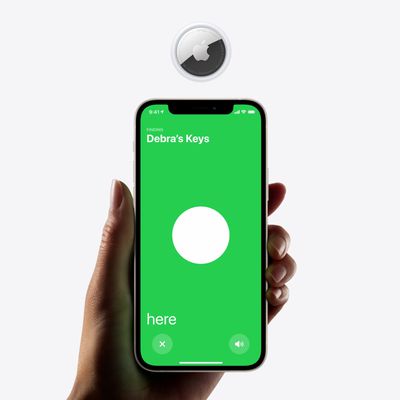
How to Use Precision Finding to Locate an AirTag With iPhone 11 and iPhone 12
Apple's AirTags are small, button-shaped devices that are designed to be attached to items like keys and wallets to allow these accessories to be tracked using Bluetooth right alongside Apple devices in the Find My app.
If you've set up an AirTag and attached it to an item, you can track said item in the Find My app, should you misplace it. Find My uses Bluetooth signals from a lost AirTag...

How to Change an AirTag's Battery
AirTags use standard coin-shaped CR2032 batteries, which are designed to last at least a year before needing to be replaced. Most early AirTag adopters have probably already had to swap in a new battery, but if you've never done it before and find yourself in need of a battery replacement, it's easy to put in a new one.
CR2032 batteries are common batteries that can be purchased on Amazon...

How to Put an AirTag in Lost Mode
Apple's AirTags are small, coin-shaped devices that can be attached to items like keys and wallets to allow these accessories to be tracked using Bluetooth right alongside Apple devices in the Find My app.
AirTags can be tracked using the Items tab in Find My, and just like your Apple devices, if one should become lost, you can put it in Lost Mode to locate it. If an AirTag is nearby, it...

How to Play a Sound on an AirTag
Apple's AirTags are small, button-shaped devices that are designed to be attached to items like keys and wallets to allow these accessories to be tracked using Bluetooth right alongside Apple devices in the Find My app.
If you've set up a AirTag and attached it to an item, you can track said item in the Find My app, should you misplace it. Find My uses Bluetooth signals from a lost AirTag to ...
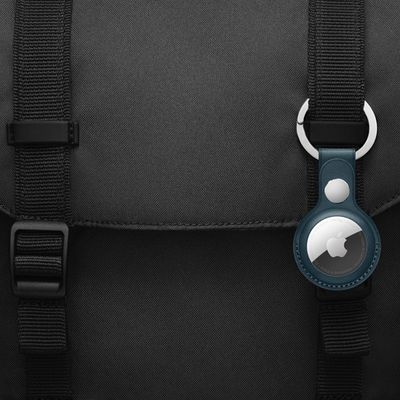
How to Locate an AirTag in Find My on iPhone
Apple's AirTags are small, button-shaped devices that are designed to be attached to items like keys and wallets to allow these accessories to be tracked using Bluetooth right alongside Apple devices in the Find My app.
If you've just set up a new AirTag, you'll want to know how to track it so that you can locate the attached item, should you misplace it. If your iPhone or iPad is running...
How to Add an AirTag to Find My on Your iPhone
Apple's AirTags are small, button-shaped devices that are designed to be attached to items like keys and wallets to allow these accessories to be tracked using Bluetooth right alongside Apple devices in the Find My app.
If you've just got hold of a new AirTag, you'll want to get it set up and ready for use. Before you do, make sure you've updated your iPhone or iPad to iOS 14.5 or iPadOS...
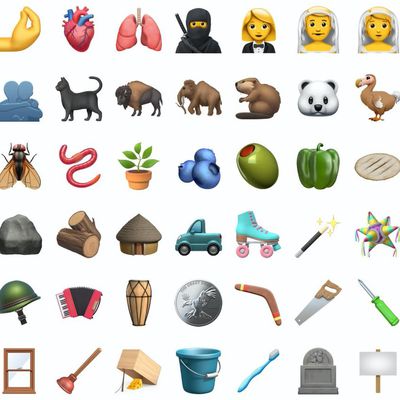
iPadOS 14.5: How to Search for Emoji on iPad
Apple introduced a much-requested emoji search feature in iOS 14, meaning iPhone users have been able to search for their favorite emoji for a while now. With the release of iPadOS 14.5, Apple has finally brought parity to its tablet devices by allowing iPad users to do the same thing. Here's how the new emoji search works.
Before you follow the steps below, make sure you've enabled emoji in ...

iOS 14.5: How to Answer Calls With Siri When Using Headphones
In iOS 14.5, Apple added the ability to answer calls using Siri when headphones or a car with Bluetooth is connected. Keep reading to learn how it works.
If you receive a call on your iPhone (or an Apple Watch with cellular) when you have a pair of AirPods or some Beats headphones connected, you'll notice the ringing tone interrupt whatever it is you're listening to.
You don't have to...
iOS 14.5: How to Print a Reminders List
In iOS 14.5, Apple added a much-requested feature to the Reminders app that arguably should have been there from the get-to: The ability to print your reminders lists.
It's unclear why Apple left it so late to bring a printing option to its native reminders app, but what matters is that it's finally available.
Now you can make hard copies of your reminders to use as a backup, for...
iOS 14.5: How to Change Siri's Voice
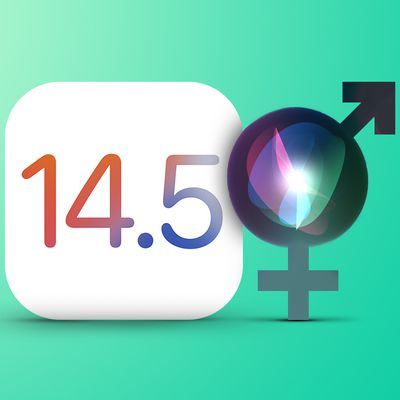
In iOS 14.5, Apple introduced two new Siri voices that are available in English, and also added a setup selection option that lets new users choose their preferred Siri voice rather than defaulting to a female voice in the United States.
The new voices, which Apple says add more diversity in speech sound and pattern, run voice recordings through Apple's Neural Engine to make them flow...
iOS 14.5: How to Discover the Most Played Apple Music Songs in Your City
With the release of iOS 14.5, Apple made a number of minor tweaks to the Apple Music app that together make for a much-improved user experience for subscribers to the streaming service.
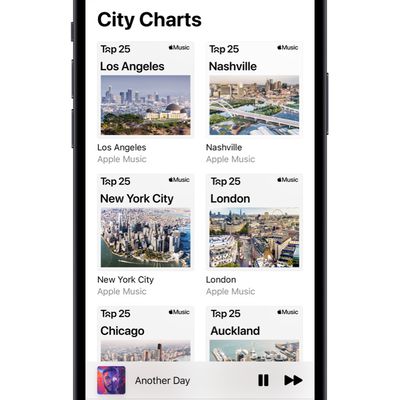
Alongside interface changes and the added ability to send lyrics and song clips to others, Apple also added a collection of new "City Charts" that offer access to playlists featuring the most played songs in ...
iOS 14.5: How to Automatically Download New Podcast Episodes and Follow Shows
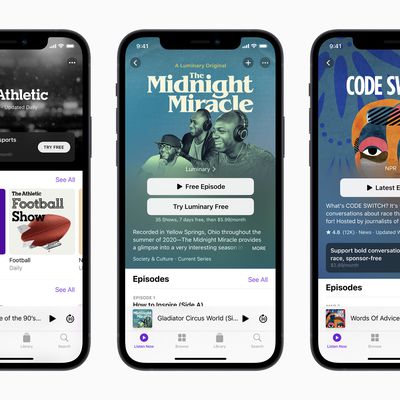
In iOS 14.5, Apple has made some notable changes to its native Podcasts app. Some of these changes reflect the fact that Apple announced an optional paid podcast subscription service (beginning May 2021), while others are interface improvements to make it easier to find, follow, and listen to new episodes.
One example of these changes is the new Smart play button, which is designed to help...

iOS 14.5: How to Use AirPlay 2 With Apple Fitness+
With the release of watchOS 7.4 and iOS 14.5, Apple has added AirPlay 2 support to the Apple Fitness+ app. That means Apple Fitness+ workouts can be streamed to AirPlay 2-compatible television sets from an iPhone or iPad, allowing workouts to be viewed on a larger screen without requiring an Apple TV.
AirPlay 2-enabled TVs are available from a variety of brands, including Samsung,...
