


Apple Watch Ultra: How to Use the New Optimized Charge Limit Feature
All Apple Watch models running watchOS 7 or later include a Battery Health feature called Optimized Battery Charging that extends the total battery life of your Apple Watch by learning from your habits and waiting to finish charging all the way up until you need your Apple Watch.
Apple Watch Ultra can last up to 36 hours on a single charge – the longest battery life of any Apple Watch ...
Read Full Article • 11 comments
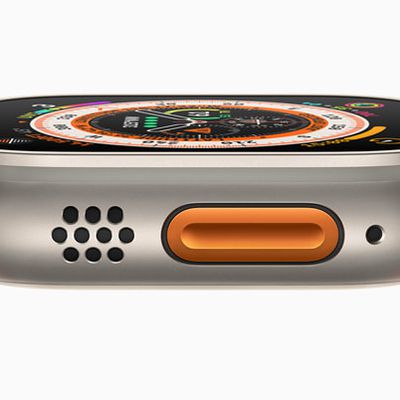
Apple Watch Ultra: How to Customize the Action Button
Apple Watch Ultra features a customizable Action button on the left side of the case that is capable of performing a variety of functions. This article explains what it can do, and how you can configure it.
Apart from activating the Siren, the Action Button on Apple Watch Ultra can be customized to perform a number of functions, offering quick access to them without you having to tap through ...

iOS 16: How to Customize Your AirPods Settings
If you've just picked up a pair of AirPods, you'll probably want to customize their settings, and there are several configurable options you should be aware of that can only be accessed when you connect to an iPhone.
It's worth noting that the way you get to AirPods settings on iPhone has recently changed slightly after the latest major iOS software update. In iOS 16, whenever you have...

iPhone 14: How to Enable 4K Cinematic Mode
For iPhone 14 models, Apple expanded resolution options when shooting in Cinematic Mode. This article explains what Cinematic Mode is and how to enable the new higher 4K resolution settings.
Cinematic Mode utilizes Dolby Vision HDR and a technique called "rack focus" to seamlessly shift the focus from one subject to another when you're shooting video. It does this by locking the focus on the ...

iPhone 14: How to Optimize Action Mode for Low-Light Shooting
On the iPhone 14 models, Action mode has been designed by Apple to help capture smooth-looking video that adjusts to significant shakes, motion, and vibrations, even when video is being captured in the middle of the action.
The feature is built into the iPhone's stock Camera app, and when enabled, should allow you to capture video that looks almost as if you were using a gimbal to do so....
iPhone 14: How to Use Action Mode to Capture Smooth Video
Apple's newly launched iPhone 14 models include a new Action mode when recording video. Here's everything you need to know about the feature to start taking advantage of it.
What is Action Mode?
In a nutshell, the new Action mode has been designed by Apple to help capture smooth-looking video that adjusts to significant shakes, motion, and vibrations, even when video is being captured in...
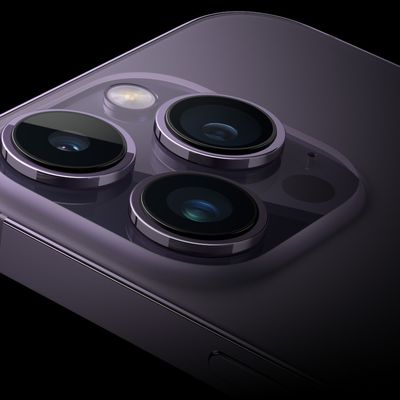
iPhone 14 Pro: How to Take 48-Megapixel ProRaw Photos
iPhone 14 Pro models feature an upgraded rear camera system that can shoot 48-megapixel photos, but only in ProRAW mode. This article explains what ProRAW is and how to enable it.
Apple's biggest camera upgrade for the iPhone 14 Pro and iPhone 14 Pro Max models is to the Main lens, which has been increased to 48 megapixels.
Apple says the new sensor also comes with a "new machine...
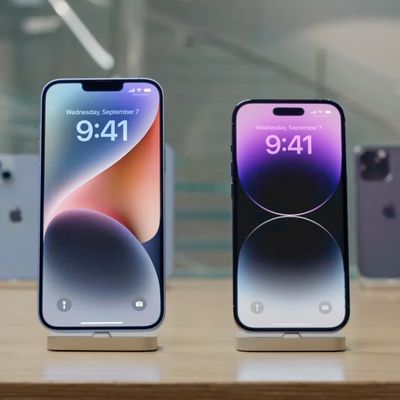
How to Hard Reset or Force Reset iPhone 14
Apple's iPhone 14, iPhone 14 Plus, iPhone 14 Pro, and iPhone 14 Pro Max come in different size options compared to last year's iPhone 13 series, but they still share similar design elements with Apple's 2021 models, such as an all-screen design and no Home button on the front.
As such, the method of hard resetting or force restarting hasn't changed from the previous...
iPhone 14: How to Fix iMessage and FaceTime Issues After Activation
Apple says some new iPhone 14 and iPhone 14 Pro owners may experience iMessage and FaceTime issues after setting up their phone out of the box. This article outlines some potential problems and how to resolve them.
According to Apple, some people with new iPhone 14 models may be facing iMessage and FaceTime activation issues after setting up their phone. Some of the problems encountered may...
iPhone 14: How to Enable the New Power On and Off Sounds
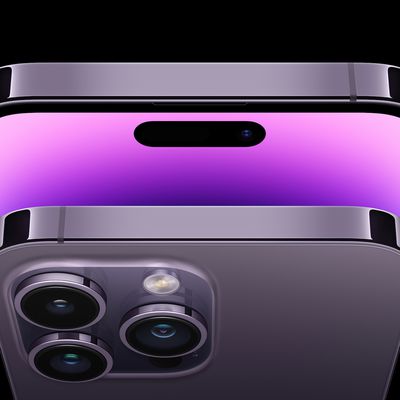
For the iPhone 14 series, Apple has added an optional new accessibility feature that plays a sound when the iPhone is powered on and off. Here's how to enable them.
Apple added the startup and shutdown chimes as a new accessibility feature after many Blind users and people with low-vision reportedly asked the company for a clear way to tell whether their iPhone had restarted, and now anyone...
iPhone 14 Pro: How to Disable the Always-on Display
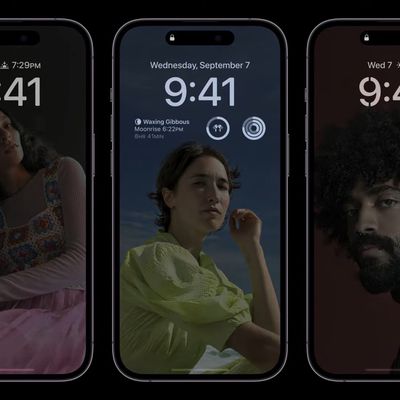
The newly launched iPhone 14 Pro and iPhone 14 Pro Max come with some advanced features not included in the rest of the iPhone 14 series, including an always-on display.
The always-on display is essentially a non-customizable, tinted version of your iPhone's Lock Screen wallpaper, widgets, and any Live Activities that are running.
Apple has been able to bring the always-on display to...
iPhone 14: How Crash Detection Works and How to Turn It Off
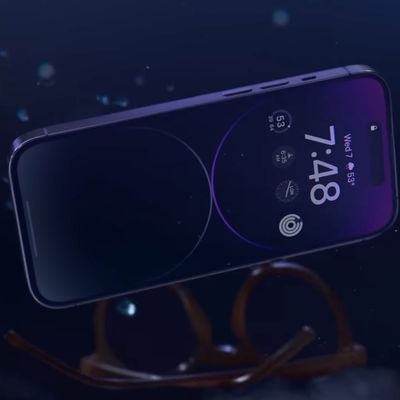
With the launch of iPhone 14 and new Apple Watch models, Apple introduced a new safety feature called Crash Detection. Keep reading to learn what it is, how it works, and how to turn it on and off.
What Is Crash Detection?
Crash Detection is designed to detect severe car crashes in passenger cars. If you're in a severe crash and unresponsive, your Apple device can automatically call...
How to Get Directions to an AirTag Item in Apple Maps
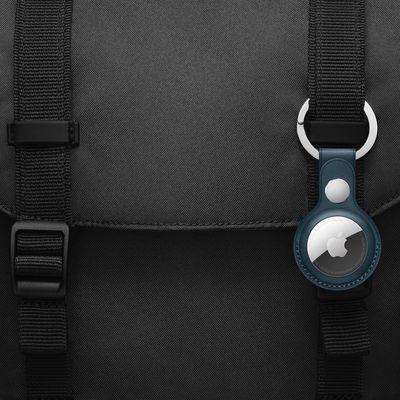
Apple's AirTags are small, button-shaped devices that are designed to be attached to items like keys and wallets to allow these accessories to be tracked using Bluetooth right alongside Apple devices in the Find My app.
If you've set up a AirTag and attached it to an item, you'll want to know how to track it so that you can locate the attached item, should you misplace it. If your iPhone or...
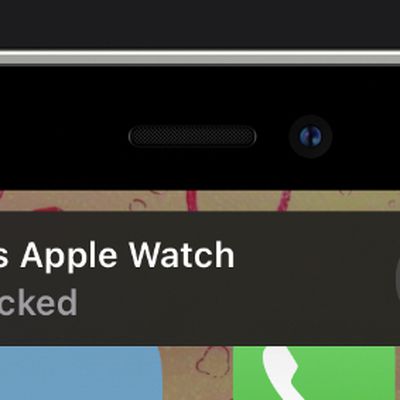
iPhone Not Unlocking Your Apple Watch? Here's How to Fix the Problem
On Apple Watch, there's an option in watchOS that lets your iPhone unlock your watch as long as the iPhone is unlocked (Settings -> Passcode -> Unlock With iPhone). Enabling this option means you don't have to input a passcode twice in the morning – one on your Apple Watch when you put it on your wrist, and one on your iPhone when you unlock it for the first time.
However, we've heard...
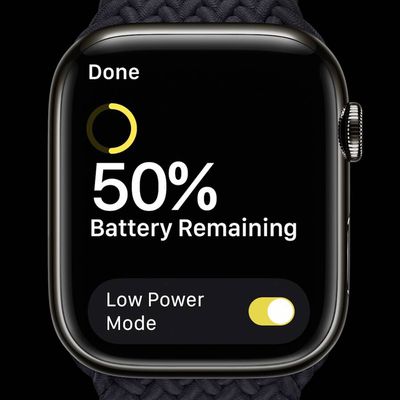
How to Enable Low Power Mode on Apple Watch
In watchOS 9, Apple has added a new Low Power Mode for Apple Watch Series 4 and later that is designed to extend the battery life of your device beyond the usual "up to 18 hours" of life on a single charge in normal use that Apple advertises. Keep reading to learn how the function works and how to enable it.
For some years now, many Apple Watch fans have been clamoring for a new model that...
How to Use Siri to Hang Up a Call on iPhone
In iOS 16, Apple added a new setting that allows you to hang up on an active phone or FaceTime call using the virtual assistant, Siri. Keep reading to learn how it works.
With each version of iOS, Apple seeks to improve the accessibility features of its mobile operating system to ensure that as many people can use it as easily as possible, and that's been no different in its latest release,...
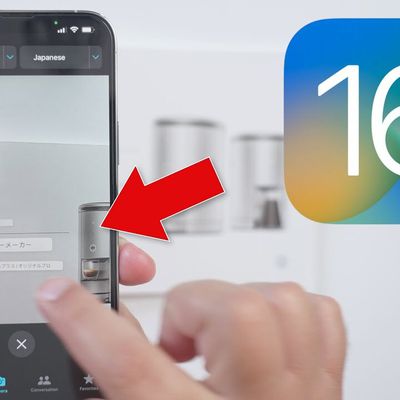
How to Copy and Translate Text That Appears in Videos on Your iPhone
In iOS 16, Apple has expanded the reach of its Live Text feature, which can recognize text in not just photos, but also videos now, too. Keep reading to learn how to use it.
In iOS 15, Apple introduced a feature called Live Text that can recognize text when it appears in your camera's viewfinder or in a photo you've taken and let you perform several actions with it. In iOS 16, this ability...

How to Quickly Reset Your Data and Location Access Permissions on iPhone
In iOS 16, Apple added a new Safety Check feature that's designed to make it easy for users to quickly reset all of the data and location access that they have granted to other people. Keep reading to learn how it works and how to use it.
Safety Check is a new option in iOS 16 that lets you stay aware of and reset all of the access to your data and location that you have granted to others....
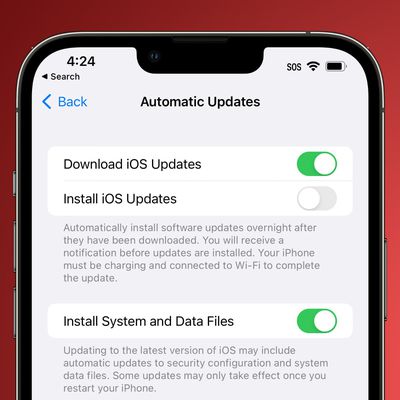
How to Disable Rapid Security Response Software Updates on iPhone
In iOS 16, Apple can deliver security updates to iPhones without having to update the entire operating system. Keep reading to learn how it works and how you can disable it if you prefer.
In the past, some of Apple's most important point releases of its iOS mobile operating system have been linked to critical security updates that are designed to keep you and your private data safe and...
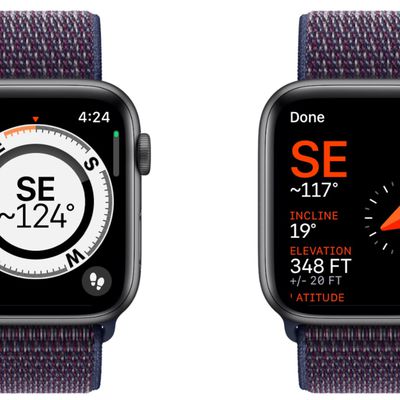
How to Use Compass Waypoints on Apple Watch
On Apple Watch Ultra, Apple Watch SE, and Apple Watch Series 6 and later, the redesigned Compass app can be used to create Compass Waypoints and then find the distance and direction between them. Here's how it works.
In watchOS 9, the Compass app has been redesigned and now has an adaptive watch face showing your bearing at the center. If you scroll the Digital Crown, you can also view your...
