


How to Use iOS 13's Text Editing Gestures on iPhone and iPad
With the release of iOS 13 and iPadOS 13, Apple introduced a number of new text editing taps and gestures that can be performed on both iPhones and iPads. These taps and gestures make it quicker and easier to do things like select text, copy and paste, undo and redo edits, and move the cursor around the screen.
They do take some getting used to though, especially if you're a veteran of the...
Read Full Article • 38 comments
How to Install macOS Catalina on a Separate Partition
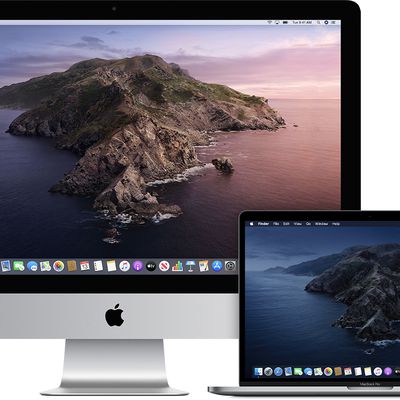
Every new release of macOS comes with its share of undetected bugs, but most early adopters will tell you that Catalina has had more than most.
One way of avoiding a disastrous upgrade to Apple's latest version of macOS is to partition your Mac's hard drive and install Catalina alongside your current operating system. That way, you can test out the apps that are most crucial to your daily...
How to Fix a Damaged macOS Installer
Creating a macOS installer on a bootable USB drive provides a convenient way of installing a fresh copy of macOS on multiple Macs, and also allows you to perform a clean installation quickly and easily.
If you tried to run your installer recently and unexpectedly received an error that it is damaged and can't be used, then don't worry – keep reading for a simple and straightforward way to ...
How to Watch Picture-in-Picture Video on Your Mac
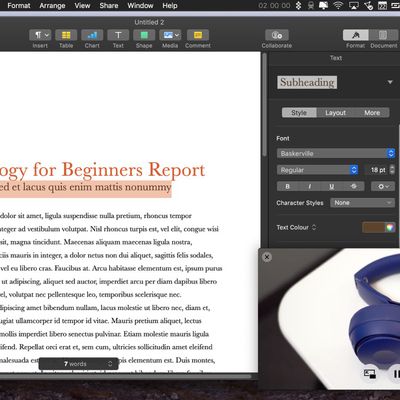
In macOS, Picture in Picture (PiP) allows you to play video in a resizable floating window that isn't blocked by other windows, so you can watch video while doing other things.
PiP is a handy feature supported by apps like Safari and iTunes that allows you to watch your favorite show while you browse the web in another tab or catch up on email. Keep reading to learn how to use it.
How to ...
How to Scan Documents in the iOS Files App
Since iOS 11, Apple's stock Notes app has featured an impressive built-in tool for scanning documents and saving them as a note. In iOS 13, Apple has added a similar tool to the Files app that lets you scan documents and save them as PDFs in the location of your choosing.
Once you've scanned a document, you can save it anywhere in iCloud Drive, or in any third-party cloud services that you've...

How to Pair a DualShock 4 or Xbox Wireless Controller With iPhone and Apple TV
With iOS 13 and tvOS 13, Apple users are now able to connect their favorite console controllers to an iPhone or Apple TV. In this guide, we've provided a quick rundown of how to go about pairing the DualShock 4 Wireless Controller and Xbox Wireless Controller to both iOS and tvOS devices.
Previously, MFi controllers were the only solution to playing games on iPhone, iPad, and Apple TV. With...

How to Take a Slow-mo Selfie or 'Slofie' on iPhone 11, iPhone 11 Pro, and iPhone 11 Pro Max
Apple's iPhone 11, iPhone 11 Pro, and iPhone 11 Pro Max all feature an updated 12-megapixel front-facing camera, along with a couple of notable additional shooting options that selfie fans should love.
The first addition is that you can now turn your iPhone to landscape mode to capture a wider shot, which is great for group selfies. The second is a new option that lets you take slow motion...

How to Use Camera Filters on iPhone 11, iPhone 11 Pro, and iPhone 11 Pro Max
With the launch of its 2019 iPhones, Apple introduced some impressive new camera capabilities that are exclusive to the flagship smartphone lineup, such as Night mode, QuickTake Video, and a new ultra-wide lens.
As a result, Apple has updated the design of the Camera app on the iPhone 11 series, which means that some of the existing photo and video functions have been moved around to...

How to Use Instant Hotspot on iPhone and iPad
This article explains what Instant Hotspot is and how you can make the most of it using your Apple devices. If you like, click the links below to jump to the sections that most interest you.
What is Instant Hotspot?
How Does Instant Hotspot Differ From Personal Hotspot?
What You Need to Use Instant Hotspot
How to Connect Your Mac to an Instant Hotspot
How to Connect Other iOS Devices to...
How to Get Siri to Announce Incoming Messages Over AirPods
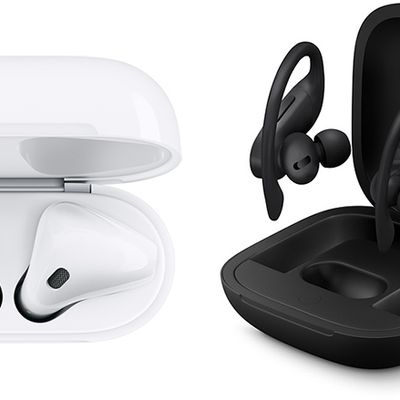
In iOS 13.2, Apple introduced Announce Messages with Siri, a new iPhone feature that allows you to listen to and respond to incoming text messages when you're wearing connected AirPods or Powerbeats Pro headphones.
In short, if you receive a message when you're wearing a pair of Apple's wireless headphones, Siri will transcribe it to you so you don't have to look at your iPhone or Apple...

How to Add Several Photos to an Album in the Photos App in iOS 13
Apple is always on the hunt for ways to make using your iPhone and iPad easier, and will often tweak the menu and button functions with each new version of iOS in order to make its software interfaces more consistent.
Occasionally though, these changes can stump longtime users, and going by the number of emails MacRumors has received on the subject, that's just what a small adjustment to the...
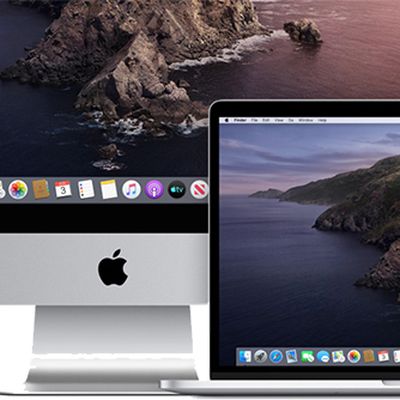
How to Perform a Clean Installation of macOS 10.15 Catalina
This article guides you through the process of performing a clean installation of macOS 10.15 Catalina using the bootable USB drive method, rather than upgrading your Mac using Apple's standard installation package, which retains existing user data and any user-installed apps.
Creating a bootable USB drive provides you with a convenient way to install a fresh copy of macOS Catalina on...
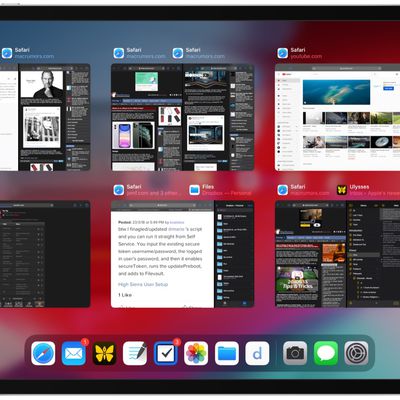
How to Use App Exposé in iPadOS
With the launch of iPadOS, Apple enhanced the iPad multitasking experience by introducing interface features that help you keep track of all the apps you have open, including multiple instances of each app.
One of those features is called App Exposé, and it lets you see all of the windows that are open for a particular app. Depending on what you're viewing, there are two ways to invoke App...

How to Share Folders in the iOS Notes App
In iOS 13, Apple fleshed out the feature set of the stock Notes app while enhancing the viewing and search functions in such a way that it's now easier than ever to generate, find, and organize your notes.
In particular, there are new options to share entire folders of notes with friends or colleagues, including the ability to share your notes in a read-only capacity. Keep reading to learn...
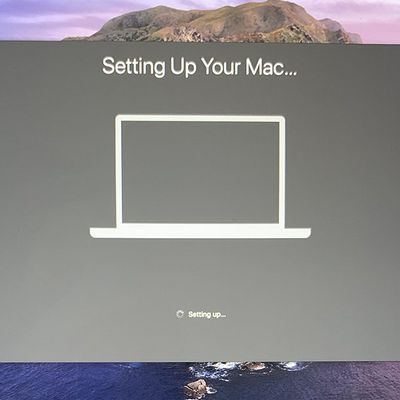
Is Your macOS Catalina Install Stuck? Here's How to Fix It
Apple on Monday released macOS Catalina to the public, allowing everyone to install the newest version of the operating system for the Mac.
Based on reports on the MacRumors forums, Twitter, and other social networks, some people are running into a specific problem - an installation that hangs.
Image via MacRumors reader xodbox
After downloading macOS Catalina and installing from the Mac...
How to Share Your Estimated Time of Arrival in Apple Maps
In the latest version of Apple Maps that comes with iOS 13, Apple has added a Share ETA feature that lets you share your estimated time of arrival at a location with a friend or family member, allowing them to follow your progress in real-time for the duration of the trip.
The following steps explain how to use the Share ETA feature in Apple Maps on iPhone and iPad. Note that Apple nixed the...
Quickly Shoot Video Using QuickTake on iPhone
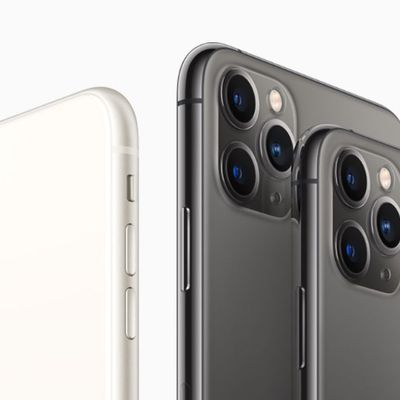
When Apple released the iPhone 11 and iPhone 11 Pro in 2019, it redesigned the stock Camera app on these devices to make the most of their hardware and also to add new exclusive features. One of those features was QuickTake, which allows users to shoot video without switching out of the default photo mode.
On iPhone 11 and later models, you can record videos without even switching out...
How to Access the Camera Timer on iPhone 11 and iPhone 11 Pro
Apple has redesigned the native Camera app for the iPhone 11 and iPhone 11 Pro to make the most of the enhanced photography capabilities of its new flagship phones and to make space for the various additional shooting options available.
As a result, some of the functions that you may be used to seeing in the camera interface on older iPhones have moved around. The shutter timer is an example. ...
How to Use the Find My App on a Friend's iPhone or iPad to Locate Your Missing Device
Following the release of iOS 13.1 and iPadOS 13.1, Apple now allows anyone with an Apple ID to use the Find My app on another person's iPhone or iPad to locate their own device if it's gone missing.
For those unfamiliar with the app, Find My replaces the Find My Friends and the Find My iPhone apps of old and brings their features together in a unified interface that allows you to find whatever ...
How to Refresh Locations in the Find My App
In iOS 13 and iPadOS, the Find My app replaces the Find My Friends and the Find My iPhone apps of old and brings their features together in a unified interface that allows you to find whatever it is you need.
Like Find My Friends, the Find My app lets friends share their real-time location with you and vice versa. If your friend allows it, the app also lets you receive notifications whenever...
