

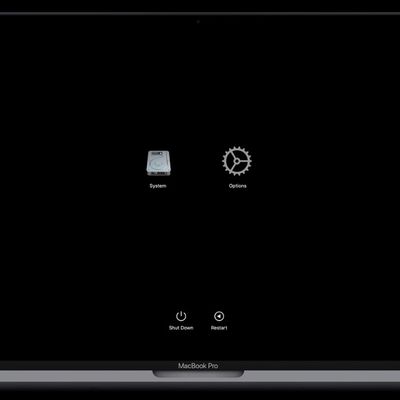
How to Boot in Safe Mode on an Apple Silicon Powered Mac
Macs introduce a new system for accessing recovery and security options at startup. This article explains how to use the new boot and recovery interface to start up your computer in safe mode.
What is Safe Mode?
Starting up your Mac in safe mode can help you determine whether an issue you're experiencing is caused by the software that loads every time your Mac starts up. It does this by...
Read Full Article
How to Install Rosetta on an Apple Silicon Powered Mac
Macs powered by Apple silicon, such as the MacBook Pro models featuring M1, M1 Pro, and M1 Pro Max chips, can run both iOS apps and Mac apps, but they can also run x86-64 software that's been built to work on Intel architecture, thanks to something called Rosetta 2.
Rosetta 2 is the translation layer that enables a Mac with Apple silicon to use apps built for an Intel-based Mac. The...
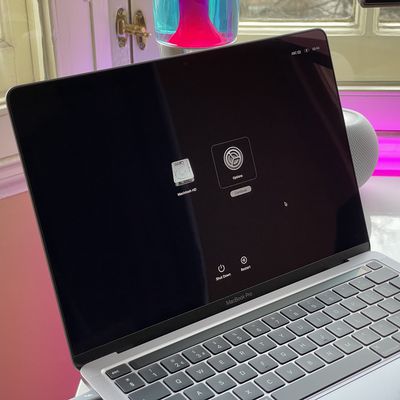
How to Reinstall macOS on an M1 MacBook Air, M1 MacBook Pro, and M1 Mac Mini
If you experience issues running macOS Big Sur on your M1 MacBook Air, M1 MacBook Pro, or M1 Mac mini, or you want to start afresh with a new installation of the operating system, you'll need to boot into macOS Recovery, which is done slightly differently on Apple Silicon Macs compared to Intel machines.
Keep reading to learn how to start up in macOS Recovery and reinstall macOS 11 Big Sur on ...
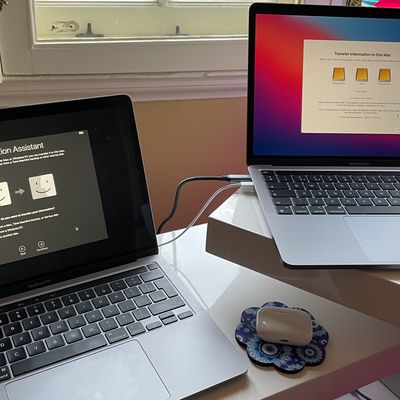
How to Transfer Files Between an Apple Silicon Mac and Another Mac
If you have a newer Apple Silicon Mac and an older Intel Mac lying around, you can connect the two using Sharing Mode, so that the older Mac appears as an external hard disk to your new machine.
Sharing Mode on Apple Silicon Macs replaces the older Target Disk Mode found on Intel Macs, and can be used similarly to transfer data between two Macs. Mac Sharing Mode turns the system into an SMB...
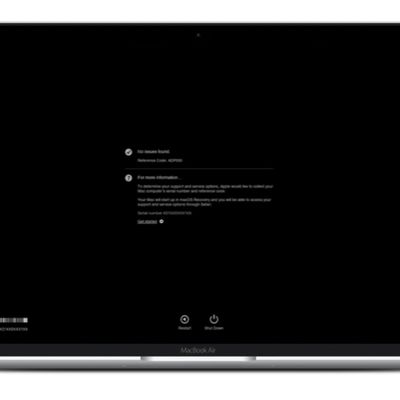
How to Use Apple Diagnostics to Test Your Mac
Formerly known as Apple Hardware Test, Apple Diagnostics is a system-integrated feature on newer Macs running macOS Big Sur and macOS Monterey that can check your Mac for hardware issues. This article explains how to use it on Apple silicon Macs and Intel Macs.
If you think your Mac has a hardware problem, you can use Apple Diagnostics to help you determine which hardware component might be ...
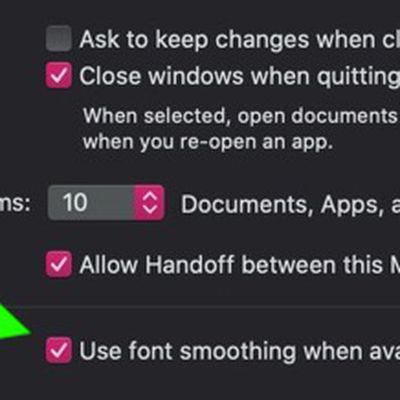
How to Adjust or Disable Font Smoothing in macOS Big Sur
If you recently installed macOS Big Sur and you're wondering why the text looks blurry on your display, it could be because font smoothing is enabled by default. This article shows you how to disable it with a simple Terminal command.
Before macOS 11 Big Sur came along, Apple offered the ability to disable font smoothing in the General tab of System Preferences. Unfortunately for some,...

How to Enable Facebook's Dark Mode on iPhone and iPad
When it came to adding a Dark Mode option to its iOS app, Facebook was late to the game. The social network announced it was coming in June 2020, but dragged its feet for months before eventually rolling it out to mobile users in November the same year, over 400 days after Apple first introduced the feature in iOS 13.
Dark Mode has been available on the social network's website for a while ...

How to Tell Which Mac Apps Are Optimized for Apple Silicon
Following the launch of Macs powered by Apple silicon, numerous third-party apps have been updated to ensure they are optimized to run on Apple's custom processors. Even if an app hasn't been updated, Apple's non-Intel Macs can still run them, thanks to Apple's Rosetta 2 translation layer. But how do you know which of your apps are running natively as Universal executables and which ones are...
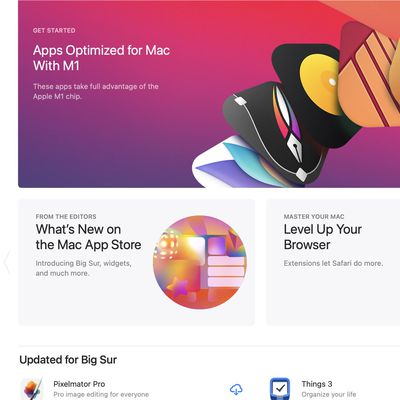
How to Install iPhone or iPad Apps on an M1 Mac
Apple's M1 Macs, which are the first to be powered by an Apple-designed Arm-based chip, are able to run iOS and iPadOS apps because of the common architecture between the different operating systems.
Subscribe to the MacRumors YouTube channel for more videos.
Some iOS developers have been updating their apps to make them compatible with macOS, but there are ways to download apps that haven't...

How to Transfer Google Authenticator Accounts to Your New iPhone
If you buy a new iPhone to replace your existing one and you use the Google Authenticator app to access online accounts protected by two-factor authentication (2FA), you should transfer those accounts to your new phone as soon as possible, because without the 2FA codes close at hand, you could find yourself locked out of your online accounts.
2FA adds an extra layer of security to your...
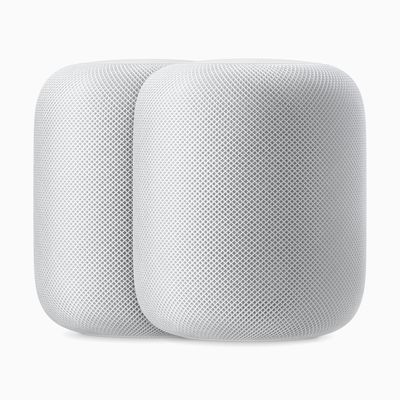
How to Create a HomePod or HomePod Mini Stereo Pair
Adding a second HomePod to your setup enables stereo sound to create a wider soundstage for richer, more enveloping sound.
Each HomePod is able to play its own audio channel — left or right — while separating out both the ambient and direct energy. This provides a wide, almost three dimensional soundstage for a more immersive listening experience anywhere in the room. A HomePod...
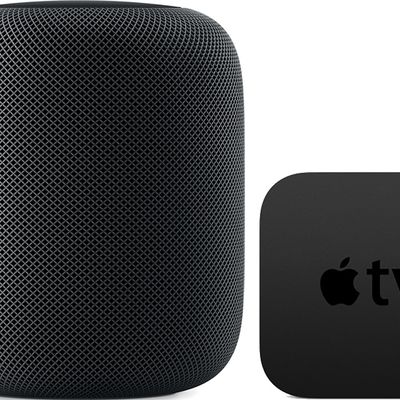
How to Set Up Home Theater Audio with HomePod and Apple TV 4K
If you have an Apple TV 4K and own a HomePod or a stereo pair, you can create a theater experience with Dolby Atmos or surround sound right in your home.
Note that this feature is reliant on the directional and spatially aware capabilities of the original HomePod, so it is not available on the HomePod mini. Here's what you need.
Home Theater Audio: What You'll Need
An Apple TV 4K...
How to Watch the Mac-Focused Apple Event on November 10, 2020
Apple is planning to hold a third fall 2020 event tomorrow on Tuesday, November 10 at 10:00 a.m. Pacific Time through a livestream. The event will see Apple unveiling Apple Silicon Macs, and there's a possibility of a surprise like AirTags or AirPods Studio, but for the most part, we're expecting new 13-inch MacBook Pro and MacBook Air models with Apple Silicon chips. See everything that's coming ...

How to Use Night Mode When Taking Portrait Shots on iPhone
Apple's newer iPhones, beginning with the iPhone 12 mini, iPhone 12, iPhone 12 Pro, and iPhone 12 Pro Max, are equipped with a photography feature called Night Mode, which is designed to take crisp, clear photos even when lighting conditions are poor, such as at night.
Night Mode originally debuted in the iPhone 11 series, but its use was limited to the rear-facing wide-angle ...
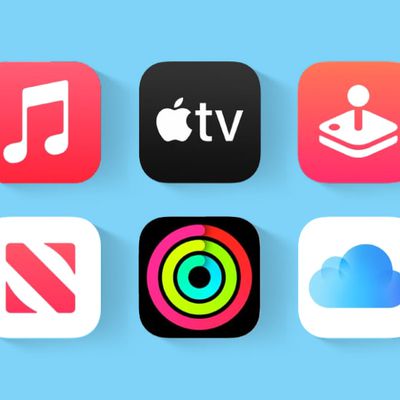
How to Sign Up to Apple One on iPhone and iPad
Apple in October 2020 launched Apple One, a new series of services bundles that will let Apple device customers purchase several services together in one package instead of separately, saving money for those who use multiple Apple service products.
Apple One Bundle include services like Apple Music, Apple Arcade, Apple News+, Apple TV+, and more, depending on the tier you choose....
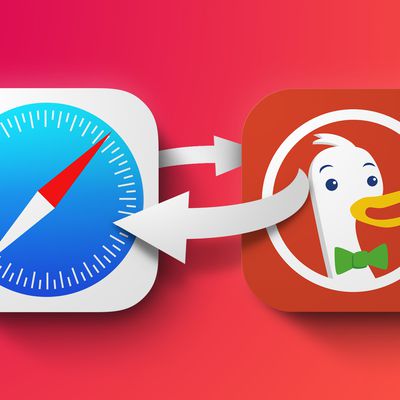
How to Change the Default Web Browser on iPhone and iPad
When Apple released iOS 14 and iPadOS 14, it made a change that enables third-party browsers to be used as default apps, meaning users who don't get on with Apple's native Safari browser can choose an alternative and it will be opened automatically whenever the system requires it.
Many third-party browsers now support the ability to become the default app, including Chrome, Firefox, and...
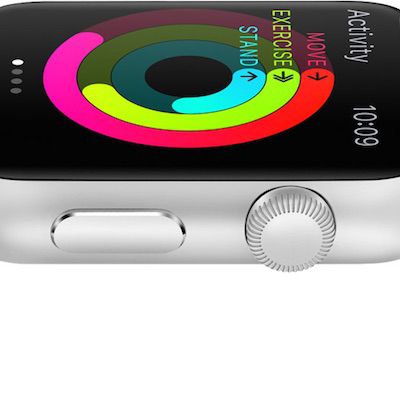
How to Change Activity Goals on Apple Watch
In watchOS 6 and earlier, you could change your daily "Move" goal (or calorie burn goal) in the built-in Activity app on Apple Watch, but your Exercise and Stand goals couldn't be edited.
In watchOS 7 and later, however, you can customize all of the activity goals on Apple Watch. So if you want to make your goals more challenging or more realistic, now you can. Here's how.
Launch the Acti...

Measure Someone's Height with Your iPhone's Camera
If you own an iPhone 12 Pro or iPhone 12 Pro Max, or a later iPhone "Pro" model, your device boasts a neat feature that allows you to measure the height of someone using just the Measure app and the iPhone's camera and LiDAR Scanner. This article and video shows you how.
The capability comes courtesy of the LiDAR scanner that's exclusive to Apple's Pro line of smartphones as well as iPad Pro ...
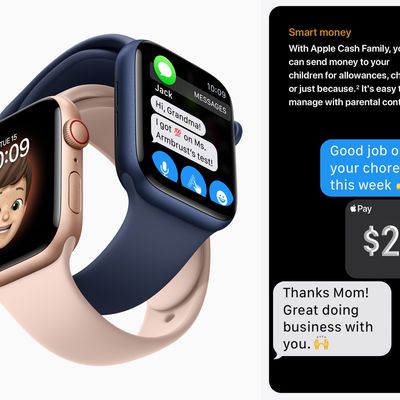
How to Set Up and Use Apple Cash Family
Apple Cash is a popular way to send money to friends and family using Apple's Messages app, and in iOS 14, you can now give your children allowances through the Family Sharing feature so they can make purchases, and send and receive money in Messages. You can even limit who your child can send money to, get notified when they make transactions, lock their account, and more.
Before you start...

How to Take Night Mode Selfies on iPhone 12 and Later Models
Apple's newest iPhones, the iPhone 12 mini, iPhone 12, iPhone 12 Pro, and iPhone 12 Pro Max, are equipped with a photography feature called Night Mode, which is designed to take crisp, clear photos even when lighting conditions are poor, such as at night.
Night Mode originally debuted in the iPhone 11 series, but its use was limited to the rear-facing wide-angle camera. With iPhone 12,...
