Skip to Content

How to Install the macOS High Sierra Public Beta

by

Apple today released the first public beta of macOS High Sierra, the next major version of its operating system for Mac computers that will officially be released in the fall. The beta of the upcoming OS is compatible on all Macs that are able to run macOS Sierra.
macos hs beta
The availability of the public beta means users who aren't signed up for the Apple Developer Program can test the software update ahead of its official release. Bear in mind that Apple's intention is to act on user feedback to iron out remaining bugs and issues, so the stability of the beta isn't guaranteed and probably shouldn't be installed on a Mac that you use every day.

Note that if you decide you want to revert back to your previous setup after testing the High Sierra beta, you will need to erase the beta partition and perform a fresh installation of macOS Sierra.

With those caveats out of the way, here's a step-by-step breakdown describing how to download and install the macOS High Sierra Public Beta on a Mac.

Enroll in the Apple Beta Software Program

To install the macOS High Sierra public beta, you need to enroll your Mac in the free Apple Beta Software Program.

  • Visit the Apple Beta Software Program website in a browser on your Mac.

  • Tap on the Sign up button, or sign in if you are already a member.

  • Enter your Apple ID credentials and tap on the Sign in button.

  • Agree to the Apple Beta Software Program terms and conditions if necessary.

  • On the Guide for Public Betas screen, with the Mac tab selected, scroll down to the Get Started section and tap on enroll your device.

Download the macOS High Sierra Public Beta

After enrolling in the Apple Beta Software Program, you need to grab the profile installer and run it on your Mac. Here's how:

  • In the same Get Started section on the beta site's Mac tab, click the profile button under where it says Download macOS High Sierra public beta access utility, and wait for the file to download.

  • Open the downloaded file in your Downloads window and double-click the package to run the installer.

  • When the installer has completed the download, the Mac App Store should open automatically showing the Updates screen. Click Update to download the public beta software. (If it doesn't show the public beta in the Updates list, manually restart your Mac and navigate back to the Updates section in the Mac App Store.) When the download is complete, your Mac should restart automatically.

Install the macOS High Sierra Public Beta

If the macOS High Sierra installer doesn't automatically open upon restart, launch it from your Applications folder using the Finder.

  • Click continue at the bottom of the installer.

  • A dropdown prompt will appear advising you to back up your Mac. Click Continue - assuming you've already backed up. If not, click Cancel and do that now.

  • Click Continue at the bottom once you've finished backing up, or if you already performed a backup.

  • Click Agree to accept the terms and conditions and then click Agree again to confirm.

  • Select the drive on which you want to install the public beta.

  • Click Install, enter your administrator password, and click OK.

  • Click Restart, or wait for your Mac to reboot automatically.
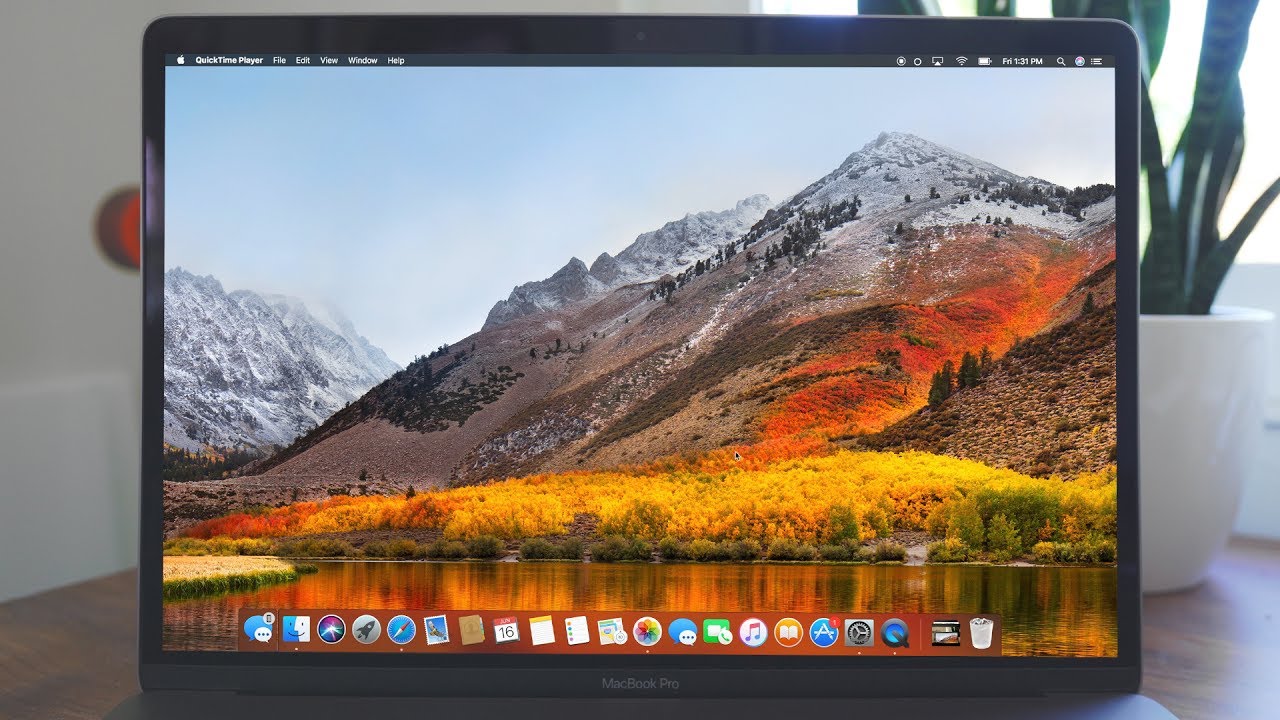

And that's it. Your Mac should now be running the macOS High Sierra Public Beta. For a complete picture of all of the new features you can expect to see when macOS High Sierra is released in the fall, make sure to check out our full macOS High Sierra roundup.


Related Forum: macOS High Sierra

Top Rated Comments

123 months ago
Step 1: Don't.
Step 2: Seriously, why would you do this? Do you not actually use your computer?
If people don’t install right away then we won’t have any dumb post asking:
Did I brick my comp?
Why is this beta so buggy?
I didn’t back up before install, how do i go back to the old os asap?
Apple why did you do this to me?
Score: 8 Votes (Like | Disagree)
MoJoRo Avatar
123 months ago
Step 1: Don't.
Step 2: Seriously, why would you do this? Do you not actually use your computer?
(This is meant for anyone who would actually need a tutorial on how to do this, obviously there are a few people out there with legit reasons to install the beta. Although most of them should have developer accounts.)
Score: 4 Votes (Like | Disagree)
Jantelagen Avatar
123 months ago
Placeholder
Score: 3 Votes (Like | Disagree)
pdaholic Avatar
123 months ago
Step 1: Don't.
Step 2: Seriously, why would you do this? Do you not actually use your computer?
(This is meant for anyone who would actually need a tutorial on how to do this, obviously there are a few people out there with legit reasons to install the beta. Although most of them should have developer accounts.)
So...you're saying I should install this on my friend's computer rather than my own? Got it.
Score: 2 Votes (Like | Disagree)
mcdj Avatar
123 months ago
I'm waiting til next year for REALLY High Sierra.
Score: 2 Votes (Like | Disagree)
Wonder Warthog Avatar
123 months ago
Well, after about years of being an Apple Public Beta Tester on my MacBook Pro, all has gone well. There have been a few bugs, but nothing that you can't get through until the newest release.

No longer.
Same here. Up until High Sierra public betas have been stable enough to use them for daily use if you're OK with some possible smaller quirks. However High Sierra completely f*cked up my system. It was asking for iCloud credentials all the time all the synching was hosed, too, then I had a few ugly crashes of the system.

First I tried to find ways to fix it, but at one point it was just way too much to keep my machine useful, so I ended up wiping the whole harddrive (yes, I was trying out APFS) repartitioned it and did a vanilla Sierra install. All back to normal now, but really you don't want to try out this public beta alpha.
Score: 1 Votes (Like | Disagree)

Popular Stories

apple design award 2025

Apple Announces 2025 Design Award Winners Ahead of WWDC 2025

Tuesday June 3, 2025 10:14 am PDT by
As we wait for WWDC to kick off next Monday, Apple today announced the winners of its annual Apple Design Awards, recognizing apps and games for their innovation, ingenuity, and technical achievement. The 2025 Apple Design Award winners are listed below, with one app and one game selected per category: Delight and Fun - CapWords (App) and Balatro (Game) Innovation - Play (App) and PBJ -...
Apple 2026 Black Friday Event Hero

Apple's Official 2026 Black Friday Offer Starts Rolling Out

Thursday November 26, 2026 8:37 am PST by
Apple's annual four-day Black Friday through Cyber Monday shopping event is now live in Australia, New Zealand, and Thailand, and it will continue to roll out across Europe, the U.S., and Canada as the calendar turns to Friday, November 27 around the world. In the U.S., Apple's terms and conditions say the promotion begins on November 27 at 12 a.m. Pacific Time and ends on November 30 at...
1password deal blue

1Password Security Breach: What Was Accessed and What Wasn't

Wednesday November 25, 2026 1:09 pm PST by
Popular password management app 1Password today said it experienced a security breach earlier this month. 1Password says some customer names and email addresses were accessed, but no customer vault contents were compromised. On November 19, 1Password saw indications that an employee's GitHub account had been breached and began investigating. The company says the breached GitHub account was...
Latest Stories
Here Are the Best Apple Black Friday Leftover Deals You Can Get Today
8 hours ago
HomePod Mini 2 in (RED) Seemingly Spotted Ahead of Announcement
20 hours ago
Apple's M6 and PROLED MacBook Pro Reach New Low Prices for Black Friday
1 day ago
The MacRumors Show: iPhone Air 2 and iPhone 18 Are Coming
1 day ago
Apple Store in Brisbane Reopening Next Month With New Design
1 day ago
The 60+ Best Black Friday Accessory Deals on iPhone Chargers, TVs, Headphones, and More
8 hours ago
GTA VI Now (Barely) Running on Apple Silicon Macs
1 day ago
The Best Black Friday Streaming Deals on Apple TV, Disney+, and More
1 day ago
Apple TV's 'Carême' Wins International Emmy for Best Drama
1 day ago
iPhone 18 Production Delay Leaves Apple Little Time Before Launch
1 day ago
The Best Black Friday AirPods Deals Still Available
1 day ago
The Best Black Friday Deals on Apple Home Products
1 day ago
The Best Black Friday iPhone Deals Still Available
1 day ago
The Best Black Friday iPad Deals Still Available
1 day ago
The Best Black Friday Apple Watch Deals Still Available
1 day ago
The Best Black Friday AirTag Deals Still Available
1 day ago
The Best Black Friday Mac Deals Still Available
1 day ago
iPhone Share of US Smartphone Market Hits 57% as Rivals Slip
2 days ago
iPhone 20 Pro Rumored to Feature 3D-Printed Titanium Frame
2 days ago
The 50+ Best Apple Black Friday Deals Still Available on AirPods, iPads, and More
23 minutes ago
Apple's Official 2026 Black Friday Offer Starts Rolling Out
2 days ago
Halide Adds Fill Light Feature for iPhone Duo
2 days ago
MacBook Air Black Friday Deals Now Live With Massive $399 Savings
2 days ago
Amazon Discounts All MacBook Neo Models by $99 for Black Friday
2 days ago
Kodak Launches Unique AirTag Rival With E-Ink Display
2 days ago
Here's Why the Apple Store is Going Down
2 days ago
Apple Still Working on Giant Foldable iPad That Could Cost $5,000
2 days ago
iPhones Dominate China's Weak Singles' Day Smartphone Sales
2 days ago
iPhone 20 Pro Could Feature Ceramic in Limited-Edition Model
2 days ago
Apple Faces Korean Regulator Review Over iPhone 16 AI Advertising
3 days ago
Related Apple News: Black Friday | Stop Siri Search Accessing Iphone Apps | Apple Watch Se | World News | Caldigit Ts5 Element 5






























