

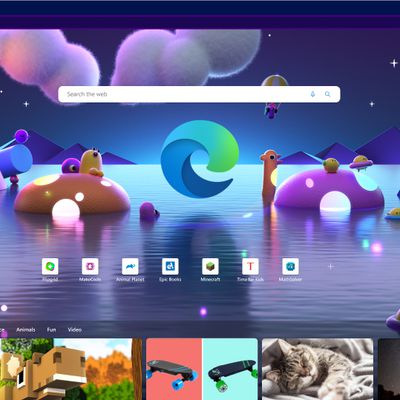
How to Change Your Default Browser on Mac
In macOS, Apple's Safari is the default browser for accessing the web, but you don't have to keep it that way. This article shows you how to change your default web browser to an alternative option. Keep reading to learn how.
Microsoft Edge
Apple's Safari has been met with complaints from some users in recent years over the browser's bugs, user experience, and website compatibility....
Read Full Article
How to Make Your Mac's Pointer Bigger or Smaller
In macOS, Apple allows you to easily increase the size of the mouse or trackpad cursor on the screen, which is great if you find it difficult to keep track of. Keep reading to learn how.
If you're having a hard time working out when the cursor on your Mac's screen moves or changes to an insertion point, crosshair, hand, or other shape, it's worth making it bigger.
Making the on-screen...
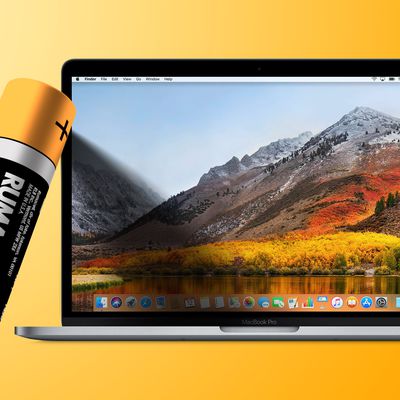
How to Show Battery Percentage in Your Mac's Menu Bar
If you're the sort of person who likes to know exactly how much battery life your MacBook Pro or MacBook Air has left, then you'll want macOS to show the percentage next to the battery level icon in the menu bar. This article explains how.
If you look at the right-hand side of the menu bar in macOS Monterey, you'll notice a battery level icon indicating the amount of charge your Mac has...
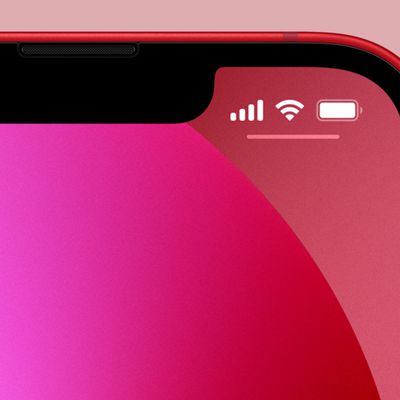
How to Show Battery Percentage on iPhone
If you have an iPhone with a notch, you'll have noticed that the battery level indicator in the top-right corner of the screen doesn't show the actual percentage of battery that's left.
With older iPhones that feature no notch, Apple includes an option within settings to toggle the percentage on or off, but if your iPhone has a notch, there's no setting that will enable it....
How to Send Expiring Emails on iPhone and iPad
Unlike Apple Mail, Gmail for iPhone and iPad offers users the facility to send emails that are passcode protected and expire after a specified time. This article explains how it's done.
If you need to send private information to someone over email, it's best to do it securely, which is why Gmail includes an optional "confidential mode" for sending messages of a sensitive nature.
By...
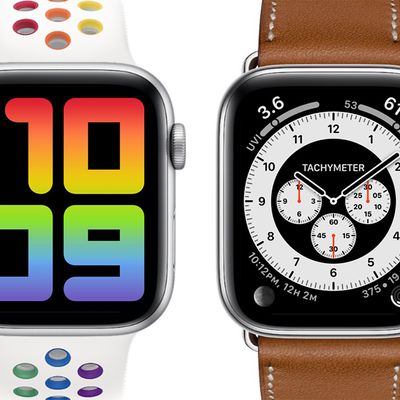
How to Automatically Change Your Apple Watch Face Based on Time or Location
If you find yourself regularly swiping to a different watch face on your Apple Watch depending on what you're doing or where you are, this article is for you. Because thanks to the power that Apple has built into its Shortcuts app, it's possible to make the watch face on your Apple Watch automatically change based on the time of day or your location. Keep reading to learn how.
One of the...

How to Pin Twitter Direct Messages to the Top of Your Inbox
Twitter has added a new feature to its official iOS app that allows you pin chats to the top of your inbox. This article explains how it's done.
Previously only available if you were a paying Twitter Blue subscriber, anyone who uses Twitter's official app for iPhone and iPad can now make their favorite direct message conversations easily accessible by pinning them to the top of the inbox....
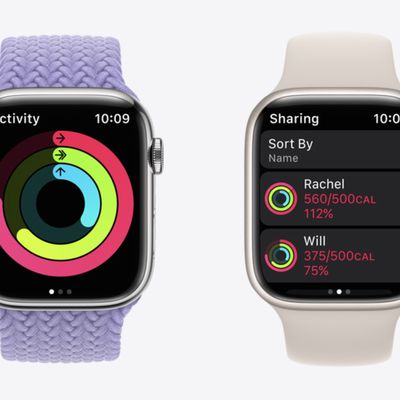
How to Share Your Activity on Apple Watch and Compete With Friends
If you've got an Apple Watch, you can build motivation to stay active and stick to your fitness routine by sharing your activity with your friends and family. Read on to learn how.
One of the great things about Apple Watch is that Apple has built in a social aspect to its activity tracking features that makes it easier to promote camaraderie in pursuit of a shared exercise goal.
By...
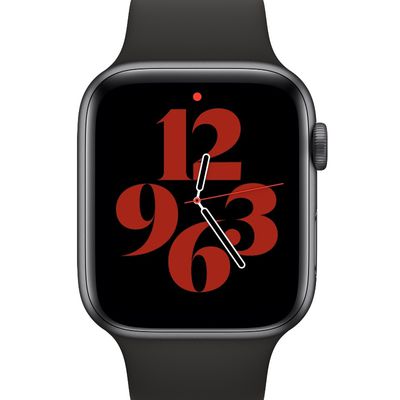
Why There's a Red Dot on Apple Watch and How to Hide It
If you're wondering what the little red dot means at the top of the watch face on an Apple Watch, this is an indicator that you have unread notifications. If you'd like to know how to get rid of it either temporarily or for good, read on.
What the Red Dot Does
The red dot is a bit like the badge notification you see on iPhone app icons. It's useful for knowing when you have a notification...
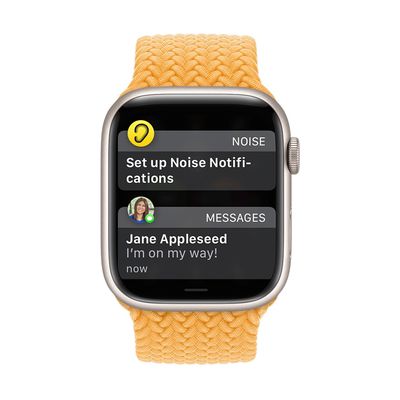
How to Mute or Turn Off Apple Watch Notifications
One of the Apple Watch's most greatest features is the ability to keep you connected to your notifications without needing to have your iPhone in your hand or even in your pocket all of the time.
If your iPhone is unlocked, you'll get notifications on your iPhone instead of your Apple Watch. But if your iPhone is locked or asleep, you'll get notifications on your Apple Watch, unless your...
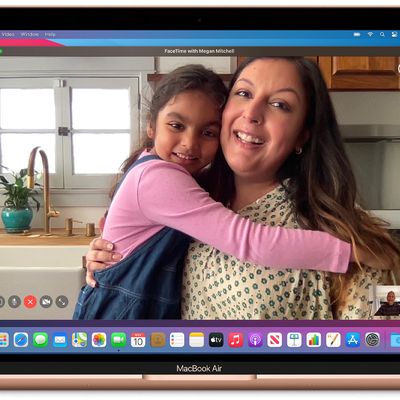
How to Enable Wide Spectrum Audio in FaceTime on Mac
In macOS Monterey, Apple brings several enhancements to its FaceTime video and audio calling platform, including new visual and audio effects to improve your call experience.
One of the audio features is Wide Spectrum mode. This microphone mode brings every single sound into your call, making it ideal for when you want the other person to hear everything that's happening in the space you're ...
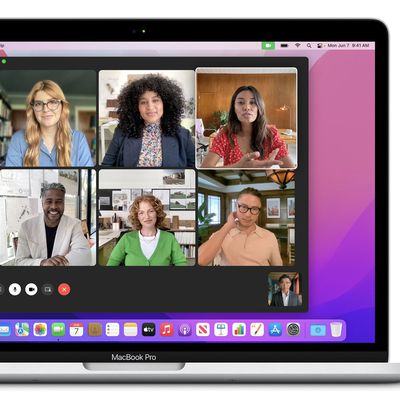
How to Reduce Background Noise in FaceTime on Mac
In macOS Monterey, Apple has made its FaceTime video calling platform more appealing with several new features that aim to make it a viable alternative to rival video conferencing apps.
One of the new audio features is Voice Isolation mode for your microphone, which separates your voice from any distracting background noise that might be on the call. The feature uses machine learning to...

How to Turn Your Old Mac into a Chromebook
If you have an aging Mac lying around that struggles to run the latest macOS and has stopped receiving security updates from Apple, it's possible to give it a secure second life by installing software that essentially turns it into a Chromebook.
That's because Google has released an early access version of Chrome OS Flex, which offers a way to replace the operating system on older PCs and...

macOS: How to Use Live Text to Copy and Share Text in Images on Your Mac
In macOS Monterey, Apple introduced a feature called Live Text that can automatically recognize text when it appears in an image in Safari, Photos, Preview, Quick Look, and elsewhere, allowing you to easily copy or share it.
For example, if you have a picture in the Photos app of a storefront that displays a phone number, you can capture that number to add to your contacts. It's an incredibly ...
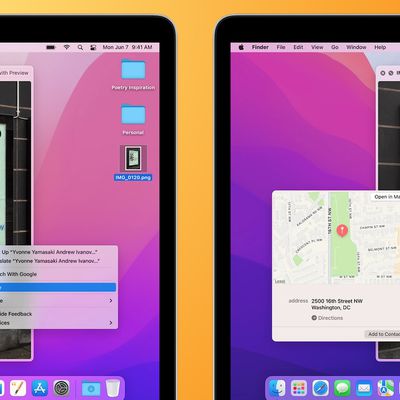
How to Turn Off Live Text on Mac
In macOS Monterey, Apple's Live Text feature can automatically recognize text when it appears in an image in Safari, Photos, Preview, Quick Look, and elsewhere, allowing you to copy or share it. If you find this text auto-detection a distraction, and you might prefer to turn it off. This article explains how.
How to Turn Off Live Text in macOS
Launch System Preferences from your Mac's Dock, ...

How to Disable Live Text on iPhone and iPad
In iOS 15 and iPadOS 15, Apple's Live Text feature can automatically recognize text when it appears in your camera's viewfinder, in a photo or screenshot you've taken, and in Safari, and let you copy or share it. Sometimes, however, the text auto-detection can become a distraction, and you might prefer to turn it off, either completely or just for the Camera app. This article explains how.
Ho...

How to Schedule Emails on iPhone and iPad
Unlike Apple Mail, Gmail lets users schedule emails to send later on iPhone and iPad. This article explains how it's done.
Have you ever tried to remember to email someone about something on a particular date in the not-so-distant future, but ended up forgetting to send it when the day eventually came around? If that sounds familiar, scheduling emails could be the perfect way to ensure it...

How to Watch the 2022 Super Bowl on iPhone, iPad, and Apple TV
Super Bowl 2022 takes place on Sunday, February 13 at SoFi Stadium in Los Angeles, where the Cincinnati Bengals will take on the Los Angeles Rams. This article outlines some of the ways you can watch it for free on iPhone, iPad, Apple TV, and the web.
When does Super Bowl LVI Start?
Super Bowl LVI kicks off on Sunday, February 13 at 6:30 p.m. ET, or 5:30 p.m. Central, 4:30 p.m. Mountain,...
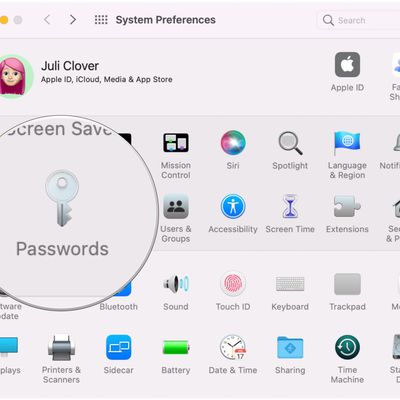
macOS 12.3: How to Add Notes to iCloud Keychain Entries
In macOS Monterey 12.3, currently in beta, Apple has added the ability for users to add notes to account entries in iCloud Keychain. This article explains how it's done.
Slowly but surely with each iteration of macOS, Apple has been improving iCloud Keychain to put it on equal footing with rival third-party password managers such as 1Password. And in macOS 12.3, it continues that...
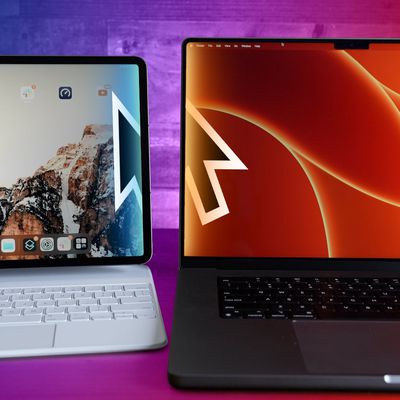
How to Use Universal Control Across Macs and iPads
As of iPadOS 15.4 and macOS Monterey 12.3, Apple has introduced support for Universal Control, the long-awaited feature that's designed to allow multiple Macs and iPads to be controlled with a single mouse and keyboard.
Thanks to Universal Control, you can use the same cursor and keyboard on any nearby Mac or iPad that's signed into your iCloud account. So, for example, if you have a...
