


How to Transfer Your WhatsApp Chat History From Android to iPhone
After a long wait, Meta this week announced the ability to transfer WhatsApp chat history, photos, videos, and voice messages from Android to iPhone while maintaining end-to-end encryption. The system uses Apple's Move to iOS app for Android phones, and can be initiated during the setup process for a new (or factory reset) iPhone.
This article runs through the steps involved in transferring...
Read Full Article • 29 comments
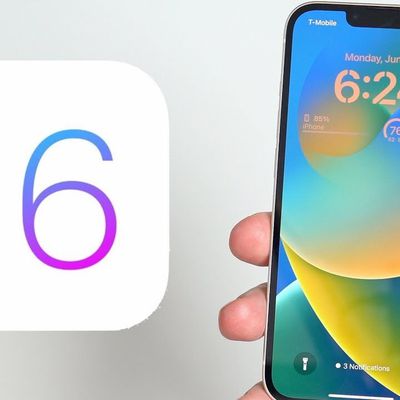
How to Know If Your iPhone Supports iOS 16
Apple announced iOS 16 at its Worldwide Developers Conference in June, with an official release date to the public on Monday, September 12.
iSO 16 introduces new Lock Screen personalization features including widgets, new Messages features like Mark as Unread and the ability to edit or delete sent messages, new Focus filters, new ways to use SharePlay, and more. This version also includes...
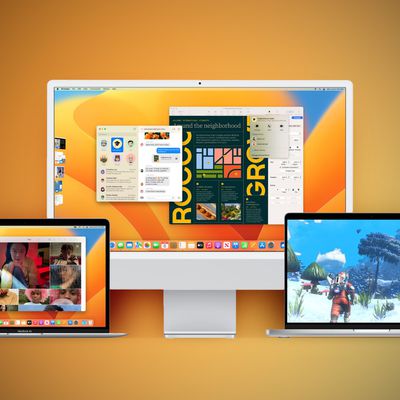
How to Know If Your Mac Supports macOS 13 Ventura
Apple announced macOS 13 Ventura at its Worldwide Developers Conference, paving the way for developers and public beta testers to test the new operating system for Mac before its official release in the fall.
macOS Ventura introduces a new multitasking feature called Stage Manager, a revamped Mail app, enhanced Spotlight Search, a next-generation authentication technology called Passkeys,...
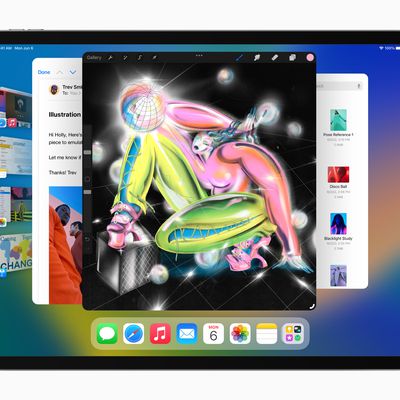
How to Know If Your iPad Supports iPadOS 16
Apple announced iPadOS 16 at its Worldwide Developers Conference, paving the way for developers and public beta testers to test the new iPad operating system before its official release in the fall.
iPadOS 16 introduces new multitasking features, new collaboration features in Messages and Safari, an improved Mail app, a dedicated Weather app, and more. This version also includes "pro"...
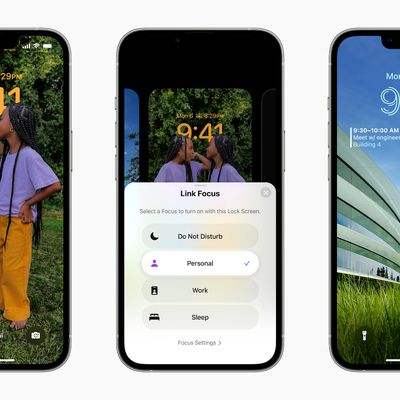
iOS 16: How to Make Your iPhone Switch Lock Screens Based on Time or Location
Apple has introduced several improvements to Focus modes in iOS 16, and one of them is the ability to link a custom Lock Screen to a particular Focus mode. With the wealth of personalization options that can now be applied to Lock Screens, this means you can customize them specifically to better reflect your focus.
One of the great things about iOS 16 is that it allows you to make Lock...
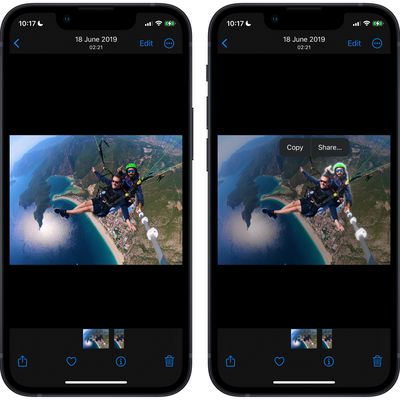
iOS 16: How to Isolate, Copy, and Share Subjects From Photos
In iOS 16, Apple has enhanced its Visual Look Up capability for photos by making it possible to isolate the subject of a picture from its background so that you can copy it to the clipboard for use elsewhere or share it in another app.
Subscribe to the MacRumors YouTube channel for more videos.
Apple says the feature relies on advanced machine learning, and in our time experimenting with it...
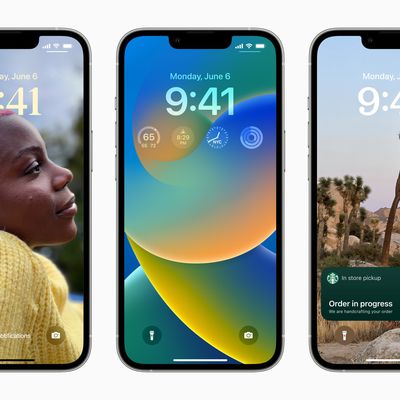
iOS 16: How to Create a New iPhone Lock Screen
In iOS 16, Apple has added multiple options to customize the iPhone Lock Screen, including the ability to change the font and color, apply filters, and even add information-rich widgets to your wallpaper.
Apple has created a variety of customizable Lock Screen wallpaper types that you can choose from, including shuffling photos, Emoji backgrounds, Apple Collections, and Colors, as well as...
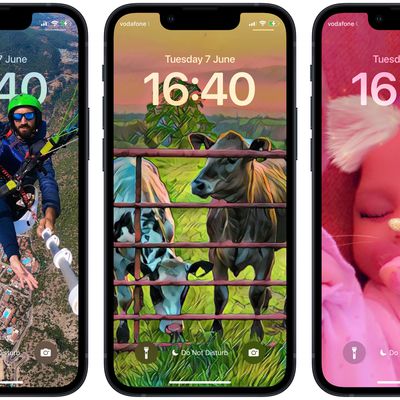
How to Shuffle Your iPhone's Lock Screen Wallpaper
In iOS 16 and later, Apple includes several Lock Screen personalization features for iPhone. Keep reading to learn how to make your Lock Screen wallpaper shuffle through photos at custom intervals.
Apple has made it possible for users to customize the Lock Screen in ways that were simply not possible in earlier versions of its mobile software. In iOS 16 and later, there are options to apply...
How to Customize Your iPhone's Lock Screen
With iOS 16, Apple introduced a complete overhaul of the iOS Lock Screen, making it more customizable than ever and able to display information-rich widgets. This article shows you how to personalize your iPhone's Lock Screen in iOS 16.
In iOS 16, you can customize the Lock Screen with unique fonts, colors, and, for the first time, widgets. To get started, all you need to do is unlock your...
How to Install iOS 16 and iPadOS 16 Beta
If you're keen to try out the new features and improvements in iOS 16 and iPadOS 16, you can test beta versions of the software today. Keep reading to learn how to download and install it on your device.
With iOS 16 and iPadOS 16, Apple is introducing several new features and improvements, including a revamped Lock Screen, editing and undo features for Messages, new SharePlay features, an...
How to Downgrade From iOS 16 to iOS 15
If you've installed iOS 16 or iPadOS 16 through Apple's developer program, you may decide you want to downgrade because of usability or stability issues. Keep reading to learn how it's done.
Apple's beta versions of its major software updates can be notoriously buggy, especially the early releases. You may find apps not working properly, poor battery life, device crashes, and features that...

How to Watch Apple's WWDC 2022 Keynote on June 6
The 2022 Worldwide Developers Conference is set to kick off on Monday, and like the 2020 and 2021 events, it will be held digitally with all developers able to participate for free. WWDC is aimed at developers who create apps for Apple's platforms, but Apple holds a keynote event that is of interest to the general public.
Apple's keynote event is set to take place on Monday, June 6, and it...
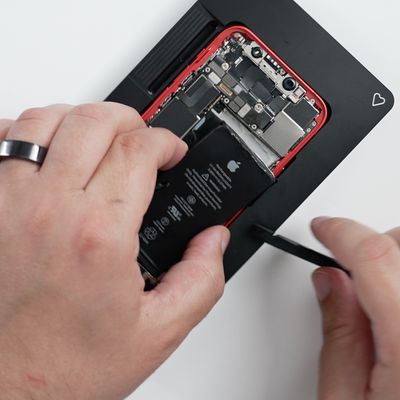
How to Put Your iPhone in Diagnostics Mode
Apple in April 2022 launched a dedicated Self Service Repair program for iPhone that provides the repair manuals, parts, and tools necessary for fixing the display, battery, bottom speaker, camera, display, SIM Tray, and Taptic Engine.
If you repair your iPhone using Self Service Repair, you might be asked to put your iPhone in diagnostics mode as part of the System Configuration...
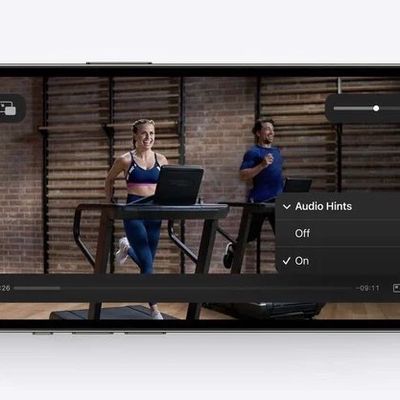
How to Use Apple Fitness+ Audio Hints on iPhone and iPad
Apple Fitness+ supports a new accessibility feature developed by Apple called Audio Hints, which provides verbal cues in addition to those given by trainers for the benefit of blind and low vision users. This article explains how to enable them.
Apple in March 2022 announced a spate of new accessibility features that combine the power of its hardware and software with machine learning, and...
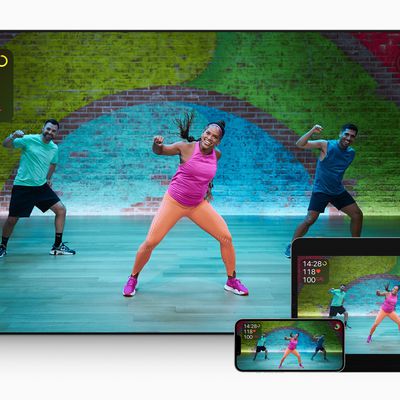
How to Use Apple Fitness+ Audio Hints on Apple TV
Apple Fitness+ supports an accessibility feature developed by Apple called Audio Hints, which provides verbal cues in addition to those given by trainers for the benefit of blind and low vision users. This article explains how to enable them on Apple TV, but you can also use them on iPhone and iPad.
Apple in March 2022 announced a spate of new accessibility features that combine the power of ...
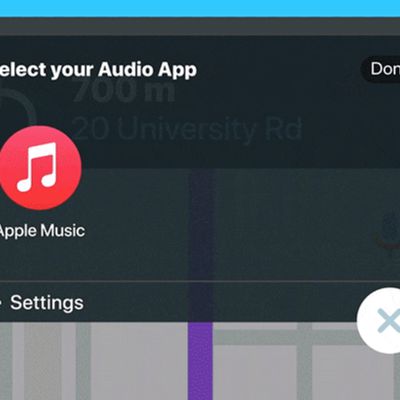
How to Use Apple Music With Waze
Community-driven GPS navigation app Waze recently gained support for Apple Music integration, making it easier and safer for Waze users to enjoy the Apple Music catalog from within the Waze app while traveling. This article explains how to set up the feature.
Waze is a popular Google-owned maps app that is unlike many other maps apps because it uses user-submitted travel times and...

How to Enable TikTok Dark Mode
Every self-respecting app has a dark mode, so why should TikTok [App Store] be any different? Especially given that it's the sort of app you could end up scrolling through endlessly at 2 a.m. in the morning.
Any respite from that blinding white interface is likely to be welcomed by your poor bleary eyes, which is why it's always a good idea to turn on TikTok's Dark mode.
That said, it's...

How to Restart Apple Studio Display
The Studio Display is Apple's first-ever display to feature a built-in custom processor. It also lacks a power button, making it different from other monitors.
For one, the A13 Bionic chip inside the Studio Display is the same processor Apple used in the iPhone 11 series, and it drives the display's audio and camera systems. The inclusion of a dedicated computer processor also means the...

How to Play Fortnite on iPhone and iPad for Free
Fortnite has been unavailable to play on the iPhone and iPad since Apple banned it from the App Store amid an ongoing legal battle with Epic Games, but the battle royale game has returned to iOS devices thanks to Microsoft's Xbox Cloud Gaming service. This article explains how to get Fortnite up and running on the service – keep reading to learn how it works.
Apple removed popular title...
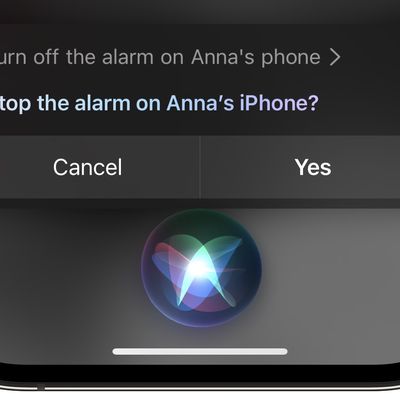
How to Silence An Alarm on a Family Member's iPhone Using Your Own iPhone
If you live in a family household, there's a good chance that at some stage you've been disturbed by someone else's alarm going off on their iPhone. If their phone is out of your reach and no one else is bothering to turn off the alarm, the disturbance can quickly become irritating, but if your own iPhone or iPad is nearby, there's a handy trick you can use to silence that alarm without you...
