

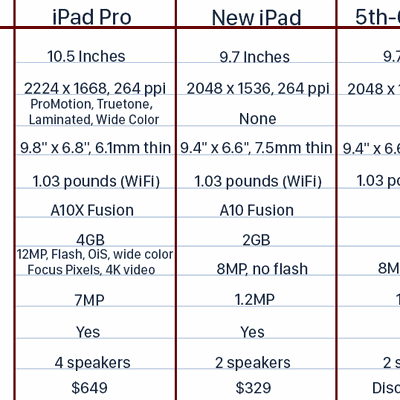
New Sixth-Generation iPad vs. 10.5-Inch iPad Pro
Support for the Apple Pencil was one of the major differentiating factors between the fifth-generation iPad and the 10.5-inch iPad Pro, with Apple Pencil connectivity limited to Apple's more expensive flagship tablets.
Now that Apple Pencil support has been built into the sixth-generation iPad, which costs just $329, the Apple Pencil is far more accessible and there's less separating Apple's...
Read Full Article • 202 comments
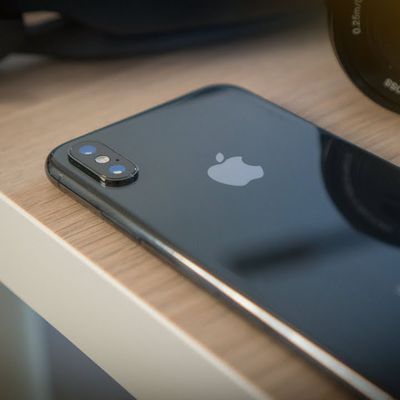
How to Capture Better Videos With Your iPhone
Apple's newest iPhones can capture high-quality 60 FPS 4K video, but there are a lot of other factors that need to be taken into account to make excellent videos that can compete with what you can do with a traditional camera.
Lighting, stabilization, settings, and composition are all elements that can make or break a video, and in our latest guide on YouTube, we're sharing a series of tips...

Seven Useful macOS Tricks You Might Not Know
There are a lot of hidden features in both macOS and iOS that often go under the radar, either because they've not received much attention from Apple, or they've been forgotten after a period of time.
In the latest video over on our YouTube channel, we've rounded up some useful macOS tips and tricks that you might not know about.
Subscribe to the MacRumors YouTube channel for more videos.
...
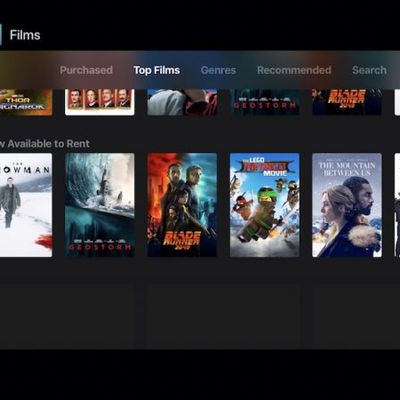
Top 10 Apple TV Remote Tips and Tricks
When Apple released the fourth-generation Apple TV in 2015, it also included a new Siri Remote with the set-top box (although in some regions Apple kept the original name "Apple TV Remote" due to Siri not working in those territories).
Subscribe to the MacRumors YouTube channel for more videos.
The redesigned remote features dual microphones for Siri support as well as a glass touch surface...

10 Essential Tips for Using the macOS Finder More Efficiently
The Finder is a classic Mac system component that's ever-present on your desktop, ready to help you find and organize your documents, media, folders, and other files. It's the smiling icon known as the Happy Mac logo on your Dock, and includes the Finder menu bar at the top of the screen.
Subscribe to the MacRumors YouTube channel for more videos.
A lot of hidden power resides in every...

How to Disable Apple's Performance Management Features in Older iPhones in the iOS 11.3 Beta
Starting with the second beta of iOS 11.3, Apple has introduced a new "Battery Health" feature that's designed to provide you with more information about the state of your battery and whether or not it's impacting device performance.
If your iPhone has a degraded battery that is leading to throttling issues, the "Battery Health" section will let you know about it, and it will provide an...

Top 10 Hidden Force Touch Features on Apple Watch
Force Touch is one of those Apple Watch features that's so discreet and unassuming it's easy for users to forget it even exists. That's a shame, because just like 3D Touch on iPhone, Apple has implemented the haptic feedback technology across the entire watchOS interface, putting additional hidden functionality right at your fingertips.
In this article, we've collected 10 of our favorite...
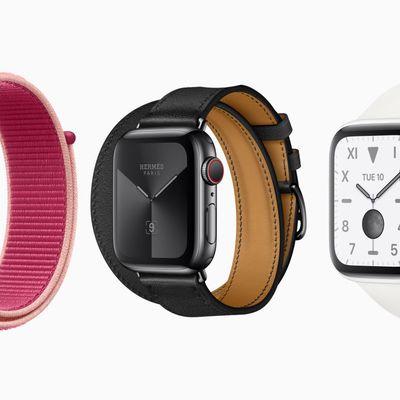
How to Get More Battery Life Out of Your Apple Watch
The Apple Watch is the most popular smartwatch on the market, yet battery life has never been its strong suit. That said, Apple has made improvements in this area with successive models, and while the company still only promises all-day battery life on a single charge, many Series 3 and 4 owners find they can get a lot more.
Of course, how long a given Apple Watch lasts between charges...
Best Wireless Chargers for iPhone X, iPhone 8, and iPhone 8 Plus
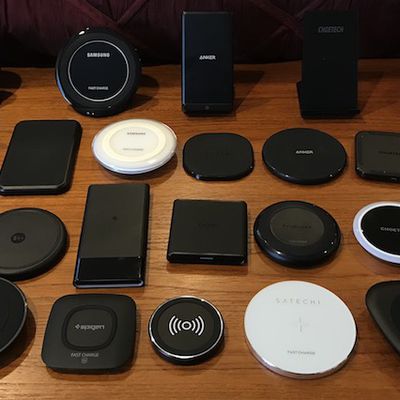
With the release of the iPhone X, iPhone 8, and iPhone 8 Plus, Apple now supports Qi-based wireless inductive charging on its latest phones, and that means charging pads have quickly become popular accessories for iPhone owners.
Apple's favored partners for wireless charging pads are Belkin and mophie, and Apple is carrying a $60 charger from each company in its own online and retail stores. ...
Tips and Tricks for Getting the Most Out of Your New AirPods
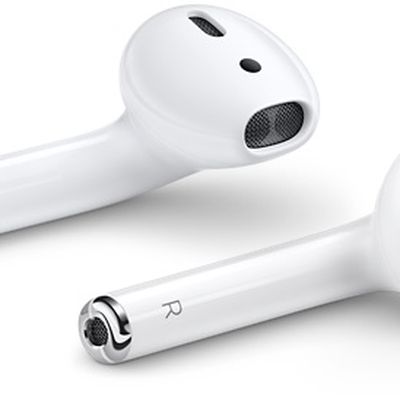
AirPods were a hot ticket item this holiday season, selling out from Apple and other retailers.
We're guessing quite a few MacRumors readers got new AirPods during the holidays, so we thought we'd share some super handy tips and tricks that'll help you get the most out of your new earphones.
Subscribe to the MacRumors YouTube channel for more videos.
AirPods Requirements
To use all of the ...
Getting to Know Your New iPhone X - What's Different
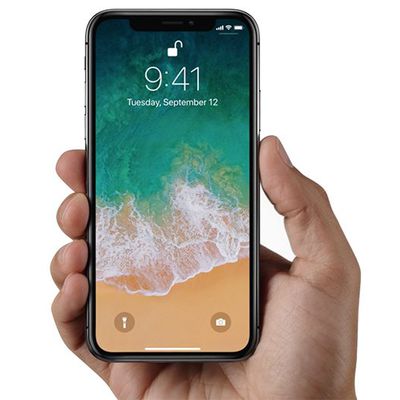
Rumors originally suggested the iPhone X would be tough to get through the holidays, but Apple significantly ramped up supply, so it's been relatively easy to get a new iPhone X ahead of Christmas.
That means lots of new iPhone X devices are getting unboxed today, and if you're coming from an iPhone 8 or later, it's a big adjustment. Those of us who have been using an iPhone X since November...
iPhone X Charging Speeds Compared: The Fastest and Easiest Ways to Charge Your iPhone
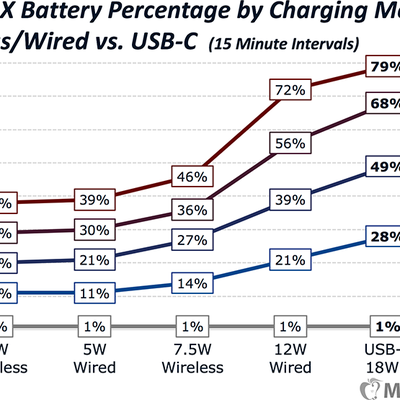
With the addition of both fast charging and wireless charging to Apple's 2017 iPhone lineup, there are more ways than ever to charge your iPhone. Every method is different -- some are faster and more expensive, while others are slower but more convenient. We did this testing in 2017 for the iPhone X, but it is still relevant for newer iPhones. USB-C charging is always going to be faster than...

What You Need to Know About HEIF in macOS
With the official release of iOS 11 and macOS High Sierra, Apple introduced support for a new image format called HEIF, which uses the file extension HEIC. Apple sees HEIF as a worthy successor to the JPEG format. So what makes it so good that it can replace an industry standard that's been in use for almost 25 years?
What is HEIF?
HEIF stands for High Efficiency Image Format and can be...
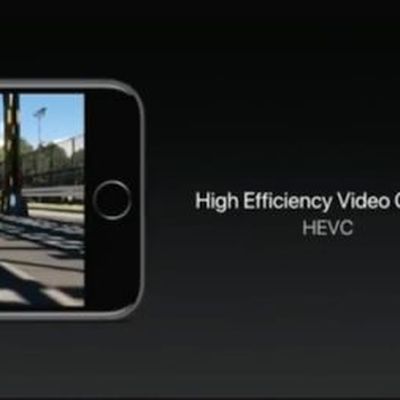
What You Need to Know About HEVC Video in macOS High Sierra and iOS 11
With the arrival of iOS 11 and macOS High Sierra, Apple is supporting a new video format called HEVC, which replaces the previous standard most commonly used on Mac and iOS devices, namely H.264 / AVC. So why has Apple adopted the HEVC format, and what difference will it make to the end user?
What is HEVC?
High Efficiency Video Coding (HEVC), also known as H.265, is a next-generation video...
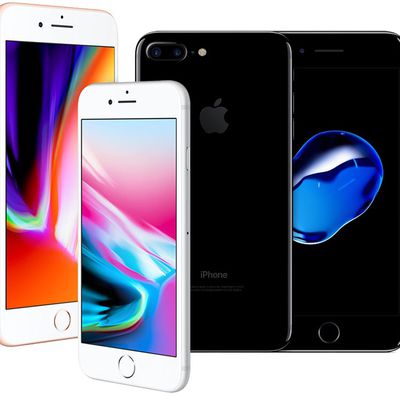
iPhone 8 Plus vs. iPhone 7 Plus Buyer's Guide
Apple at its annual September event introduced the iPhone 8, iPhone 8 Plus, and iPhone X.
iPhone 8 Plus on left and iPhone 7 Plus on right
iPhone X is Apple's new flagship smartphone, with a radically redesigned edge-to-edge OLED display and a TrueDepth front camera system with Face ID facial recognition, but it's also considerably more expensive at $999 and up.
iPhone 8 and iPhone 8 Plus...
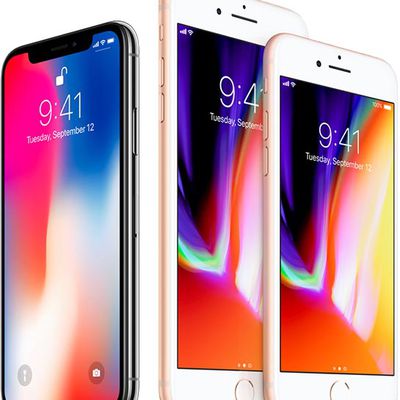
iPhone X vs. iPhone 8 and 8 Plus: Display Sizes, Cameras, Battery Life, Face ID vs. Touch ID
Apple on Tuesday hosted its first-ever event at Steve Jobs Theater, where it unveiled the iPhone 8, iPhone 8 Plus, and iPhone X.
iPhone X is Apple's new flagship smartphone, with a stainless steel frame sandwiched between a nearly edge to edge OLED display on the front and glass on the back. iPhone 8 and iPhone 8 Plus also received a glass-backed design, but otherwise the devices look...
Protecting Your Privacy in Safari for OS X El Capitan
Every time you visit a website you are sharing information about yourself with the outside world. This article runs through a number of methods you can use to gain more control over what gets shared, and who it gets shared with, whenever you use Apple's Safari browser to access the web on a Mac.
It also covers methods you can use to prevent traces of your browsing history from showing up on...
Protecting Your Privacy in Safari for iOS
Every time you visit a website on your iPhone or iPad, you are sharing information about yourself with the outside world. This guide runs through a number of methods you can use to gain more control over what gets shared, and who it gets shared with, whenever you use Apple's Safari browser to access the web on an iOS device.
It also covers some methods you can use to prevent traces of your...

When Can AppleCare Replace a MacBook's Battery?
MacRumors forum member MBP* posted this question about his 2014 MacBook Pro's battery under Mac Basics and Help:"I have a 2014 13" Retina MacBook Pro which I used extensively on a daily basis. I purchased AppleCare for the sole reason of protection against battery depletion over the coming years.
It's hard for me to tell whether my battery has lost capacity, but I'm sure it has against the...

iPhone 6 vs. iPhone 6s Buyer's Guide
Apple's smartphones have been released on a "tick-tock" cycle since 2008. The iPhone 6 lineup represented a "tick" year, which involved a complete design overhaul, while the iPhone 6s lineup was part of a "tock" year, which generally focused on camera and processor improvements, new features such as 3D Touch and Live Photos, and incremental refinements like faster Touch ID, LTE, and Wi-Fi....
