

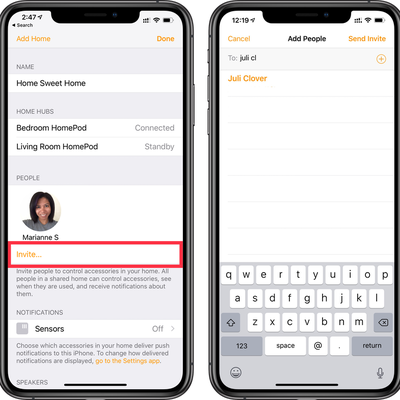
How to Share Access to Your HomeKit Devices with Others
If you share your home with family or roommates, it often makes sense to share access to HomeKit devices with them so they can control your connected lights, blinds, thermostats, etc. As long as they use an iPhone or iPad running iOS 10 or later or a Mac running macOS Mojave or later, Apple makes it easy for you to grant them access via their iCloud account.
On an iPhone or iPad, open the Home ...
Read Full Article
How to Set an Apple Music Song as an Alarm
If you use your iPhone as your alarm clock, chances are it's one of Apple's default alarm sounds that gets you out of bed in the morning. But did you know that you can set any song in your iPhone's music library as an alarm to wake you from your slumber?
What's more, if you're an Apple Music subscriber, you can choose almost any song you can think of to be your alarm, so long as it's included...

How to Subscribe to a Friend's Playlist in Apple Music
If you're an Apple Music subscriber, you can download the playlists that your friends on the service have elected to share.
Before you can see what your friends are listening to in Apple Music you need to set up your profile and start sharing. Follow the first set of steps below to do so, and then continue onto the second series of steps to view your friends' shared playlists in Apple Music.
...
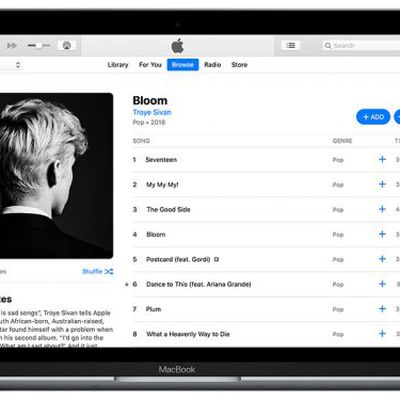
How to See What Your Friends Are Listening to on Apple Music
If you're an Apple Music subscriber, you can share what you're listening to with friends and see what they're listening to on the streaming music service.
Before you can see what your friends are listening to in Apple Music you need to set up your profile and start sharing. Follow the first set of steps below to do so, and then continue onto the second series of steps to follow your friends.
...
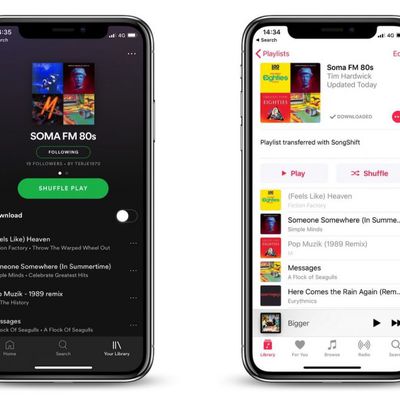
How to Transfer Your Spotify Playlists to Apple Music
If you switch from Spotify to Apple Music, you can transfer your playlists from one streaming service to the other using one of several third-party apps available on the App Store.
In this article, we're going to use one such app called SongShift to do exactly that, as it's easy to set up and you can test it for free before paying the $3.99 in-app purchase that lets you batch process more...
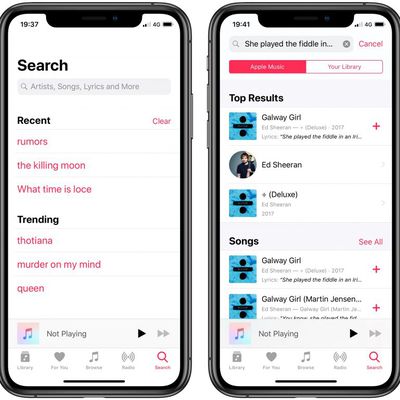
How to Search for Songs Using Lyrics in Apple Music
Have you recently found yourself singing some song lyrics only to discover that you're unable to remember the actual name of the song they belong to?
As an Apple Music subscriber, you can quickly search the entire Apple Music catalog using just a short lyric phrase, allowing you to find the song in question and add it to your library or your favorite playlist for safekeeping. Here's how it...
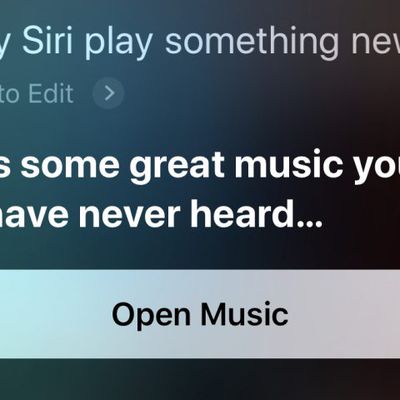
Useful Siri Commands That Work With Apple Music
As an Apple Music subscriber, you can use Siri as a personal DJ to control song playback, queue up songs, find song facts, add songs to your library, play your favorite playlists, or even play something new.
Below is a list of Siri commands that will work on any iPhone or iPad with an internet or cellular connection. Simply say "Hey Siri" or press and hold the Side button/Home button on your ...
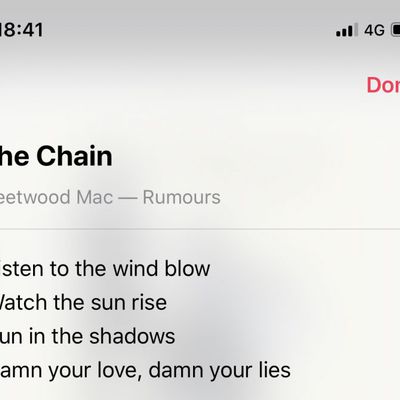
How to See Song Lyrics in Apple Music
If you subscribe to Apple Music, you can view the lyrics for your favorite songs right from within the Music app on your iPhone or iPad.
First, you'll need to start playing a song in the Apple Music catalog or in your library. Once a song is playing, tap on the song's banner just above the Apple Music menu bar at the bottom to bring up the full song interface.
From here, there are two...
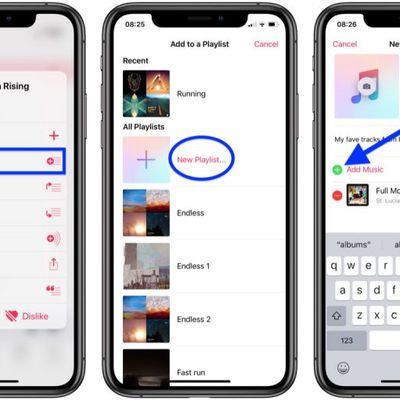
How to Create a Playlist in Apple Music
In Apple Music, you can easily create playlists and combine music from your own collection with music from the Apple Music catalog. Here's how to do it.
Create a Playlist on iPhone and iPad
Launch the Music app on your iOS device and find a song that you want to start a playlist with.
Long press or 3D Touch on the song.
Choose Add to Playlist -> New Playlist.
Tap to give your playlist a...
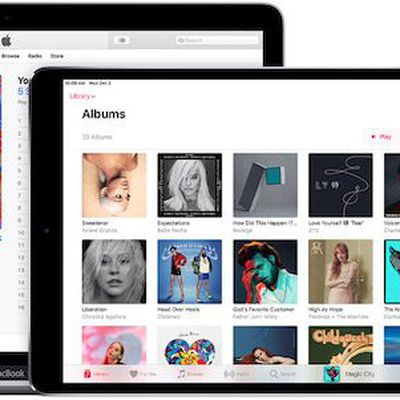
How to Add Photos to Playlists in Apple Music
Once you've created a playlist in Apple Music, adding a cover image of your own is easy. Here's how to do it.
Add a Photo to a Playlist on iPhone and iPad
Launch the Music app on your iOS device and navigate to the playlist you want to add a picture to.
Tap Edit in the upper right corner of the screen.
Tap the cover image.
Choose Take Photo or Choose Photo from the pop-up menu.
Take...
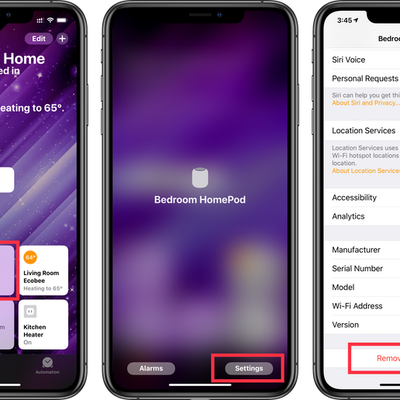
How to Delete a Device from HomeKit with the Home App
If you want to get rid of a HomeKit device or remove it from your HomeKit setup, Apple has made doing so very easy.
In the Home app on your iPhone or iPad:
Press and hold the icon of the accessory you want to remove.
Tap on Settings.
Scroll to the bottom and tap on Remove Accessory.
Removing a HomeKit device on Mac:
Open the Home app and double click (or right-click) on the...
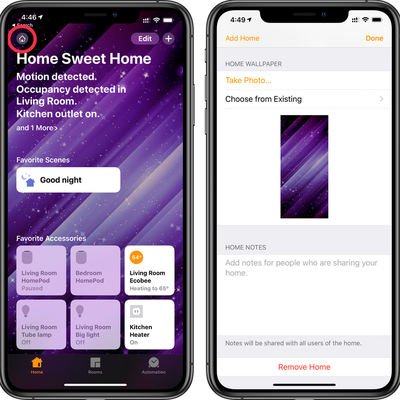
How to Change the Wallpaper in the Home App
Like the home screen on your iPhone and iPad and the desktop on your Mac, you can customize the background of the Home app. The default image of a fence draped in red leafy vines is nice, but you may want an image with some personal meaning or a different aesthetic. Making a change is easy.
In the Home app on an iPhone or iPad:
Click on the home icon in the top left corner.
Scroll down to...
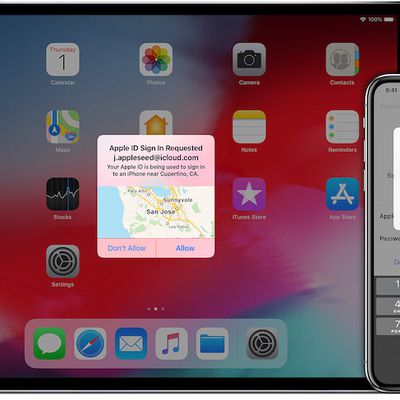
How to Set Up Two-Factor Authentication for Multiple Apple IDs on One Device
As of February 27, 2019, Apple is requiring that all Developer accounts with an Account Holder role be secured with two-factor authentication in order to ensure that only the account owner is able to sign into the account.
Two-factor authentication involves a pop-up code being generated on trusted devices linked to an Apple ID any time a login attempt is made unless you've logged with that...
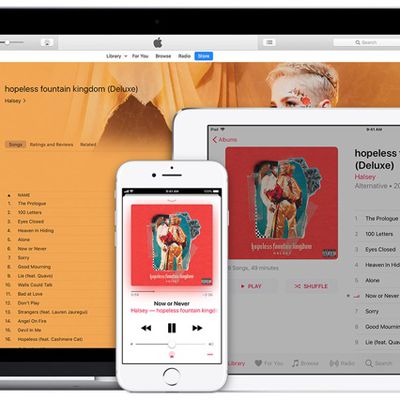
How to Add Music to Your Apple Music Library
If you're an Apple Music subscriber, you can add songs, albums, playlists, and video content from the Apple Music catalog to your personal music library. And if you turn on iCloud Music Library on all your devices, you'll see any Apple Music content you add on one device across all of your devices, as long as they're signed in to your Apple ID.
To add an individual song from Apple Music to...
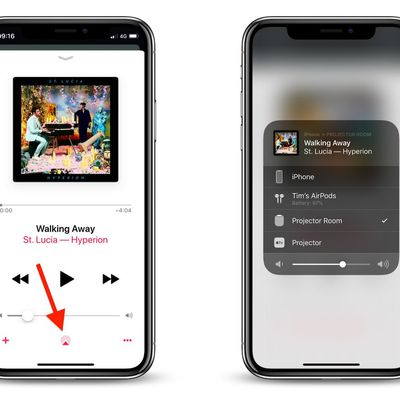
How to Stream Apple Music to an AirPlay Speaker or Apple TV
Whenever you're listening to Apple Music in the Music app, you can quickly stream audio from your iOS device to your Apple TV, HomePod, or any AirPlay-compatible speaker.
Bring up the screen showing the currently playing song and then tap the AirPlay icon centrally located at the bottom of the interface.
This will being up an audio output panel, where you'll see a list of devices and...
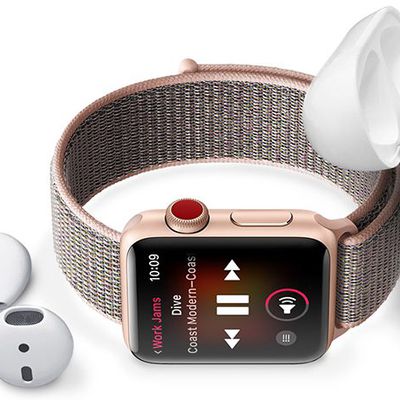
How to Use Apple Music on Apple Watch
If you're an Apple Music subscriber with an Apple Watch Series 3 or later, you can listen to Apple Music right on your wrist, thanks to the device's automatic access to your music library.
Before you start listening to Apple Music, make sure your Apple Watch is connected to a local Wi-Fi network or a cellular connection. You'll also need to pair your Apple Watch with some AirPods or other...
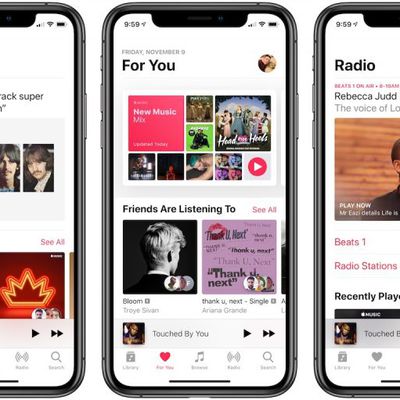
How to Customize Apple Music With Loves and Dislikes
When you first subscribe to Apple Music, you're asked to provide information about your favorite genres and artists so that it can offer you accurate suggestions and curated playlists as soon as you start using the service.
This personalization gradually improves as you continue to use Apple Music, and the best way to influence it is to generously use the Love and Dislike buttons.
How to...
How to Cancel an Apple Music Subscription
When you subscribe to an Apple Music individual, student or family plan, or take advantage of Apple's free Apple Music trial, your subscription automatically renews every month or every year using the payment information you used when your first signed up to the service.
If you want, you can turn off this auto-renewal charge by following the steps below. Note that when you do this, you are...
How to Download Songs for Offline Playback on Apple Music
As an Apple Music subscriber, you have the option to download songs, playlists and albums from the Apple Music catalog to your devices for offline listening.
This obviously takes up local storage on your devices, but it also means you can still enjoy your music even if you don't have an active internet or cellular connection.
Before you can download content from the Apple Music catalog...
How to Add Star Ratings to Songs in Apple Music
Apple Music supports a star rating system that allows you to personally rate a song on a scale of 1-5, which is then saved in your library so you can remember and later sort tracks via the ranking system.
You can enable star ratings on iOS devices from within the Settings app: tap Music in the apps list and toggle on the switch next to Show Star Ratings.
The process required to get to...
