

Juli Clover

Juli is the Managing Editor at MacRumors, and has been covering Apple news and rumors since 2010. She oversees MacRumors' guides, roundups, how tos, reviews, and giveaways in addition to covering daily news. Her work is regularly highlighted on Techmeme and cited by tech publications and news sites.
She is a voracious reader, cinephile, gardener, and gamer, and she resides in California with her carnivorous plants. Juli can be reached at juli@macrumors.com or on Twitter.
Juli Clover's Articles
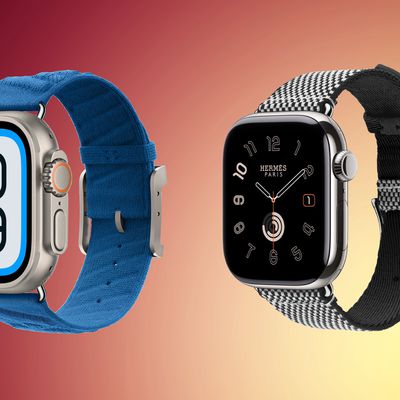
Warning: watchOS 26 Beta 2 Crashes Apple's Expensive Hermès Watches
If you have an Hermès Apple Watch model, you're going to want to avoid installing watchOS 26 beta 2.
According to Apple's release notes for the update, the beta causes the Apple Watch Hermès to crash continually. Apple says that Hermès Apple Watch owners should not update to beta 2 at this time.
Installing watchOS 26 on a Hermès Apple Watch causes the watch to overheat, crash...
Read Full Article • 77 comments
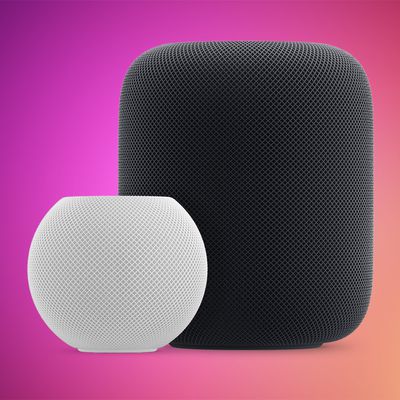
iOS 26 Brings New Functionality to HomePod
With the launch of iOS 26 and HomePod Software 26, Apple is adding support for Crossfade, an Apple Music feature that improves transitions between songs.
Beta testers who have the second HomePod Software 26 and iOS 26 betas now have an option to enable Crossfade. The toggle is a little bit hidden, but it can be found by opening up the Home app, going to Settings, tapping on a person's name,...

iOS 26 Brings Major Improvements to Image Playground
Image Playground is Apple's image generation app that launched last year. Most people may not have a lot of use for the cartoonish images that it produces in iOS 18, but you're going to want to take another look at it in iOS 26 because Apple has improved its algorithms.
People look more natural in the images generated by the app, with more realistic eyes and more variation in hair that...
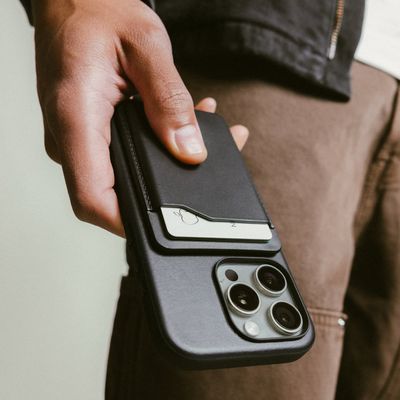
Nomad Launches iPhone Wallet With Find My Integration
Nomad today announced the launch of the Leather Mag Wallet for iPhone, which includes an integrated Tracking Card that works with Apple's Find My app.
The Leather Mag Wallet attaches to the back of a MagSafe iPhone using a magnetic connection, and it serves as an alternative to Apple's own Leather Wallet with MagSafe. Nomad made the wallet from vegetable-tanned Horween leather that will...
Apple Says Some iCloud Services Experiencing Issues
Several of Apple's iCloud services are experiencing issues at the current time, with the System Status page reflecting problems with iCloud Mail, iCloud Storage Upgrades, iCloud Web Apps, iWork for iCloud, and Photos.
iCloud Web Apps and iWork for iCloud are both listed as having an outage at the current time, and Apple says that some users may be experiencing problems.
The other services ...
Apple's Invites App Gets More Backgrounds
Apple today updated its Invites app, adding a new event background options for customizing the look of event invitations that are sent out. Apple says that the added background options are ideal for planning a pool day, drinks with friends, or a watch party for the big game.
There are several new backgrounds in the "Photographic" section, including clouds, a lime slice in soda water, lemon...
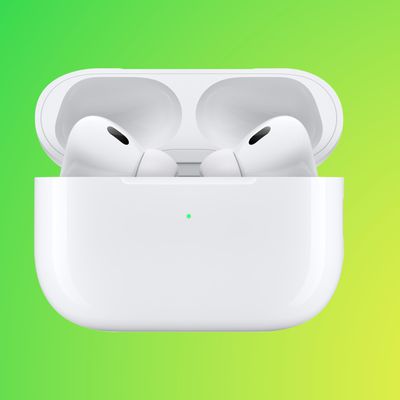
Apple Seeds Updated Beta Firmware for AirPods Pro 2 and AirPods 4
Apple today provided developers with new beta firmware for the AirPods Pro 2 and AirPods 4, with an 8A293c version number. The firmware is only available to developers at the current time, and a device running iOS 26, iPadOS 26, or macOS 26 is required to install the update. This is the second beta so far.
The new firmware adds several features that Apple is debuting alongside iOS 26, iPadOS ...
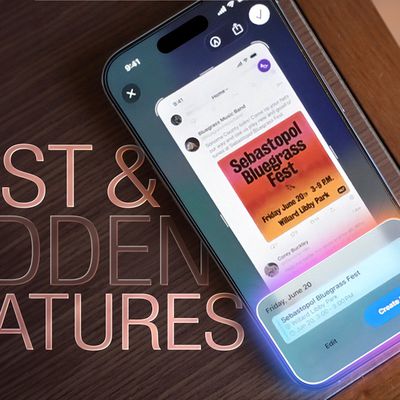
iOS 26 Best and Hidden Features
There are hundreds of changes in iOS 26, some of which are huge updates and some of which are smaller. We've rounded up two lists, one featuring the best features iOS 26 has to offer, and one that includes some of the smaller but still useful changes that are available.
Subscribe to the MacRumors YouTube channel for more videos.
Best iOS 26 Features
Visual Intelligence - In iOS 26,...
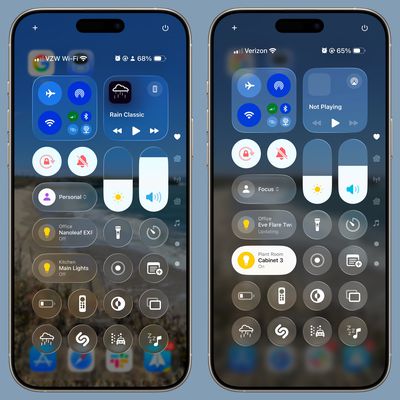
Everything New in iOS 26 Beta 2
Apple provided developers with the second beta of iOS 26, introducing the first changes and refinements to the new operating system since it debuted after the WWDC keynote. Because we're early in the beta testing process, there are quite a few tweaks to iOS 26, which we've rounded up below.
Subscribe to the MacRumors YouTube channel for more videos.
Control Center
The background behind the...
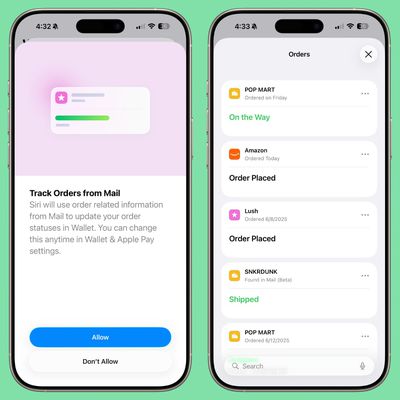
iOS 26 Beta 2 Expands Support for Order Tracking in Wallet
iOS 26 beta 2 adds full support for the order tracking feature that Apple announced at WWDC. In the Wallet app, there is an option to let Siri scan your Mail app to find all orders and emails from merchants, even if those orders weren't made with Apple Pay.
The Wallet app previously had an order tracking feature, but it was only an option when an order was made using Apple Pay.
Order...
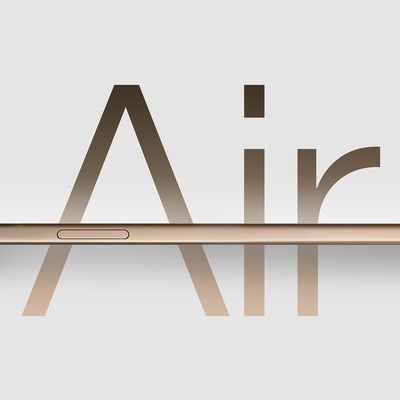
Signs of iPhone 17 Air Spotted in iOS 26 Beta 2
The second beta of iOS 26 hints at the existence of an iPhone with a new display size, perhaps the iPhone 17 Air that's expected this fall.
Macworld found a version of the classic iOS clownfish wallpaper with a "420x912@3x" resolution, which translates to a 1260 x 2736 resolution. That does not match the resolution of any iPhone that's available now, but it is similar in size to what we're...
iOS 26 Beta 2 Fixes Frustrating Safari Design
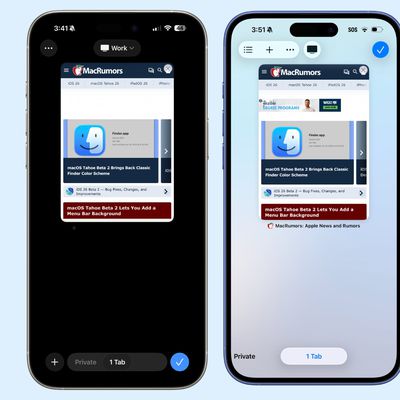
In iOS 26 beta 2, Apple updated the location of the new tab icon in Safari, fixing a frustrating change that was made in the first iOS 26 beta.
Safari in beta 2 on left, Safari in beta 1 on right
The initial iOS 26 release introduced three view options for the tab bar and it changed the look of the interface for managing all open tabs. The tab view significantly altered the placement of...
macOS Tahoe Beta 2 Lets You Add a Menu Bar Background
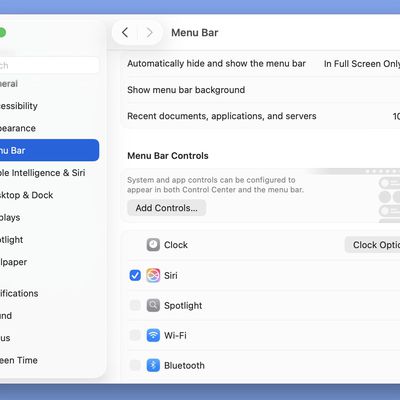
In macOS Tahoe Beta 2, Apple included a new option to add a background to the menu bar, making it possible to have a menu bar design that’s similar to the menu bar in macOS Sequoia.
As part of macOS Tahoe’s Liquid Glass design, Apple removed the background of the menu bar, so it blends into the wallpaper or background behind it. The icons of the menu bar are more free floating with the...
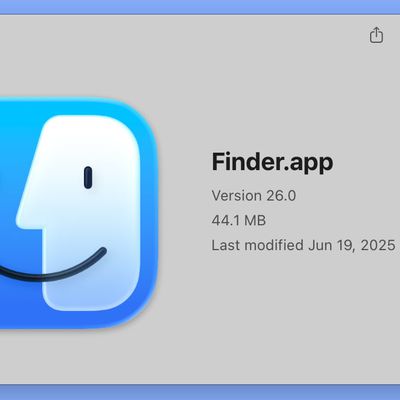
macOS Tahoe Beta 2 Brings Back Classic Finder Color Scheme
In the initial macOS Tahoe beta, Apple swapped the colors of the Finder icon, a longtime Mac classic. Rather than featuring blue on the left side of the face and light blue on the right side, the icon was primarily white and the right side of the face was blue.
macOS Tahoe Finder icon in beta 2
The updated Finder look was a significant deviation from the design that Apple has used for Finder...
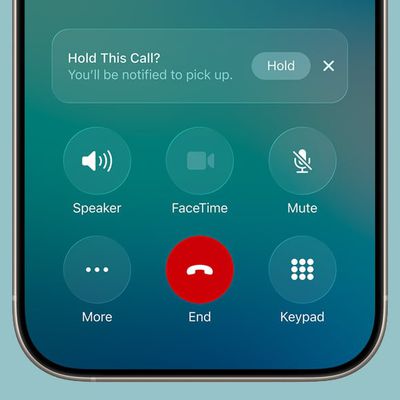
There's a New Ringtone in iOS 26
The second beta of iOS 26 includes a new ringtone that's an alternative to the classic "Reflection" ringtone that Apple uses as a default on iPhones.
Apple didn't give the new ringtone a special name, and it's just listed as "Alt 1" as an option if you tap into Reflection. You can get to the ringtone in iOS 26 by opening up Sounds and Haptics in the Settings app, tapping on Ringtone, and...
iOS 26 Beta 2 Fixes Control Center Design
With the second beta of iOS 26 that Apple provided to developers today, Apple addressed one of the major complaints that people have had with Liquid Glass.
iOS 26 beta 1 on left, iOS 26 beta 2 on right
The Control Center buttons are now slightly more opaque, making it easier to see the different control options even on a multicolored background. The new, more opaque look is apparent with the ...
Apple Seeds Second Beta of macOS Tahoe
Apple today provided developers with the second beta of macOS Tahoe 26 for testing purposes, with the update coming two weeks after the first beta was released following WWDC.
Registered developers can download the new beta software through the System Settings app.
macOS Tahoe features Apple's Liquid Glass redesign, which extends across all of the new updates this year. Apple also brought ...
Apple Seeds Second Developer Betas of iOS 26 and iPadOS 26
Apple today provided developers with the second betas of iOS 26 and iPadOS 26 for testing purposes, with the updates coming two weeks after Apple seeded the first betas following the WWDC keynote.
Registered developers can download the new beta software using the Software Update section of the Settings app.
iOS 26 and iPadOS 26 feature Apple's new Liquid Glass design aesthetic, with a...
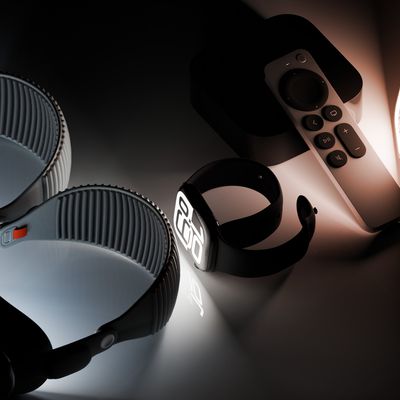
Apple Seeds Second watchOS 26, tvOS 26, and visionOS 26 Developer Betas
Apple today provided developers with the second betas of watchOS 26, tvOS 26, and visionOS 26 for testing purposes, with the betas coming two weeks after the first betas were released after the WWDC keynote.
The software updates can be downloaded through the Settings app on each device. A developer account is required.
watchOS 26 and tvOS 26 adopt new Liquid Glass design changes inspired...
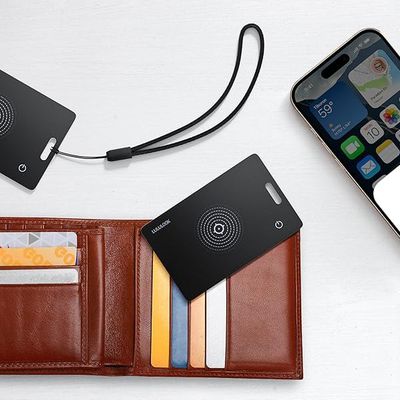
MacRumors Giveaway: Win an iPhone 16 Pro From Lululook
For this week's giveaway, we've teamed up with Lululook to offer MacRumors readers a chance to win an iPhone 16 Pro and a Lululook Find My Tracker Card to go along with it.
Lululook's Tracker Card works like an AirTag, integrating with the Find My app on your iPhone. It's as thin as two credit cards so it can fit right into a wallet or passport, but it also has an optional lanyard on it so...
