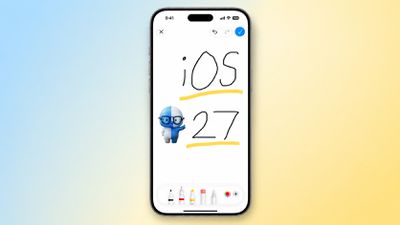
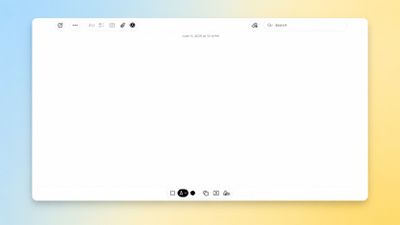
The upcoming iOS 27 and macOS 27 Golden Gate updates expand drawing tools to more of Apple's built-in apps across the iPhone and Mac.
In the Messages app on iOS 27, there is a new "Drawing" option in the app drawer, which can be opened by tapping the plus sign in the bottom-left corner.
On older iOS versions, the Messages app once had a very basic drawing tool that was accessible by tapping a button on the keyboard in landscape orientation, but now Apple's complete set of Markup tools are available in the app.
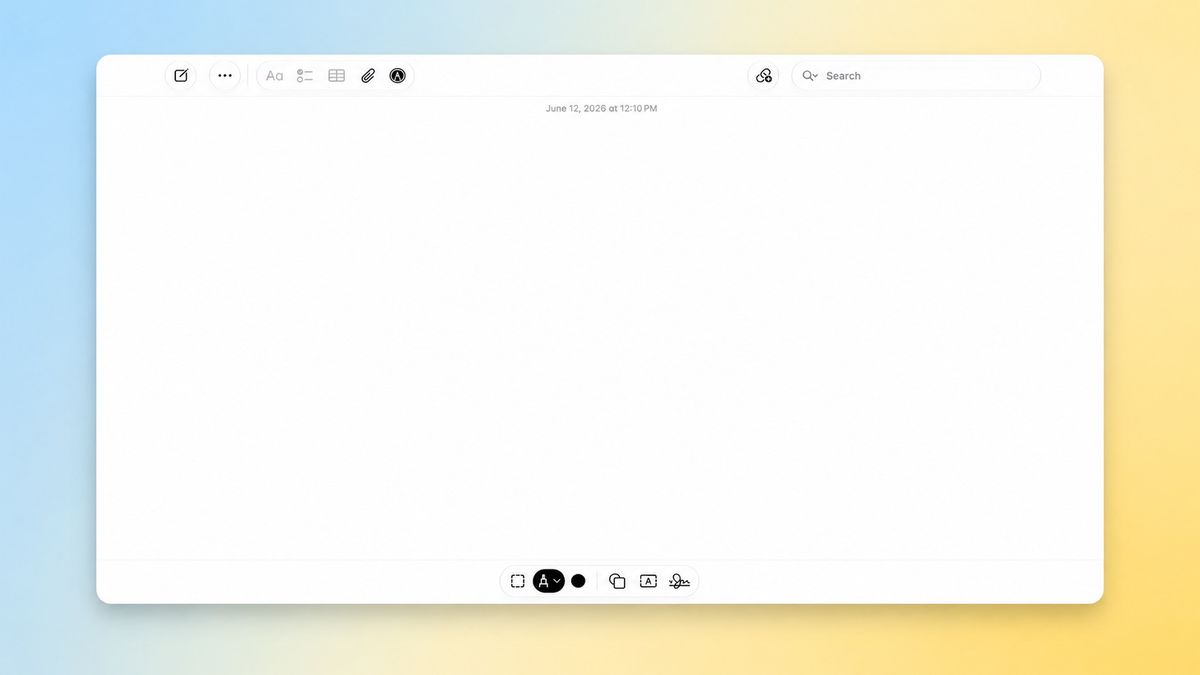
On the Mac, macOS 27 adds the Markup tools to the Notes and Freeform apps.
iOS 27 and macOS 27 are currently available in developer beta. The updates are expected to be released to the general public in September.
Monday November 16, 2026 10:17 am PST by Juli Clover
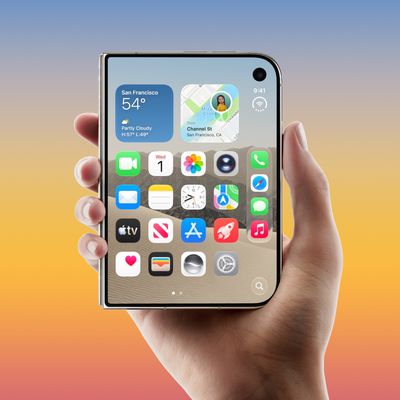
Apple today added a new option for unlocking the iPhone Duo using the front-facing camera, giving device users multiple ways to access their content. The feature is available in the second iOS 27.3 beta.
The option to unlock with facial recognition is only available on the Lock Screen, and authentication via Touch ID is still needed for Apple Pay purchases, adding passwords and logins, and...
Monday November 9, 2026 3:07 pm PST by Juli Clover
The iOS 27.2.1, iPadOS 27.2.1, and macOS 27.2.1 updates Apple released today fix a handful of security vulnerabilities. With the security fixes implemented, it's a good idea to update as soon as you can.
A bug with iMessage could let a remote attacker join a group chat to receive its messages, and another could let users see messages sent before they joined a group chat.
Most of the...
Monday November 9, 2026 10:09 am PST by Juli Clover
Apple today released iOS 27.2.1, a minor update to the iOS 27 operating system. iOS 27.2.1 comes two weeks after the launch of iOS 27.2.
iOS 27.2.1 includes addresses bugs and patches security vulnerabilities according to Apple's release notes for the update.
You can download iOS 27.2.1 over the air by going to Settings > General > Software Update.
Apple has also released iOS 26.7.3...
Interesting. Got a link? Even if it's built into the glass, I'm inclined to think there's thickness penalty somewhere, maybe in the glass itself. Pretty rare that something can be added for free.
“In his latest post on X (Twitter) ('https://x.com/mingchikuo/status/1968249865940709538'), Kuo writes that Apple's much-rumored OLED MacBook Pro will incorporate a touch panel using on-cell touch technology. On-cell touch technology integrates the touch sensors directly into the display panel's top layer (the "cell") rather than requiring a separate, dedicated touch layer.” https://www.macrumors.com/2025/09/17/kuo-2026-oled-macbook-pro-touch-panel/
I’m pretty sure the OLED iPad pros over the last couple years have all used this technology, and as you know, switching from mini LED to OLED still allowed them to shave off of over a millimeter in thickness. So either way, the smaller size requirements of OLED compared to mini LED will allow the display to be even thinner if Apple so chooses, touch or not.
I don't know if Pencil support is likely, but even if it's just touch, the display will likely need to get thicker due to the touch layer. And either way I think there would also need to be a change in form factor. Especially if there's Pencil support, but even if it's just touch, the current traditional clamshell form factor isn't ergonomically conducive. My preference would be a "floating" design somewhat like the iPad Magic Keyboard, but more like a Surface Laptop Studio.
There will be no separate touch layer. Apple has requested Samsung’s on cell tech for the 14 and 16 inch OLED MacBook pros, meaning that the touch layer is implemented directly into the display glass.
Honestly I think basic touch support is more likely. The screens are so thin on MacBook I’d almost be afraid to use the pencil . (Unless the new models drastically change that ofc)
I don't know if Pencil support is likely, but even if it's just touch, the display will likely need to get thicker due to the touch layer. And either way I think there would also need to be a change in form factor. Especially if there's Pencil support, but even if it's just touch, the current traditional clamshell form factor isn't ergonomically conducive. My preference would be a "floating" design somewhat like the iPad Magic Keyboard, but more like a Surface Laptop Studio.



 [/]