macOS Tahoe 26.4 Displays Warnings for Apps That Won't Work After Rosetta 2 Support Ends
macOS Tahoe will be the last version of macOS that supports Intel-based Macs, with Apple planning to phase out Intel Macs entirely following its transition to Apple silicon.

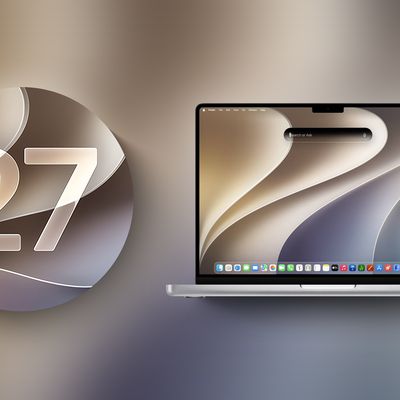
Apple today reminded developers and users that future versions of macOS will not support Intel machines, and Rosetta 2 support for apps will end after macOS 27.
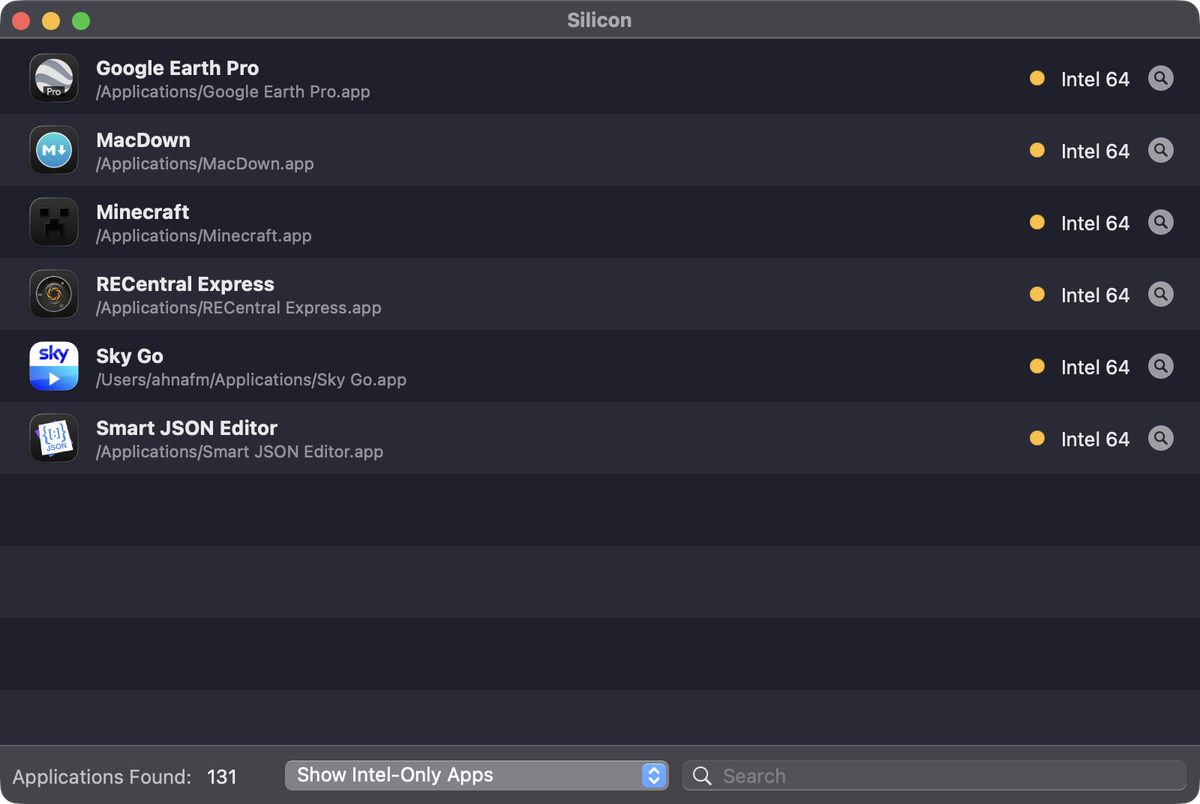
Starting with macOS Tahoe 26.4, when users launch an app that uses Rosetta 2, there will be a popup letting them know that the app will no longer work when support for Rosetta 2 ends.
Apple says that it will continue to support older, unmaintained gaming titles with Rosetta along with software running Intel binaries in Linux VMs beyond macOS 27. There could also be future security fixes.
Apple first announced plans to stop supporting Intel Macs with new versions of macOS back in June 2025 when it debuted macOS Tahoe at WWDC.
Apple started its transition to Apple silicon with the 2020 launch of the M1 Mac machines, and three years ago, the company completed the transition to Apple silicon with the Apple silicon Mac Pro.
macOS 27 will launch in September 2026, so the end of support for Intel-based Macs is approaching.
Popular Stories
Apple today released macOS Golden Gate 27.2.1, a minor update for the macOS Golden Gate operating system.
macOS Golden Gate includes bug fixes and security updates, according to Apple's release notes. The update likely includes a fix to prevent command-line tools from accepting eMudhra's compromised web certificates.
Apple already blocked the compromised certificates on October 19, so...
The new MacBook Pro models with touch-enabled OLED displays feature the Dynamic Island instead of a notch, and it includes support for Live Activities. Fortunately, other Apple silicon Macs will not entirely miss out, as the macOS 27.3 update enables Live Activities for apps like Apple Music, Clock, and Voice Memos in the macOS menu bar.
The first macOS 27.3 developer beta released this week ...
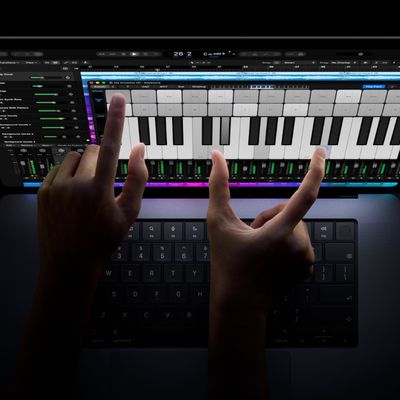
The new MacBook Pro models with OLED displays have an accessibility setting that allows you to turn off touch input entirely, according to MacStories editor-in-chief Federico Viticci.
He also said there is an option to turn on pinch-to-zoom functionality across the macOS Golden Gate...