Apple Releases watchOS 11.6
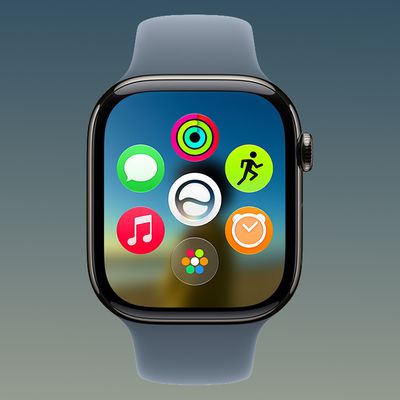
Apple today released watchOS 11.6, the sixth update to the operating system that runs on the Apple Watch. watchOS 11.6 comes more than two months after Apple released watchOS 11.5. The update is compatible with the Apple Watch Series 6 and later, all Apple Watch Ultra models, and the Apple Watch SE 2.
watchOS 11.6 can be downloaded on a connected iPhone by opening up the Apple Watch app and going to General > Software Update. To install the new software, the Apple Watch needs to have at least 50 percent battery and it needs to be placed on a charger.
The watchOS 11.6 update focuses on bug fixes and security improvements, with no new features included. Apple's release notes are below.
This update provides bug fixes and important security updates for your Apple Watch.
Apple will soon replace watchOS 11 with watchOS 26, an update that is set to come out this fall.
Popular Stories
With the first beta of watchOS 27.3, Apple is introducing new Audio Intelligence features it previewed for the Apple Watch Series 12 and Ultra 4 earlier this year. Powered by the S11 chip, Audio Intelligence includes Live Rewind, Siri Recap, Sound Recognition, and Shazam Music Recognition.
Sound Recognition and Shazam are already on the watch, but Live Rewind and Siri Recap are now available ...
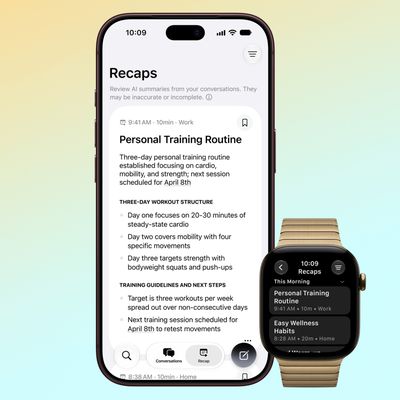
With the watchOS 27.3 beta, Apple started testing Siri Recap. Siri Recap lets the Series 12 and Ultra 4 Apple Watch models listen to conversations to generate a brief summary of what was discussed. Actual audio is sectioned off from apps, Apple, and the rest of the OS, and then discarded after a summary is generated.
It's a privacy-forward way of tracking what's going on around you, but...
Apple today released new watchOS 27.2.1 and visionOS 27.2.1 updates, with the software coming two weeks after the launch of watchOS 27.2 and visionOS 27.2.
According to Apple's release notes, the watchOS update includes security fixes, while the visionOS 27.2.1 update includes security updates and bug fixes.
The new software can be installed using the Settings app on each device.
...