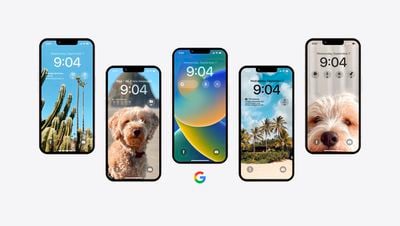
Google has now rolled out all of the promised Lock Screen widgets for its iPhone apps, including the Google app, Gmail, Google Maps, Chrome, Google News, and Google Drive.
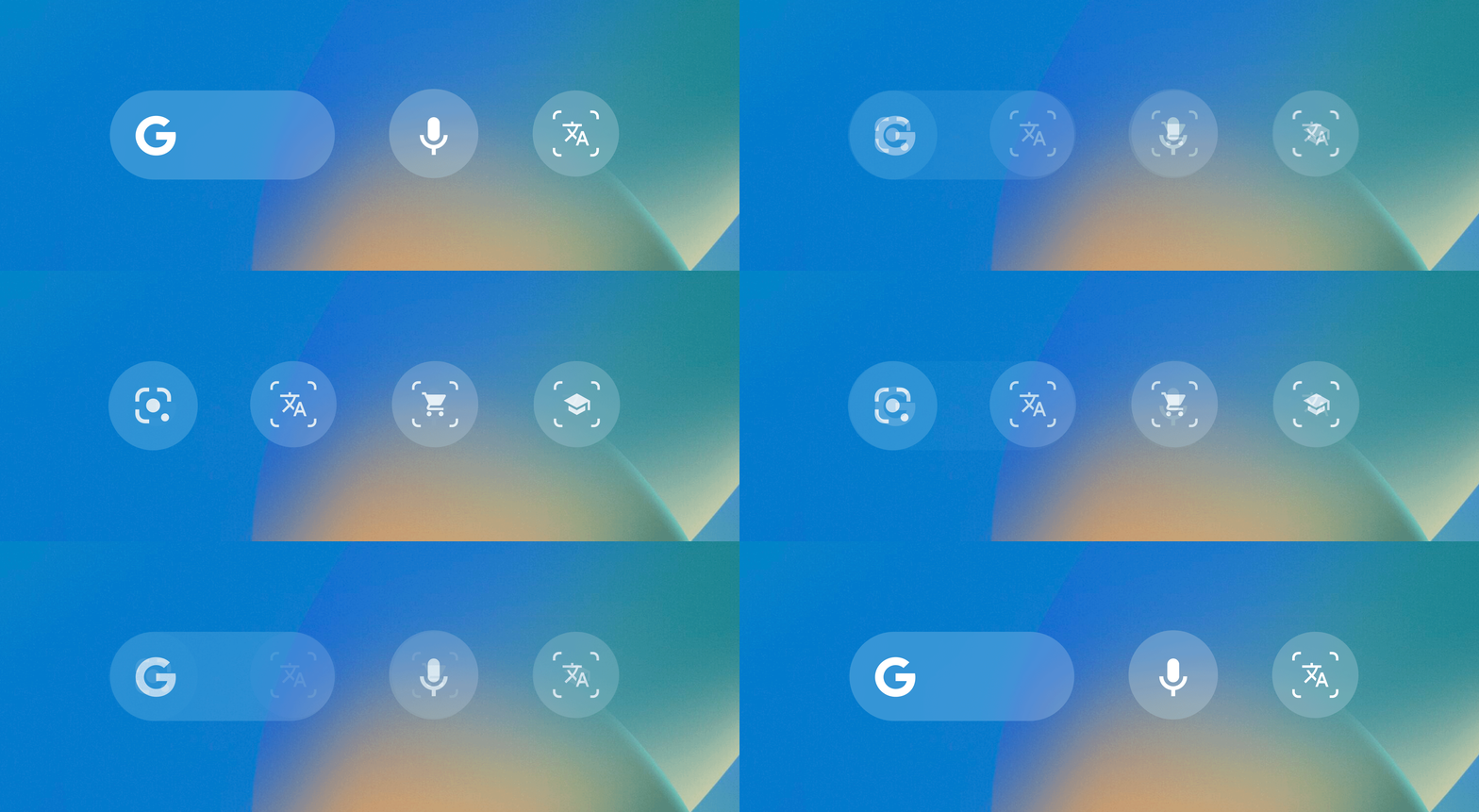
The rollout was completed today with two Lock Screen widgets for Maps, following five widgets for the Google app that were released on Wednesday. In version 233.0 of the Google app, the widgets include the following descriptions, with two widget sizes for Search:
Search: Access Google Search from your Lock Screen
Voice Search: Ask a question, hum a song or search for content with your voice
Lens: Search with your camera or any image
Lens shortcuts: Easily access your favorite Lens feature. Translate, shop, or solve homework with your camera.
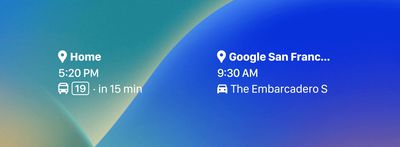
Version 6.40 of Google Maps adds widgets for Search and Frequent Trips, with the latter displaying the location, estimated time of arrival, and traffic conditions:
Frequent Trips: Get directions and an estimated time of arrival for your frequent trips.
Search: Search in Google Maps for restaurants, petrol stations, and more.
Equivalent widgets can be found in Google News, Gmail, Drive, and Chrome. Once the apps are updated on your device, launch the new versions first before trying to add the widgets, otherwise they won't appear in the Lock Screen editor.
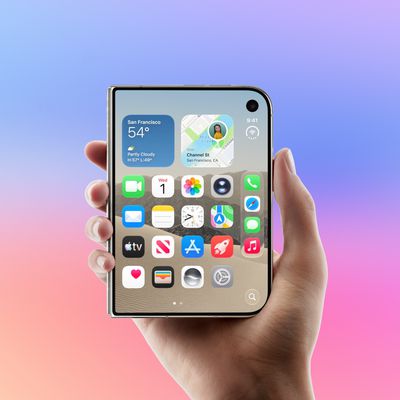
An experimental iPhone Duo interface tested by Apple would allow widgets to occupy two separate areas of the Lock Screen, according to findings shared by the leaker known as "pdfu."
The unreleased layout adds a vertical pair of circular widgets on the right side of the screen. Crucially, pdfu says this arrangement can be used together with the existing bottom row, giving users access to more ...
Thursday November 19, 2026 12:03 pm PST by Juli Clover
Google today expanded Gemini's capabilities, allowing it to take full advantage of your Mac. Gemini for Mac can use apps, files, and websites to complete multi-step tasks in the background while you work in the foreground.
According to Google, Gemini can do repetitive work, handling clicking, typing, menus, and forms. It works in an isolated window with a live preview in the Gemini chat...
Tuesday November 17, 2026 10:19 am PST by Juli Clover
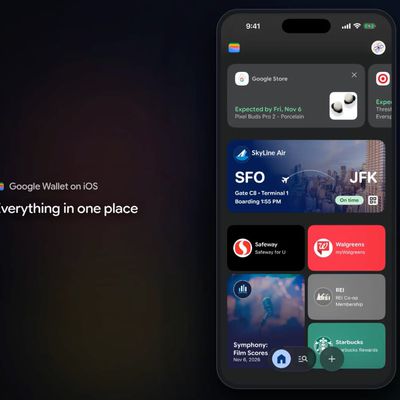
Google today said it is bringing Google Wallet to iOS in the United States, giving users a way to make payments and manage purchases across Google services.
Google Wallet cannot be used for tap-to-pay purchases in retail locations, but it otherwise serves as an alternative to Apple Wallet. It can store payment cards for online checkout with Google Pay, and it syncs with Gmail and other...
I wish apple allocated more space to widgets . Since they hide notifications by default anyway,why not allow the widgets to get further to the bottom ?
I wish apple allocated more space to widgets . Since they hide notifications by default anyway,why not allow the widgets to get further to the bottom ?
Yeah, it would be nice to be able to use more widgets. If Apple wants to keep it to one row to make it the "clean" look, maybe at least let have pages for widgets (like the Home Screen) or stacks (like widgets on the home/today screen) that we can swipe through. Swiping would be done just in the widget area so we don't affect access to the camera or today screens.
Looks cool but I realized quickly that I do not spent much time on the Lockscreen and therefore I have deactivated all my widgets again. I guess it makes more sense on an iPhone 14 Pro with an Always On screen or if you do not have an Apple Watch.
If I did use them, I hope Apple will allow more customisations on iOS 17. Maybe a carusel to easily flip between MORE widgets? I also find the limited arrangement of the widgets somewhat ugly, especially when you only have one widget enabled. I wish it could be placed in the center.
I wish apple allocated more space to widgets . Since they hide notifications by default anyway,why not allow the widgets to get further to the bottom ?
Agreed. Since we have the option for stackable notifications at the bottom; Wish you could either toggle on more rows, or change grid size to allow larger widgets.