Skip to Content

Apple Seeds Fifth Beta of macOS Sierra to Developers [Update: PB4 Now Available for Public Beta Testers]

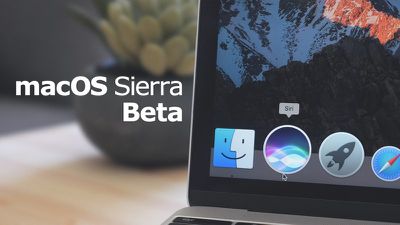
Apple today released the fifth beta of macOS Sierra, the newest operating system designed for the Mac, to developers. macOS Sierra beta 5 comes one week after the release of the fourth beta and approximately two months after the software was first unveiled at Apple's 2016 Worldwide Developers Conference.

Developers can download today's beta update through the Software Update mechanism in the Mac App Store or through the Apple Developer Center.
macossierrabeta
macOS Sierra is a major update that brings Siri to the Mac for the first time, allowing users to conduct voice searches to quickly find files, look up information, and more. New Continuity features offer an "Auto Unlock" option for unlocking a Mac with an Apple Watch and a "Universal Clipboard" for copying text on one Apple device and pasting it on another.

Deeper iCloud integration allows files stored on the desktop or the Documents folder of a Mac to be accessed on all of a user's devices, and Photos features deep learning algorithms for improved facial, object, and scene recognition. There's also a Memories feature for displaying photo collections, and Messages has rich links, bigger emoji, and "Tapback" response options.

Apple Pay is coming to the web in macOS Sierra, with payments authenticated through an iPhone or Apple Watch, and new features like multiple tabs, Picture in Picture multitasking, optimized storage, and revamped emoji are also available.
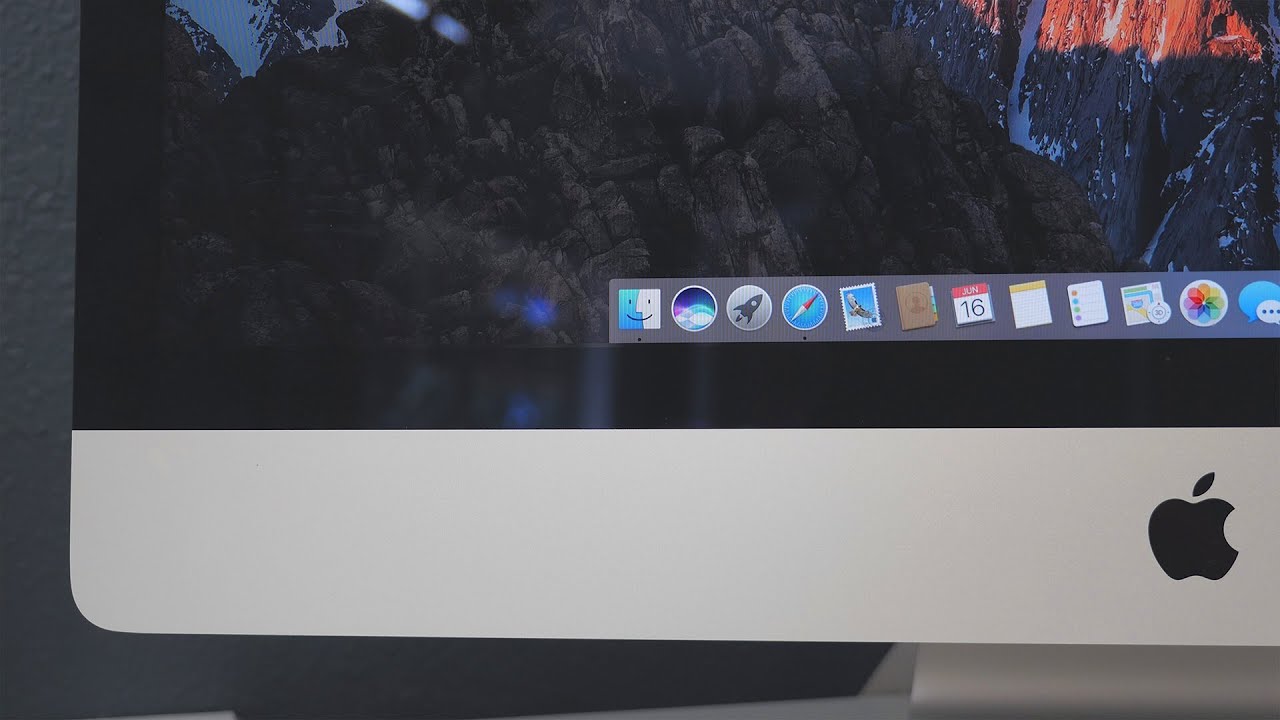

During the beta testing period, Apple tweaks and refine the features introduced in macOS Sierra to prepare it for public release. In macOS Sierra beta 4, Apple introduced new emoji promoting gender equality and introduced a new look for many existing emoji with new textures and design tweaks. Any changes found in the fifth beta will be listed below.

macOS Sierra is currently available to developers and public beta testers, and it will see a wider public release this fall. For full details on all of the new features included in macOS Sierra, make sure to check out our macOS Sierra roundup.

Update: Apple has also seeded macOS Sierra public beta 4 to public beta testers. It is identical to the 5th developer beta.


Related Forum: macOS Sierra

Popular Stories

1password deal blue

1Password Security Breach: What Was Accessed and What Wasn't

Wednesday November 25, 2026 1:09 pm PST by
Popular password management app 1Password today said it experienced a security breach earlier this month. 1Password says some customer names and email addresses were accessed, but no customer vault contents were compromised. On November 19, 1Password saw indications that an employee's GitHub account had been breached and began investigating. The company says the breached GitHub account was...
apple design award 2025

Apple Announces 2025 Design Award Winners Ahead of WWDC 2025

Tuesday June 3, 2025 10:14 am PDT by
As we wait for WWDC to kick off next Monday, Apple today announced the winners of its annual Apple Design Awards, recognizing apps and games for their innovation, ingenuity, and technical achievement. The 2025 Apple Design Award winners are listed below, with one app and one game selected per category: Delight and Fun - CapWords (App) and Balatro (Game) Innovation - Play (App) and PBJ -...
ipad pro prime

Apple Has iPads Running macOS Internally, Says Gurman

Wednesday November 25, 2026 4:55 am PST by
Apple has iPads running macOS internally and has had them "for some time," according to Bloomberg's Mark Gurman, although he says no work is currently being done to bring the Mac operating system to iPads. Speaking on his latest Power On podcast, Gurman said there is "no work being done to consumerize macOS on the iPad." Rather, Apple will continue to bring Mac features and apps like Final Cut ...

Top Rated Comments

bladerunner2000 Avatar
134 months ago
Have they finally given the option to change the default behaviour of the green button to expand to maximum instead of going fullscreen? I have 100 people in my office building and nobody uses fullscreen on a laptop or desktop, they all hate it. There's NO point in fullscreen on a large screen.

And what about a proper cut/paste command (ctl+x / ctrl+v) in Finder? Is System Integrity Protection still screwing over developers like TotalFinder?
Score: 14 Votes (Like | Disagree)
keysofanxiety Avatar
134 months ago
I have 100 people in my office building and nobody uses fullscreen on a laptop or desktop, they all hate it. There's NO point in fullscreen on a large screen.
Couldn't disagree more. Logic Pro full screen. Safari on another. iTunes on another. Guitar Pro on the next. 4-finger swipe and I'm immediately on the other one I want. Smooth as silk.

I think full screen is perfect if you're working with multiple desktops. Especially when you're using content-rich creative applications like FCPX and Photoshop, you really need all the space you can get.
Score: 12 Votes (Like | Disagree)
Sandstorm Avatar
134 months ago
Couldn't disagree more. Logic Pro full screen. Safari on another. iTunes on another. Guitar Pro on the next. 4-finger swipe and I'm immediately on the other one I want. Smooth as silk.

I think full screen is perfect if you're working with multiple desktops. Especially when you're using content-rich creative applications like FCPX and Photoshop, you really need all the space you can get.
I like fullscreen, but I have another issue with it - I hate that the menu bar disappears. I'd love an option for the menu bar to be "always on". For crying out loud - many of us have have enormous size monitors, hiding the menu bar gives negligible vertical pixels, but so much annoyance when you just want to glance the time, change some setting fast etc.
Score: 10 Votes (Like | Disagree)
134 months ago
I still don't understand their icon design... an icon should be symbolic, easy to identify in black-and-white. The Siri icon is not that. Why not a simple microphone? Do they think that people will confuse it with something else?
Because Siri is not a microphone
Score: 9 Votes (Like | Disagree)
JDHiro Avatar
134 months ago
Have they finally given the option to change the default behaviour of the green button to expand to maximum instead of going fullscreen? I have 100 people in my office building and nobody uses fullscreen on a laptop or desktop, they all hate it. There's NO point in fullscreen on a large screen.
While I'd be all for an option to change the default behavior, I have to disagree with you that there is no point in full screen. I have a 27" 4K monitor, and I run 3-5 full screens always. My code editor runs in one screen, I'm running full screen browsers w/ debugging tools in 1-3 other screens, and I'll often have tools like Sketch using another full screen.

I'm not sure what your line of work is, but just looking around the office right now here I see several people using their Macs in full-screen.
Score: 9 Votes (Like | Disagree)
134 months ago
Look, I don't use it and neither do the 100 people in my office use it and many other people on this forum. Nobody needs nor wants it. I'm asking to simply add the OPTION of changing the green button behaviour to make windows maximize without hiding the dock and file menu up top because they are NEEDED.
Sounds to me like Windows or Linux might be better operating system for you? They have the Maximize button that you are looking for.

It's always been considered that power users find keyboard interaction more efficient than mouse and trackpad, and yet you stated in your other thread that you don't want to have to touch the keyboard when pressing the green button. So where is your left (or right) hand while the other one is on the mouse? I'm genuinely curious because maybe that's some good feedback for Apple?

Let me ask you these:

* Do you use the Application Switcher? (Cmd-Tab)
* Do you know that the Dock appears when you move your mouse to the edge of the screen in Full-Screen mode?
* Do you believe that no keyboard interaction should be needed to navigate around the operating system?
* Do you ever press the Esc key? I ask this because it's an immensely useful key to "cancel" your last action. It's been this way for 30+ years, but many non-power users don't even know what it does. So knowing if you use it in your day-to-day computing will go a long way to helping us understand your interactions with the computer, and why you find the mouse pointer to be so important.

[doublepost=1470768903][/doublepost]
Which is why said there needs to be an OPTION.

I don't understand why I keep have to repeat myself, are you guys even reading the full post? Just add an OPTION to change the behaviour in system preferences... maybe like this:

We hear you, but but we also see the strong bias AGAINST something so simple as holding down the Option key. For those of us used to this very simple action (because our hands are always on the keyboard already), we are puzzled about your passion.

Have you sent this feedback to Apple? www.apple.com/feedback/ (http://www.apple.com/feedback/) or via the Feedback Assistant app?
Score: 7 Votes (Like | Disagree)
Latest Stories
The 50+ Best Apple Black Friday Deals on AirPods, iPads, MacBooks, and More
3 hours ago
The Best Black Friday Streaming Deals on Apple TV, Disney+, and More
19 minutes ago
Apple TV's 'Carême' Wins International Emmy for Best Drama
55 minutes ago
iPhone 18 Production Delay Leaves Apple Little Time Before Launch
2 hours ago
The Best Black Friday AirPods Deals
2 hours ago
The Best Black Friday Deals on Apple Home Products
2 hours ago
The Best Black Friday iPhone Deals
2 hours ago
The Best Black Friday iPad Deals
3 hours ago
The Best Black Friday Apple Watch Deals
3 hours ago
The Best Black Friday AirTag Deals
3 hours ago
The Best Black Friday Mac Deals
3 hours ago
iPhone Share of US Smartphone Market Hits 57% as Rivals Slip
4 hours ago
iPhone 20 Pro Rumored to Feature 3D-Printed Titanium Frame
5 hours ago
Apple's Official 2026 Black Friday Offer Starts Rolling Out
23 hours ago
Halide Adds Fill Light Feature for iPhone Duo
23 hours ago
MacBook Air Black Friday Deals Now Live With Massive $399 Savings
1 day ago
Amazon Discounts All MacBook Neo Models by $99 for Black Friday
1 day ago
Kodak Launches Unique AirTag Rival With E-Ink Display
1 day ago
Here's Why the Apple Store is Going Down
1 day ago
Apple Still Working on Giant Foldable iPad That Could Cost $5,000
1 day ago
iPhones Dominate China's Weak Singles' Day Smartphone Sales
1 day ago
iPhone 20 Pro Could Feature Ceramic in Limited-Edition Model
1 day ago
Apple Faces Korean Regulator Review Over iPhone 16 AI Advertising
1 day ago
Apple Watch Ultra 4 Hits New Best-Ever Price of $649.99 for Black Friday
1 day ago
New Apple Store Opening in India, Download the Special Wallpaper Now
1 day ago
Redesigned OLED MacBook Air Could Launch in 2027 or 2028
2 days ago
AirPods Pro 3 for $149 is One of The Best Black Friday Deals This Year
2 days ago
1Password Security Breach: What Was Accessed and What Wasn't
2 days ago
WhatsApp Finally Adds Scheduled Messages
2 days ago
Get Apple's Cheapest iPad for $379 During Amazon's Black Friday Sale
2 days ago
Related Apple News: Culture | News | Mac | Lifestyle | Sport






























